


Diagnostics & Board Level
Everything we publish about fault finding, board work, water damage and model identification sits under this guide. Work through the routes, then the section on the order of diagnosis.
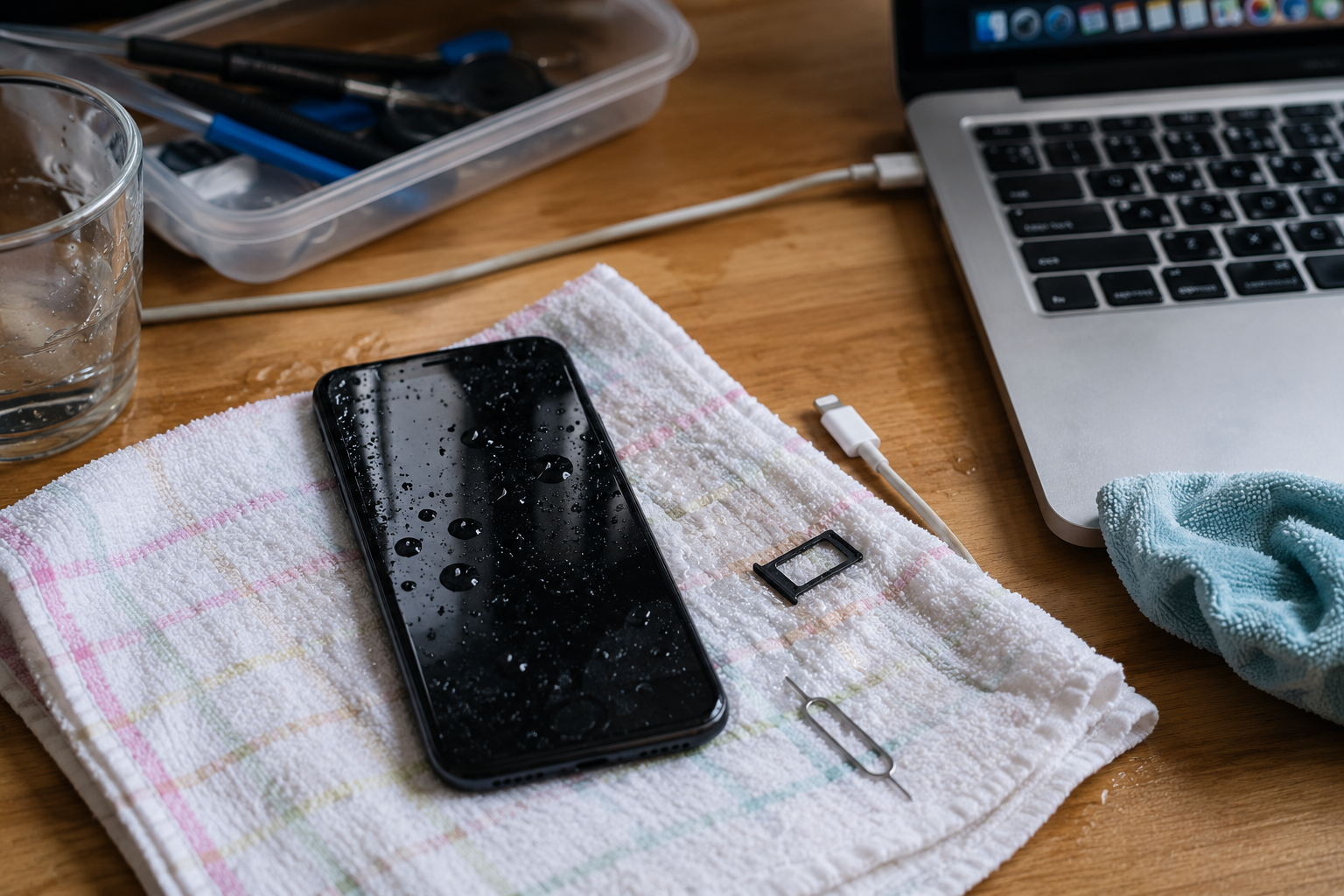
Three routes, and you only need one of them
Take the route that matches the fault in front of you.
Find the fault
Take this route when the symptom does not point at a single part. Signal, Wi-Fi, Face ID and camera faults all sit between a module and the board.
Handle water damage
Take this route when the phone has been wet. The first hour decides the outcome far more than the corrosion you find later.
Work on the board
Take this route when the fault survives a parts swap. Board work has its own tools, its own risk and its own price.
Identify the model before you identify the fault
Half of the diagnostic work in a repair shop is confirming what you are working on, especially on Apple hardware.
Model and part numbers
Apple’s marketing names hide several hardware revisions, and Samsung’s model codes differ by region and by connectivity. Ordering against the name rather than the identifier is the most common cause of a wrong part arriving, and on iPad and MacBook the gap is wider still, because parts are matched to A-numbers and model codes rather than to the product family. The identifier tables here exist so the part is confirmed before it is ordered.
Parts that behave differently from originals
Some faults exist because of the part rather than the device: a diagnostic battery reports differently from a genuine one, an aftermarket display may not carry the calibration the board expects, and a back glass replacement can affect wireless charging. Knowing which parts behave differently, and what warning or limitation each one brings, turns an unexplained fault into a documented characteristic of the repair rather than a mystery.
What actually decides a diagnostic outcome — four things
Four variables, and the first one is the reason shops replace parts that were never faulty.
Substitution order
Change the cheapest suspect first and stop when the symptom changes. Jumping to the board wastes parts and time.
Confirming the model
Model and part identifiers decide whether the replacement is even correct. Names are not identifiers.
Water damage timing
Corrosion continues while the device is powered. Isolating and cleaning early changes what can be saved.
Tooling and magnification
Board work without a microscope and a controlled iron is guesswork. The tools decide what can be diagnosed, not just what can be repaired.
Where to go from here
Diagnostics sits upstream of every other guide.
Diagnostic questions
The short answers, each linked to the article set behind it.
How do I diagnose a phone that will not turn on?
Work from the outside in: confirm it is charging, try a forced restart, check the charging port and cable, then substitute a known-good battery. Only when those steps change nothing does the fault belong on the board, and by then you have a much narrower question to answer.
What should a repair shop do first with a water-damaged phone?
Do not keep trying to power it on. Isolate it, open it as soon as practical, disconnect the battery and clean the corrosion, because current plus moisture is what converts a recoverable phone into a lost one. Data recovery should be discussed with the customer before any cleaning begins.
Is board-level repair worth offering?
It is worth offering if you have the microscope, the iron and the patience for it, because it is the work other shops turn away. If you do not, the honest answer is to diagnose the fault, quote the module replacement, and refer the board work rather than experiment on a customer’s device.
Why does Wi-Fi or signal fail after a repair?
Usually because an antenna connection or a flex was disturbed during assembly rather than because a component failed. Checking the connectors and the routing before assuming a board fault resolves a good share of these cases.
How do I avoid ordering the wrong part?
Order against the identifier, not the name: the model number on an iPhone, the model code on a Samsung, the A-number on an iPad or MacBook. The identification guides exist because this single step prevents more wasted time than any diagnostic skill.
Send the symptom and the model code
Tell us the symptom, the exact model identifier and what you have already substituted. You will get the likely fault path and the part that matches the identifier, rather than a part that is close enough.
Ask about a fault