


iPhone Screen Quality
This is the panel side of the iPhone screen guide. Work through the grades, then the checks and the faults that decide whether a screen job comes back.
Three routes, and you only need one of them
Pick the route that matches what you are trying to decide: which grade, how to check it, or why the job came back.
Choose the grade
Take this route when you are buying stock or quoting a customer. The grades differ in appearance, touch behaviour and how they age, and the price gap reflects that.
Check it before fitting
Take this route at the bench. Most screen comebacks are decided before the panel is fitted, during the checks that either happened or did not.
Fix what went wrong
Take this route when the customer has come back. A fault that appears immediately is usually assembly; one that develops later is usually the part.
The faults that are not the panel
A customer reports a screen fault and the display is fine. These are the assemblies that actually fail, and how to tell them apart before ordering parts.
Buttons, audio and haptics
Home buttons, haptic engines and microphones all live next to the screen and all get blamed for screen problems. A home button that stops responding is usually the flex or the sensor stack behind it; haptic feedback that goes soft is often a connection rather than a worn engine; and microphone complaints frequently trace to the charging flex or the top speaker assembly. Confirming which microphone the customer actually means is the step that stops the wrong part being ordered.
Heat, drainage and warnings
Heat and battery complaints arrive dressed as screen problems surprisingly often, because the customer notices the thing they can see. A phone that drains overnight, runs warm or throws a liquid-detection warning usually has a fault on the charging path or in the battery, not in the display. Running the battery and charging checks before quoting a screen replacement is what keeps the shop from fitting a panel that never needed changing.
What actually decides whether a screen job comes back — four things
Four variables explain most screen comebacks, and only one of them is the panel itself.
The grade that was fitted
Incell, FOG, soft OLED and hard OLED differ in brightness, colour and touch behaviour. The grade has to match the price the customer agreed.
Parts pairing
On recent iOS versions an unmatched display triggers a warning. IC transfer or a diagnostic part is a specification decision made before the job.
Install technique
Flex routing, adhesive and connector seating decide whether a good panel behaves like one once the device is closed.
What was checked before sealing
Touch, display, proximity and camera checks belong before final assembly. Skipping them converts an easy fix into a return.
Where to go from here
Panel quality connects to grading, warranty and the tools you use to fit it.
Panel grade questions
The short answers, each linked to the article set behind it.
What is the difference between incell, FOG and OLED?
Incell is the budget option: thicker glass, lower brightness and more touch quirks. FOG uses the original glass with a new touch layer bonded to it, which looks closer to original. OLED is the full panel and behaves closest to the factory display, with soft OLED the higher grade of the two.
Why does the phone warn about an unknown part after a screen replacement?
Because the display was not paired with that logic board. Recent iOS versions check the pairing and warn when it does not match. Shops deal with it by transferring the original IC to the new panel or by fitting a diagnostic display, rather than leaving the warning for the customer to find.
How can I tell a good panel from a bad one before fitting it?
Test it before you assemble: check brightness at low and high settings, look for uniform colour across the panel, confirm the touch layer responds across the whole surface, and check the flex for marks or bends. A panel that has been dropped in transit usually shows a colour shift before it fails outright.
Should I fit a cheaper grade if the customer is price sensitive?
Yes, as long as you quote it as that grade and explain the difference. The comeback risk is not the grade itself but the mismatch between what the customer expected and what was fitted, so the conversation belongs in the quote rather than after the repair.
What causes a screen to fog after installation?
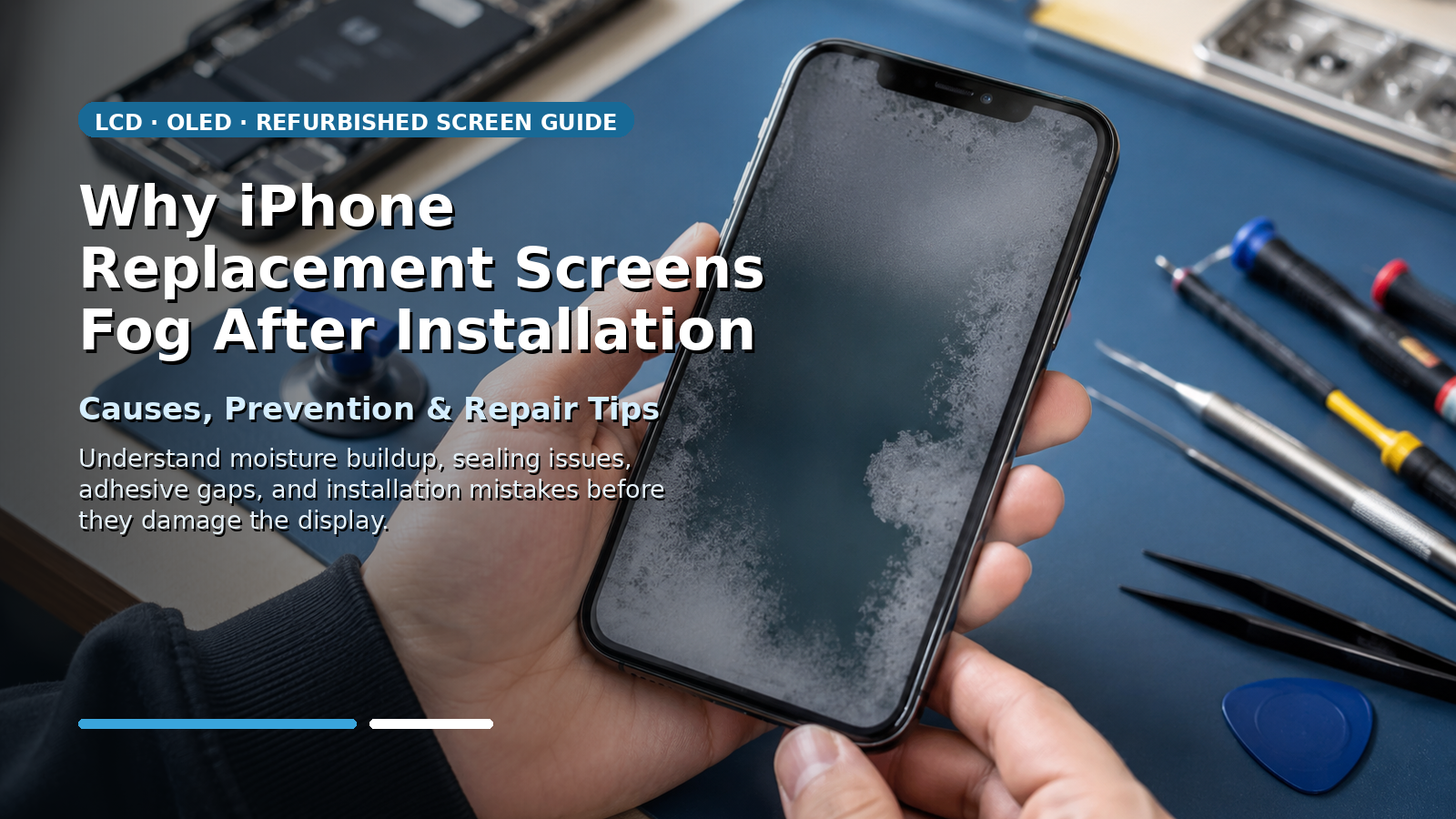
Trapped moisture and adhesive curing are the usual causes, along with a seal that did not seat properly. Fogging that appears within a day or two is an assembly issue; repeating it across several jobs usually means the adhesive or the environment needs attention rather than the panel.
Ask which grades we hold and at what price
Tell us the models you repair most and the grade you want to standardise on. You will get the grade options for those models with pricing bands, so the panel you fit matches the price you quote.
Ask about panel grades