

Nintendo Switch Not Charging? Test the Power Path First
Need this part? We stock tested replacement parts with same-day UK dispatch and a 12-month warranty.
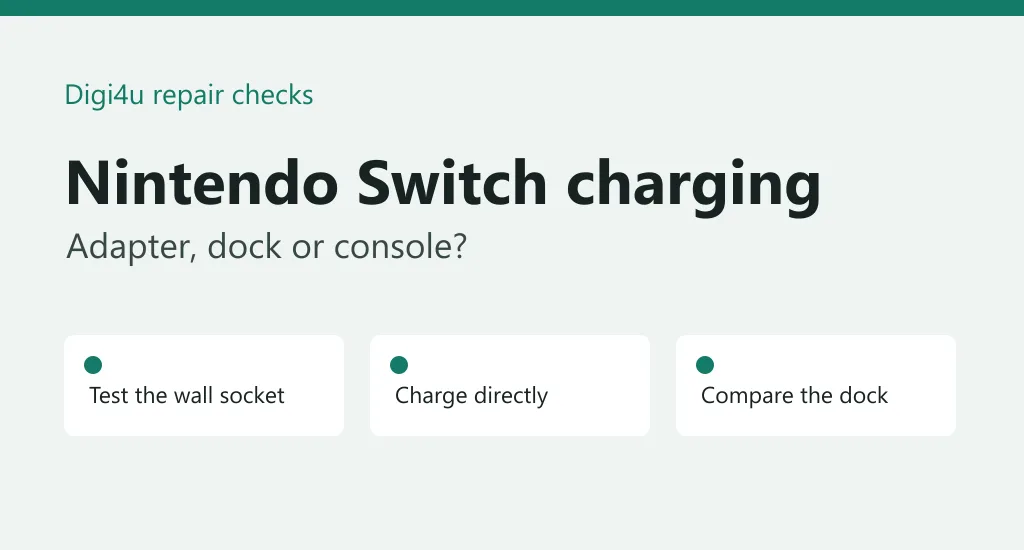
If your Nintendo Switch is not charging, start with a supported power adapter connected directly to the console and a working wall socket. Check for the charging symbol before testing the dock. A console that charges directly but not in the dock needs a different investigation from one that gives no response with a known-working adapter. The tests below apply to the original Switch family, including the OLED model and Switch Lite. For a Switch 2, use Nintendo’s instructions for that system.
Last updated: November 25, 2026
Establish one reliable power source
Take the Switch out of the dock if it has one. Remove a case if it prevents the plug from seating normally. Inspect the adapter, cable and connector from the outside. Stop if you see liquid, bent contacts, heat damage or an exposed wire. Also stop if the housing is lifting or smells burnt. Do not force the plug, insert tools into the USB-C socket or keep moving a loose connection to make it work.
Nintendo UK’s charging troubleshooting recommends switching the console off, disconnecting the AC adapter at both ends and leaving it disconnected for at least 30 seconds. Its guide identifies the HAC-002 adapter or another compatible adapter. If you can, test with the original or a known-working supported adapter. Use a wall socket that you have confirmed works, and leave other accessories out of the first test. The fact that a plug fits does not establish that an adapter will work for this console or dock.
Read the console before swapping anything
Distinguish a blank screen from an on-screen battery that stays at the same level. If the battery is deeply discharged, use Nintendo’s blank-screen steps and allow time for an initial charge on a supported adapter. If the console is on, record the starting battery level, whether the charging symbol appears and whether the level rises while the system is idle. A brief icon on plugging in is useful evidence, but it does not establish that the battery is gaining charge.
| Result | Next check |
|---|---|
| Charges directly with one adapter but not another | Keep the socket and console the same. Compare the adapter’s compatibility and condition before suspecting the console. |
| Charges directly but not in a compatible dock | Use the same supported adapter for the dock test. Check for case interference. Compare with another compatible working dock if available. |
| No charge indication on a known-working supported adapter | Try Nintendo’s branch for a blank or powered-on console. Arrange a diagnosis if the result repeats. |
| Charge appears and disappears during ordinary use | Stop stressing the socket. Have the connector, cable and console assessed. |
If direct charging works and the fault only appears with a dock, do not add an HDMI test or a new TV as the first variable. The useful comparison here is whether the battery gains charge. If the console charges in both modes but the television shows nothing, record that as a display fault for a separate check. A Switch Lite does not need a dock for this test. Check its Nintendo model information before choosing accessories.
Compare one component at a time if you have access to a second genuine setup. Keep your console and socket, and substitute only the adapter. If charging then works, leave the successful connection still and record which adapter was changed. If you cannot make a known-good comparison, tell the repairer exactly which test is missing. Buying several accessories at once makes it difficult to tell why charging has resumed or whether the result will repeat.
What to tell a repairer
Record the exact model, whether the device ever woke up, which adapter and socket worked on a second console, and whether your result changed when the dock was removed. Include any recent fall, liquid exposure or previous USB-C work. If the battery indicator was visible, note the start and finish levels and whether a game was running. If neither display nor sound is present, say that you observed no response rather than concluding which component has failed.
iFixit’s Switch charging fault guide describes several possible causes, including the port, battery and power circuitry. A repeated failure with a verified adapter justifies a bench check. It does not establish which part to order. If your console gains charge normally but runs down unusually quickly once unplugged, bring that observation separately. That helps the repairer separate charging from runtime.
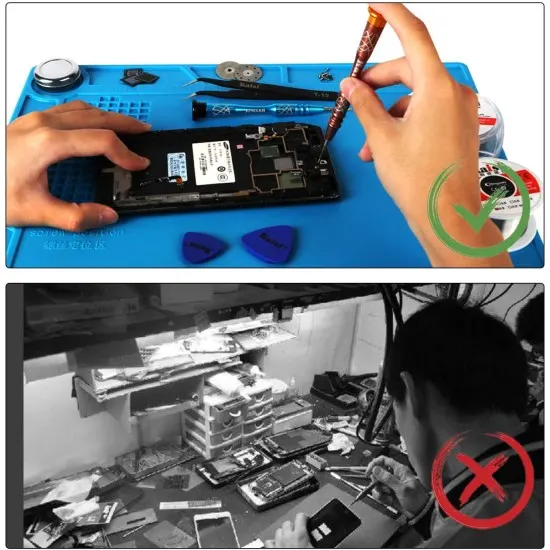
For catalogue and repair context, see Digi4u’s console parts guide and Switch game card tests. A bench mat helps organise a repair after a diagnosis, rather than forming part of the external charging test.
Compare direct charging and TV mode
If the screen stays dark except for a brief battery symbol in the upper-left corner, Nintendo advises leaving the console connected for 15 to 30 minutes before trying to turn it on. A console that starts normally on the adapter shows its battery status in the upper-right corner. Let the system sit at the Home Menu and check the level again after a short interval. This helps separate a slow gain from a battery reading that stays unchanged while a game is running.
For the original Nintendo Switch in TV mode, Nintendo identifies the HAC-007 dock. Plug the supported AC adapter into the dock and a wall socket, connect HDMI from the dock to the television, then seat the console and look for the battery symbol in the upper-right corner of the TV picture. Follow the model-specific setup if you have a Switch OLED. If the same console and adapter charge through a second compatible dock, bring the first dock and your test results when you seek service.
Switch charging questions
Why does my Switch charge directly but not on the dock?
Try the same working adapter with a compatible dock and check console seating. If the fault stays on the dock path, record both results before paying for a port or battery.
Can a blank screen mean something other than a dead battery?
Yes. Record whether the device makes sounds, displays a charge symbol or reacts to Nintendo’s troubleshooting steps. Those observations help distinguish a charging problem from a display or startup fault.
Does a change when I move the plug prove the port needs replacing?
No. The cable, loose fit and socket can produce similar symptoms. Stop moving the plug and compare with a known-working supported adapter only if the connection is visibly safe.