

Nintendo Switch Not Reading Game Cards? Check the Card and Slot
Need this part? We stock tested replacement parts with same-day UK dispatch and a 12-month warranty.
If your Nintendo Switch will not read a game card, test a second compatible physical game before you buy a reader. If the same card fails in another working Switch while other cards work in yours, the card is the stronger suspect. If several known-good cards fail in the same console, record the exact model and ask for a slot or reader diagnosis. Start outside the console: a factory reset and a speculative part order both add work without answering which item is faulty.
Last updated: November 24, 2026
Check that the game card and the console actually match
This answer applies to the original Nintendo Switch family, including Switch Lite and Switch OLED, rather than Switch 2. Check the branding on the card or box first. Nintendo’s game card compatibility and read-issues guide distinguishes games exclusive to Switch 2 from editions that contain a version playable on the original Switch. If the card is for a different system, swapping the reader will not make it compatible.
Remove the card without force, check the orientation and reinsert it once. Nintendo UK’s game reading guidance says to insert the label facing the same way as the console screen. It also recommends a soft, dry cloth for dirty card contacts. Work on the card itself. Do not push a cloth, tool or liquid into the slot. If the card is visibly damaged or the slot resists normal insertion, stop rather than repeating the test.
Run a two-card comparison
Use a compatible card that launches on a working console and ideally test the suspect card there as well. A card from a drawer that no one has used lately is a weak control. Look for the physical game icon on the HOME menu, then check whether it launches. Write down the exact message and whether it appears at insertion or only after selecting the game. A game that is recognised but will not start presents a different problem from a slot that detects nothing.
| Result | What it suggests | Next check |
|---|---|---|
| One card fails, another launches | The slot can read at least one game. | Try the suspect card in a compatible working console if available. Record the title and message. |
| Cards that work elsewhere fail in your console | The fault stays with the console. The reader is one possibility. | Record the model, impact or liquid history and any abnormal insertion feel. Arrange an assessment before ordering. |
| The game is recognised but will not open | The console has detected the card, even if launch is blocked. | Check for a launch restriction or a game-specific message. Use Nintendo’s support flow for the exact error. |
| Only one card is available | There is insufficient evidence to separate card and console. | Borrow a known-good compatible card or take the console and suspect card to the shop together. |
When a digital game launches normally, write that down as useful context. It says something about the console’s ability to launch software, but it does not test the physical slot. When handing over a console, include the cards that reproduced the fault, with permission, and keep damaged ones separate. Avoid offering a factory reset as a substitute for doing the physical cross-check.
At a repair counter, run the test before discussing a replacement. Record the exact card that works, the exact card that fails and the result with each console. If the error changes between tests, write down both messages. Treat intermittent recognition as a separate observation and explain that a symptom disappearing once does not establish the cause. Agree with the customer whether their priority is to recover use of one game or restore reliable operation with several games.
Which reader should a repair shop quote?
Give the repairer the model code from the device as well as its family name. The original Switch revisions HAC-001 and HAC-001(-01) are listed together on iFixit’s UK original Switch reader listing, which identifies the headphone jack within that particular assembly. The OLED model has a separate reader guide. Treat the Lite and Switch 2 as separate fitment checks. A retailer’s compatibility list identifies a specific part, so match that part to the actual console rather than inferring fit from a photo.
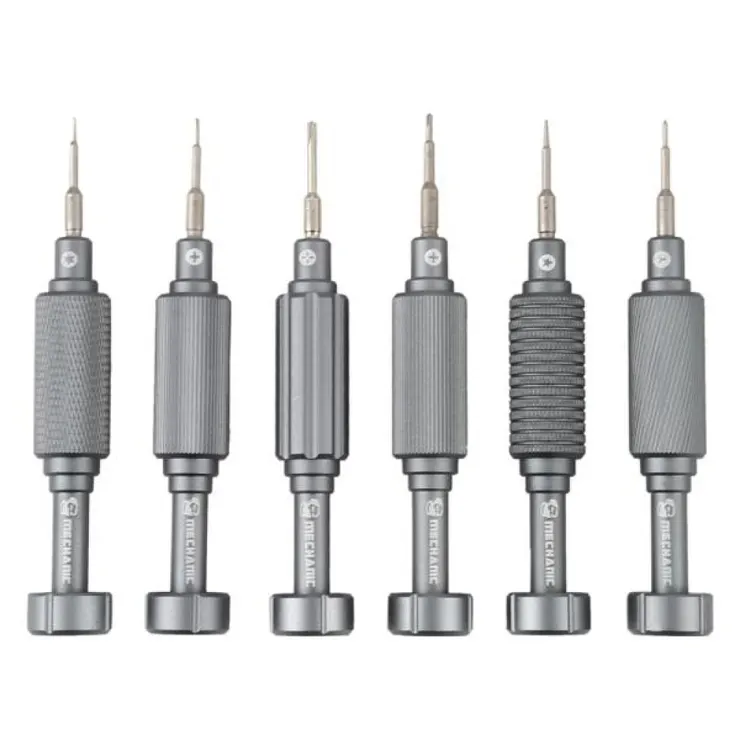
Agree whether the quote includes diagnosis, a reader, another board or a return without repair if the fault is elsewhere. In a shop, record a repeatable baseline with the same known-good games. At handover, retest insertion, detection and launch. Where the replaced assembly includes the headphone jack, check wired audio as a separate function too. For work involving other components, see Digi4u’s Switch screen fit notes and console parts guide. When checking bench equipment, compare a precision driver set against the model’s procedure before selecting any bit.
Game card questions
Can a Switch read digital games if the game card slot is faulty?
It can. Digital launch does not use the physical slot. If digital titles work, use a known-good physical card to test the reader path separately.
Should I replace the reader if only one game fails?
Start with the game. Try another working card and, where possible, test the suspect card in another compatible console. If other cards work in the same Switch, buying a reader is premature.
Can I use the same reader in every Switch model?
Check the exact model and supplier listing. The original Switch revisions share the fitment listed for one particular assembly, but the OLED uses a separate procedure. Do not assume that the same part fits the Lite or Switch 2.