


MacBook Battery Swelling: Signs, Risks and Replacement
Need this part? We stock tested replacement parts with same-day UK dispatch and a 12-month warranty.
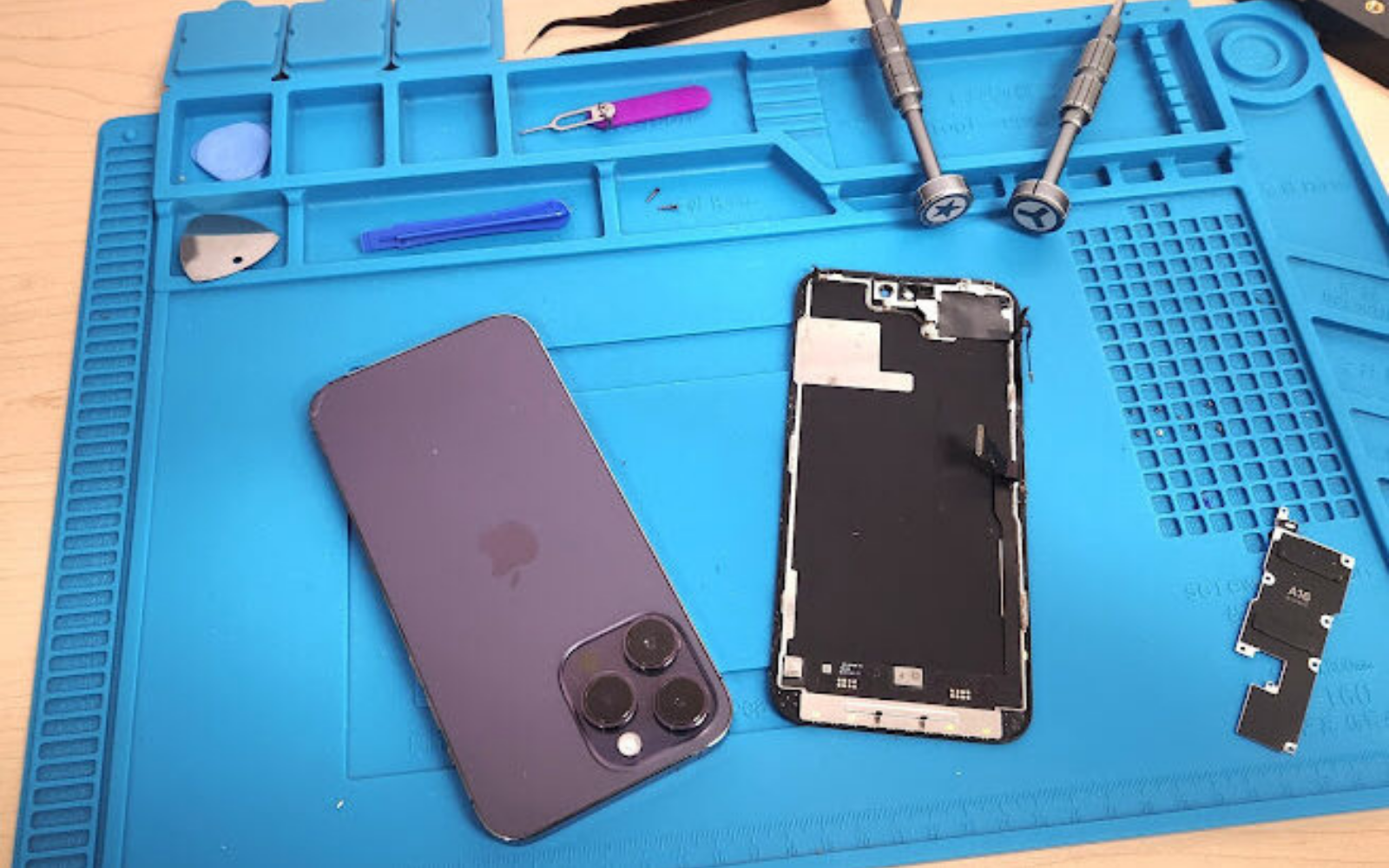
A swollen MacBook battery is a physical cell fault, not normal ageing. Stop charging, power the machine down if it is safe to do so, and replace the pack with a battery matched to the MacBook A-number after checking for trackpad, keyboard and chassis damage. Continued use under pressure raises heat and fire risk, so treat swelling as a safety job rather than a “run it until it dies” repair.
Last updated:
Digi4u is a Cardiff-based UK supplier of MacBook batteries, related parts and tools for owners and repair shops.
What should you do first when a MacBook battery is swelling?
Isolate the machine before you open it.
Unplug the charger, shut the MacBook down if the controls still respond, and move it onto a hard, non-flammable surface away from soft bedding or piles of paper. Do not press the case to “test” how far it flexes, and do not put the laptop in a bag where the bulge can be crushed.
Apple’s public battery guidance is that built-in MacBook lithium-ion packs should be serviced through Apple or an authorised provider when capacity or behaviour is abnormal, and that rechargeable batteries have a limited service life (Apple: Battery Service and Recycling; Apple: battery “Service Recommended”). Independent shops still see swelling walk-ins daily; the safe workflow is the same either way: stop charging, inspect, match the A-number, then replace.
How do you recognise MacBook battery swelling signs?
Look for a rocking case, a raised trackpad or a lid that will not sit flush.
Typical warning signs include a lower case that no longer sits flat on a desk, a trackpad that is hard to click or sits proud of the palm rest, uneven keyboard height, a visible side gap, or a lid that needs force to close. Rapid drain, unexpected shutdowns and heat can appear alongside the mechanical change, but the decisive clue is the shape of the pack and the case around it.
Photograph the machine from the side and top before any screws come out. Those photos separate original swelling from later handling marks and protect both the shop and the customer when collateral damage is discussed.
| Sign | What it usually means | Immediate action |
|---|---|---|
| Case rocks on a flat desk | Cell has lifted the base | Stop charging; quarantine the machine |
| Trackpad click feels heavy or dead | Pack pressing the trackpad plate | Do not force clicks; plan battery + trackpad check |
| Keyboard keys sit unevenly | Pressure on keyboard stack | Record photos; expect possible keyboard quote |
| Lid will not close cleanly | Severe bulge or bent top case | Refuse compression; inspect chassis before ordering a cell |
| Heat, smell or venting | Unstable cell behaviour | Clear the area; follow the shop fire procedure |
Why is a swollen MacBook battery dangerous?
Swelling means the pouch cell is no longer mechanically stable.
Continued charging adds heat inside a deformed cell that is already pressing against aluminium, plastics and flex cables. Puncturing, crushing or forcing the case can lead to venting, smoke or fire, and a closed laptop makes that event harder to control. Soft surfaces and unattended charging make the risk worse.
Treat every visibly swollen pack as hazardous waste in waiting. Eye protection, a clear bench and a fire-resistant quarantine container are part of the job, not optional extras.
How should UK shops and owners handle the machine safely?
Isolate first; open only with a planned procedure.
Disconnect mains power when the machine can be handled without pressing the bulge. Do not open the base as a first reflex unless you are ready for a pack that may spring free as adhesives release. Wear eye protection, keep metal tools away from the cell face, and never bend, puncture or reinstall a swollen pack.
After removal, place the old cell in a labelled, rigid, fire-resistant container with the connector protected. Use a licensed lithium disposal route and keep the collection note on the job file.

How do you confirm the battery — not impact damage — is the cause?
Open carefully, then separate swelling from a bent chassis.
Remove the lower cover slowly while supporting it, because the cover may already be under tension. Look for a bowed cell, damaged insulation and pressure marks on the trackpad plate or keyboard shields. If the battery looks flat but the case is twisted, you are dealing with impact or hinge damage rather than a chemical swell.
Check that the empty chassis sits flat without the battery fitted. Fitting a new cell into a warped top case keeps mechanical pressure on the pack and invites an early repeat failure.
What replacement MacBook battery should you order?
Order by A-number and connector family, not by screen-size marketing names.
Record the model identifier (About This Mac / underside markings), year logic if known, connector style and adhesive layout before you buy. The same “13-inch Pro” label covers several battery families with different mounting points. A pack that almost fits but uses the wrong connector is not compatible.
Browse live titles on the Digi4u MacBook hub and match the battery listing to the A-number on the ticket. Note the grade and warranty text on the invoice so a later claim can be traced to a batch. Related workshop reading: MacBook battery replacement UK and matching MacBook parts by model number.
| Check before ordering | Why it matters | Fail condition |
|---|---|---|
| MacBook A-number / model identifier | Selects the battery family | Ordering from screen size alone |
| Connector shape and cable routing | Prevents “fits but won’t plug in” | Ignoring photos on the listing |
| Adhesive / pull-tab layout | Controls safe removal and reinstall | Levering cells with metal tools |
| Trackpad / keyboard condition | Sets the full quote | Promising a “battery only” price on a crushed pad |
| Chassis flatness without battery | Avoids crushing the new pack | Fitting into a bent top case |
UK lithium shipping: how standalone MacBook batteries leave Digi4u
Standalone lithium batteries travel by DPD, not Royal Mail.
Digi4u’s live delivery policy states that Royal Mail does not carry standalone lithium batteries or power banks, so replacement cells are dispatched by DPD. Devices with a fitted internal battery follow the device rules on that page; baskets that mix standalone cells with other goods are treated as battery orders for courier choice. Non-battery orders can use Royal Mail 48 Tracked, with free shipping thresholds that depend on method and zone — re-check the live delivery policy before quoting postage to a customer.
Same-day dispatch is aimed at orders placed before 16:00, Monday to Friday; weekend and after-Friday-16:00 orders go out the next working day. That cut-off matters when a shop is holding a quarantined machine and needs the cell quickly.
| Basket type | Typical courier path (policy summary) | Shop note |
|---|---|---|
| Standalone MacBook / phone battery | DPD only | Do not promise Royal Mail pricing on cell-only carts |
| Mixed basket including a loose battery | Whole order treated as battery / DPD | Warn the buyer at checkout |
| Non-battery parts only | Royal Mail 48 Tracked or DPD options | Free-over thresholds are method/zone dependent |
| Device with fitted internal battery | Follow device rules on the policy page | Different from a loose spare cell |
How is a swollen battery replaced without making it worse?
Release power, free the adhesive, and never force the pack.
Shut down, disconnect the charger and remove the base screws in the correct pattern. Unplug the battery connector before lifting any cell. Where pull tabs or solvent are specified, follow that sequence instead of prying under a swollen pouch with a metal spudger. Keep solvents off speakers, display cables and the trackpad flex.
A swollen pack may free itself suddenly as adhesive lets go — keep hands clear of pinch points and support the cell as it moves. Do not reuse old adhesive strips; clean the tray and fit the new kit so the replacement sits flat.

What should be checked around the trackpad and keyboard?
Swelling often leaves collateral damage after the new cell is in.
Inspect the trackpad plate for bends, test click feel across the whole pad, and check every keyboard row for rubbing or uneven height. Confirm the lower case closes without force. If the trackpad was crushed, quote a trackpad or top-case path before promising a clean battery-only outcome — see Digi4u’s MacBook trackpad listings on the MacBook category when the A-number matches.
| Area | Possible effect | Action |
|---|---|---|
| Trackpad | Heavy click or no click | Inspect plate; test after battery fit |
| Keyboard | Raised keys or rubbing | Photograph and quote separately |
| Lower case | Bulge or loose screw bosses | Check chassis flatness |
| Battery tray | Torn adhesive / residue | Clean and renew adhesive kit |
When should a shop refuse or pause the battery job?
Refuse compression repairs and unclear chassis damage.
Do not accept a job that requires “just pushing the case flat” over a swollen cell. Pause and re-quote when the empty chassis will not sit flat, when the trackpad plate is obviously crushed, when the customer insists on flying with a removed swollen cell, or when the pack is already hot, venting or punctured. Those are safety stops, not upsell moments.
Workshop culture notes that sit beside this article: battery safety in the workshop.
How do you test the new battery before handover?
Confirm recognition, charging behaviour, heat and input devices.
Boot on mains power, check that macOS recognises the battery, and watch the first portion of a charge cycle for abnormal warmth at the connector. Test the trackpad and full keyboard, then sleep/wake and lid close. A modern Mac does not need old deep-discharge “calibration” rituals, but capacity reporting can take time to settle — explain that clearly on the ticket.
Record the battery model/grade, batch if available, charge behaviour and any remaining cosmetic defects. Keep disposal paperwork with the job file.
What is the one rule for MacBook battery swelling?
Stop charging and replace the unstable cell.
Swelling is a physical fault. Pressure damages the case, and a damaged lithium cell can become a fire risk. Isolate the machine, inspect surrounding parts, order by A-number, ship/store cells under the correct UK lithium rules, and test the completed repair before the customer leaves.
Useful related reading on Digi4u: MacBook battery replacement, MacBook screen replacement, battery safety in the workshop and parts by model number.
Swelling tells you to stop using the pack; purchasing still needs A-number matching and UK lithium courier rules — MacBook battery replacement parts UK.
Swelling triage is one decision; stocking replacement cells under UK lithium courier rules is another — phone battery wholesale UK.
If a swollen Pro pack is coming off the bench, the commercial ordering and courier notes are in MacBook Pro battery parts: swell checks, A-numbers and DPD.
FAQ
Is it okay to keep using a MacBook with a swollen battery?
No. Stop charging and power the machine down if it is safe to do so. Continued use keeps heat and pressure on an unstable pouch cell and can damage the trackpad, keyboard or case. Move the laptop to a hard, clear surface and arrange a battery replacement rather than “finishing one more day” on the pack.
Does Apple replace swollen MacBook batteries for free?
Not automatically. Apple’s public materials describe limited warranty coverage for defective batteries and paid battery service options outside warranty, with terms that vary by product and region. Swelling after impact, liquid or out-of-warranty age is often chargeable. Check Apple’s battery service pages or an authorised provider for the specific MacBook.
How do I know which MacBook battery to buy in the UK?
Match the MacBook A-number / model identifier and connector family, not the marketing screen size alone. Confirm adhesive layout and whether the chassis is still flat without the old cell. Digi4u lists MacBook batteries on its MacBook hub; standalone cells ship by DPD under the live delivery policy.
Why does Digi4u ship standalone MacBook batteries by DPD?
Royal Mail does not carry standalone lithium batteries. Digi4u’s delivery policy therefore routes loose cells and power banks via DPD, and mixed baskets that include a loose battery follow the battery courier path. Re-check the live delivery policy for current zone pricing and free-shipping thresholds.
Can a bent MacBook case ruin a new battery?
Yes. If the empty top case will not sit flat, the new pack can remain under mechanical pressure and fail early. Inspect and photograph the chassis before fitting, and quote frame or trackpad work separately when the swelling has already crushed surrounding parts.