


iPad Battery Replacement: Matching the Cell to the Model
Need this part? We stock tested replacement parts with same-day UK dispatch and a 12-month warranty.

An iPad battery replacement is one of the more profitable jobs a repair shop can take, and one of the more intimidating to attempt the first time. The battery is large, it is glued down hard, and the only way in is through the display.
Once the access route and the adhesive are understood, the job becomes a long but predictable one. What follows is what it involves, how to order the right cell, and the checks that decide whether it is worth doing at all.
Why does an iPad battery take longer than a phone battery?
The display is the access panel and the cell is larger.
On an iPad, the battery sits behind the display, which has to be heated and lifted before anything else can happen. That single difference adds the most time to the job, because removing an iPad display without cracking it is the riskiest part of the whole repair.
The cell itself is also several times the size of a phone battery and is bonded across its whole underside. More area means more adhesive, which means more time spent softening and separating rather than lifting.
How do you find the right battery for an iPad model?
By the A-number on the back of the case.
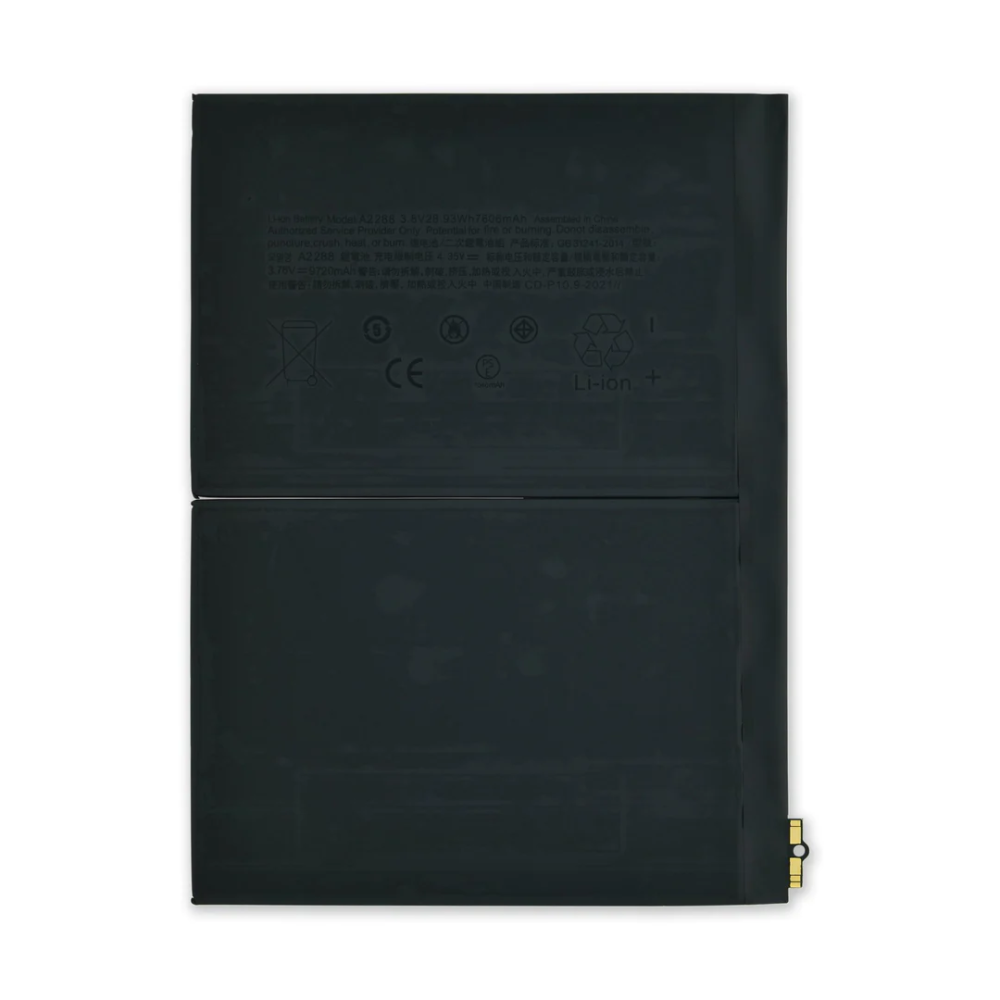
iPad models are identified by A-numbers, and those numbers are what a parts catalogue is indexed by. A capacity figure on a listing is not enough on its own, because two models with the same screen size can take different cells.
The matching discipline is the same one that applies across the table range, described in matching iPad screens and batteries by model. Reading the A-number at intake is what makes the order correct the first time.
Which iPads come in for battery work?
The standard and Air models that are still in daily use.
iPads are kept for years, which is exactly why battery work is common on them. The 9th and 10th generation devices, the Air models and the older Pro tablets are the ones that arrive with a customer who wants another two years out of the device.
That customer profile is favourable. A tablet owner who asks about a battery has already decided the device is worth keeping, which makes the conversation about the repair rather than about whether to do it.
What does the job involve?
Display removal, adhesive release, fitting, and resealing.
The display is warmed around its perimeter and lifted, the battery connector is isolated, and the old cell is separated from the chassis. The new cell goes in, the connector is reconnected, the device is tested, and the display is bonded back with fresh adhesive.
Two of those steps decide the outcome: separating the display without cracking it, and separating the cell without deforming it. Both are technique rather than equipment, and both improve quickly with practice on devices that are already written off.
Why is the adhesive the hard part?
It covers the whole footprint of the cell.
iPad batteries are bonded across their entire underside, and the adhesive is designed to survive the device’s whole life. Releasing it means working a plastic card under the cell with solvent applied at the edges, progressing slowly and never levering.
The rule is the same as on any glued-in cell, which is described in matching and removing a MacBook battery: more solvent and more time, never more force. A punctured lithium pouch is a fire risk rather than a failed repair.
How do you know an iPad battery needs replacing?
From behaviour rather than from a figure.
Shutdowns under load, a charge that collapses at the low end, a device that only runs while plugged in, and a case that has started to lift are all reliable signs. So is a tablet that will not hold charge overnight when it used to.
An iPad does not present battery health in the same way an iPhone does, which makes behavioural evidence the primary test, and the rules for the parts involved are the same ones the Office for Product Safety and Standards applies to goods placed on the market. Photographing what the device does at intake is the practical way to record the baseline.
Does the iPad report battery condition?
Not in the way an iPhone does, so behaviour is the evidence.
Battery information on an iPad is more limited than on a phone, which means the useful test is what the device does under load rather than what a settings screen reports. That is a useful point to explain to a customer who has been comparing their tablet with their phone.
After the repair, the same behavioural tests apply: charge the device, run it down, and confirm that the shutdown pattern has gone. Recording both results on the job sheet settles any later question about whether the repair worked.
The condition of the display is worth assessing while the device is open even when it is not being replaced. A display that has been lifted before, or one whose adhesive channel is damaged, is more likely to fail during the next removal, and knowing that changes what the shop promises.
Should the screen be replaced at the same time?
Only if it needs it; the display comes off anyway.
The labour overlaps completely, so a tablet that needs both a battery and a screen is cheaper to do in one visit than in two. That is worth pointing out to a customer whose glass is already cracked, because the combined price is lower than they expect.
Where the glass is damaged, though, the risk of removing it in one piece falls sharply, and that needs to be discussed before the work starts. A cracked display can shatter during removal, which turns a battery job into a battery and screen job whether the customer wanted it or not.
How do you quote an iPad battery job?
From the labour, with the part as a smaller component.
The cell is inexpensive relative to the work involved, so the quote is mostly the time taken to open the device safely, swap the cell and reseal it. Pricing from the part cost alone makes the job look trivial and pays the shop very little.
The structure that works is the same as for any labour-heavy repair, described in pricing a repair so the parts margin survives. Where the customer is weighing up a repair against a new tablet, quoting honestly rather than cheaply is usually the more persuasive approach.
What should be tested before the device goes back?
Charging, touch, the cameras and the buttons.
Charging confirms the connector is seated, and touch across the whole display confirms the digitiser was not disturbed during removal. The cameras, the buttons and the speakers sit around the edges of an iPad and are easy to disturb when a large panel is lifted.
Then check the seal. The display should sit flush all the way round with no light leak at the corners, because a tablet that is not sealed properly will lift within days and the fault will be attributed to the battery.
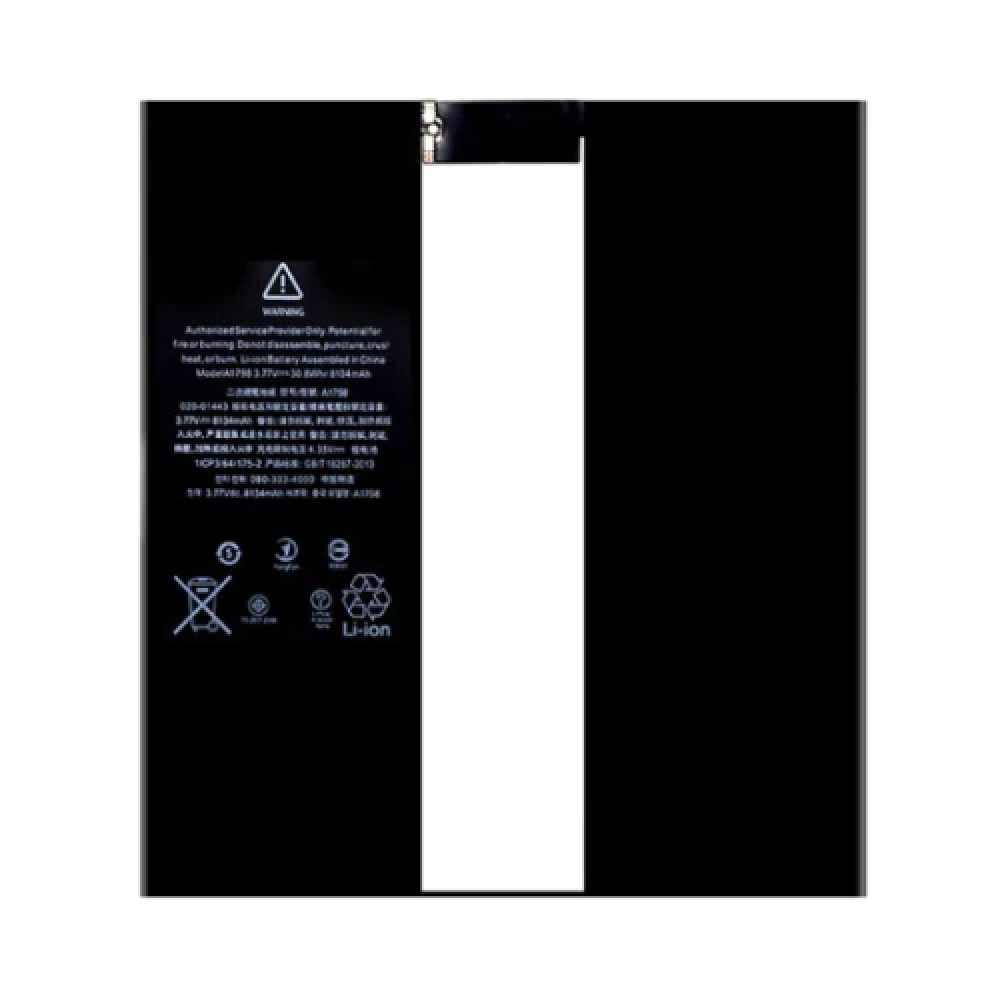
The adhesive tape used to reseal the display matters as much as the battery. A tablet resealed with the wrong tape will lift at the corners, and the fault will be attributed to the repair rather than to the consumable. Buying the correct adhesive with the cell is the simplest way to avoid it, and it costs very little compared with a second visit. It is one of the few consumables that genuinely decides whether a repair holds.
When should you decline the job?
When the frame is bent or the display is already shattered.
A bent chassis will not seal and will not let a new battery sit flat. A shattered display raises the risk of the panel breaking during removal, which the shop would then have to explain and absorb unless it was written down beforehand.
Where the customer wants to proceed anyway, the risks should be stated and recorded before the work begins. Declining openly, or proceeding with informed consent, both protect the shop; doing neither is what creates the dispute.
Practice matters more on iPads than on phones, because the panel is large and the margin for error is small. A shop that has opened two or three written-off tablets before its first customer job will find that first paid repair unremarkable rather than nerve-racking.
What is the one rule for iPad battery work?
Never lever the cell, and never rush the display.
Two rules rather than one, but they are the two that decide whether the job ends well. Solvent and time release the cell; even heat and patience release the display. Force applied to either produces a fire risk on one side and a cracked panel on the other.
Around them sit the usual disciplines: read the A-number, replace the adhesive, test everything before resealing, and dispose of the old cell properly. Cells and displays are waste under the Waste Electrical and Electronic Equipment Regulations 2013, their carriage is covered in shipping lithium batteries for repair shops, retail customers keep their rights on the finished work under the Consumer Rights Act 2015, and the safety expectations around a charging and storage area are set out by the HSE at risk assessment at work. Apple’s own service routing for these devices is published at Apple service and repair for iPad.
FAQ
How much does an iPad battery replacement cost?
The cell is inexpensive relative to the work, so the price is mostly labour. Opening an iPad safely takes longer than a phone battery job, which is why the quote should be built from the time involved rather than from the part cost.
How do I find the right battery for an iPad?
Read the A-number printed on the back of the case and match it against the part. A capacity figure alone is not enough, because two iPads with the same screen size can take different cells.
Does an iPad show battery health like an iPhone?
Not in the same way, so behaviour is the evidence. Shutdowns under load, a charge that collapses at the low end and a device that only runs plugged in are the signs that justify the repair, and recording them at intake is the baseline.
Is it worth replacing an iPad battery?
Usually yes, because iPads are kept for years and the repair costs far less than a replacement tablet. It is worth declining where the frame is bent or the display is already shattered, because neither seals properly afterwards.
iPad cells matched by A-number. Digi4u lists iPad batteries and displays by model, with the capacity and connector confirmed on the listing.
{
“@context”: “https://schema.org”,
“@type”: “FAQPage”,
“mainEntity”: [
{“@type”: “Question”, “name”: “How much does an iPad battery replacement cost?”,
“acceptedAnswer”: {“@type”: “Answer”, “text”: “The cell is inexpensive relative to the work, so the price is mostly labour. Opening an iPad safely takes longer than a phone battery job, which is why the quote should be built from the time involved rather than from the part cost.”}},
{“@type”: “Question”, “name”: “How do I find the right battery for an iPad?”,
“acceptedAnswer”: {“@type”: “Answer”, “text”: “Read the A-number printed on the back of the case and match it against the part. A capacity figure alone is not enough, because two iPads with the same screen size can take different cells.”}},
{“@type”: “Question”, “name”: “Does an iPad show battery health like an iPhone?”,
“acceptedAnswer”: {“@type”: “Answer”, “text”: “Not in the same way, so behaviour is the evidence. Shutdowns under load, a charge that collapses at the low end and a device that only runs plugged in are the signs that justify the repair, and recording them at intake is the baseline.”}},
{“@type”: “Question”, “name”: “Is it worth replacing an iPad battery?”,
“acceptedAnswer”: {“@type”: “Answer”, “text”: “Usually yes, because iPads are kept for years and the repair costs far less than a replacement tablet. It is worth declining where the frame is bent or the display is already shattered, because neither seals properly afterwards.”}}
]
}
