

Amazon Fire Tablet Screen Replacement Parts UK: HD 10 and Fire 7 Stock for Shops
Need this part? We stock tested replacement parts with same-day UK dispatch and a 12-month warranty.
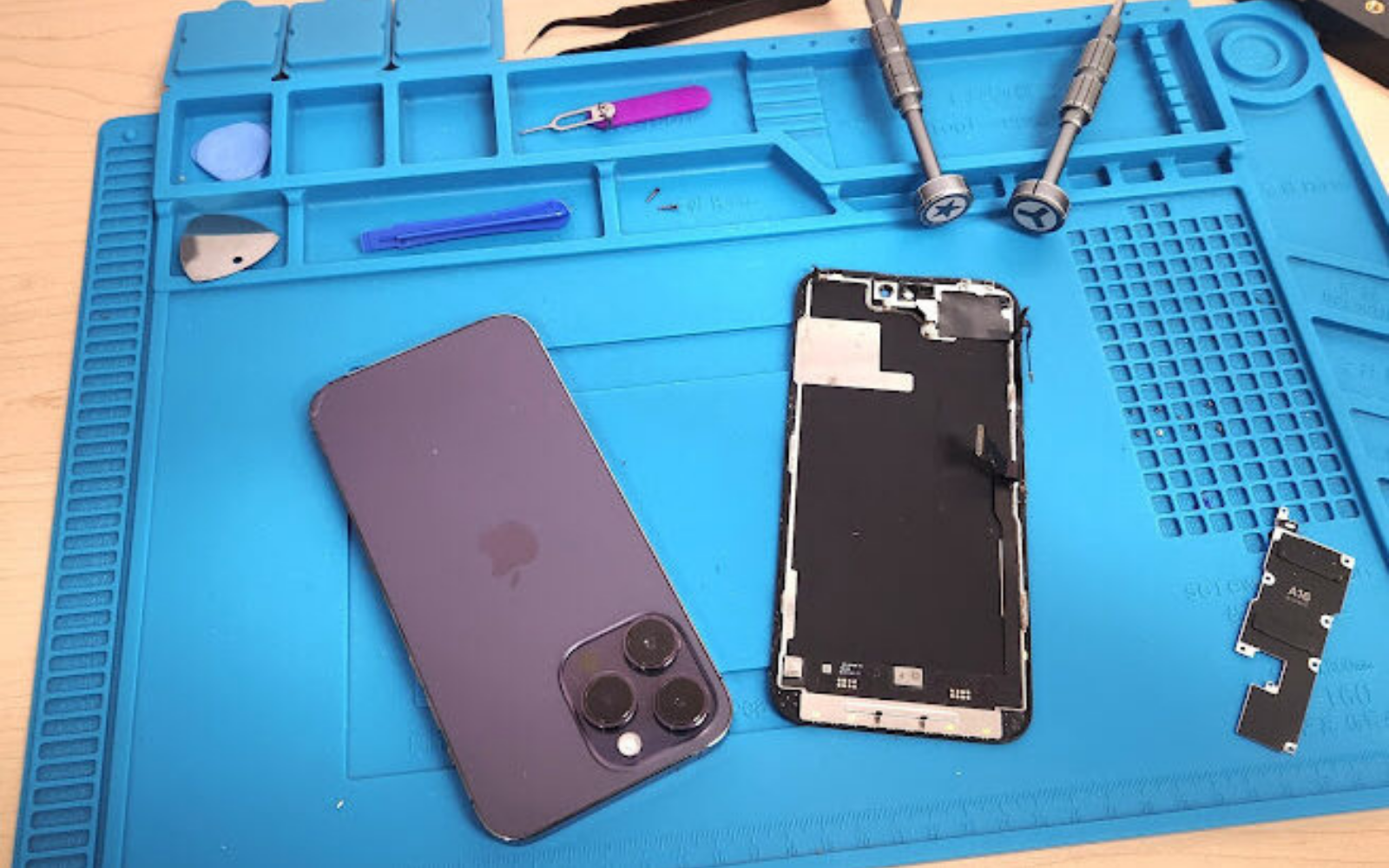
UK repair shops sourcing amazon fire tablet screen replacement parts uk need precise model‑code matching, reliable testing routines and a clear quoting method to keep turnaround tight and margins healthy.
Why Fire HD 10 generations do not share one panel
Each Fire HD 10 generation uses a distinct panel size and connector.
The 2019, 2021 and 2023 models differ in display dimensions, flex‑cable layout and adhesive pattern, so a single LCD cannot fit all three.
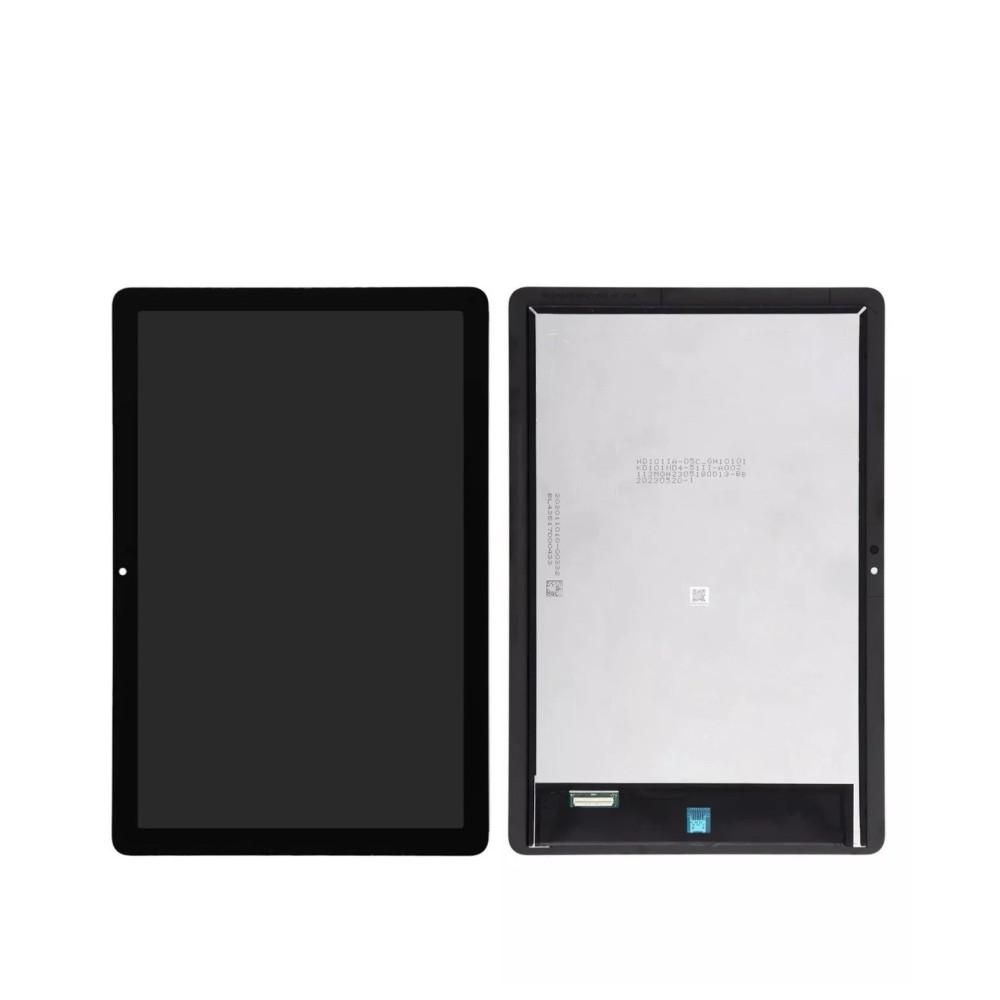
The 9th‑generation (2019) ships with a 10.1‑inch LCD identified by code M2V3R5. The 11th‑generation (2021) – covering both HD 10 and HD 10 Plus – moves to an Incell construction without a separate frame and carries the codes T76N2B and T76N2P. The 13th‑generation (2023) introduces a new panel, TG425K, which some catalogues describe as a 13th‑generation panel. Because the ribbon‑cable pinout, mounting holes and adhesive channels change with each redesign, a shop that fits a 2019 panel into a 2023 chassis will encounter mis‑aligned connectors and uneven pressure, leading to premature failure. Always verify the exact model code printed on the original flex before ordering.
Shop intake tip: When a Fire HD 10 arrives, ask the customer for the exact model year printed on the back casing or in Settings > Device Options. Write the year on the job ticket, then pull the corresponding bin label — “HD10-2019-M2V3R5”, “HD10-2021-T76N2B”, “HD10-2021P-T76N2P”, or “HD10-2023-TG425K” — before you even open the device. This prevents cross‑generation mix‑ups that cost a full panel plus labour.
How to read M2V3R5, T76N2B / T76N2P and TG425K codes
Model codes identify the exact panel, generation and connector type.
M2V3R5 marks the 2019 9th‑gen HD 10 LCD; T76N2B and T76N2P cover the 2021 11th‑gen HD 10/Plus Incell panels; TG425K is the 2023 13th‑gen HD 10 LCD.
The 2019 9th‑generation assembly corresponds to a traditional LCD‑plus‑digitiser stack. The 2021 11th‑generation uses an Incell design where the touch sensor is integrated into the LCD; the two suffixes B and P appear on the live Digi4u listing for the standard HD 10 and the HD 10 Plus respectively. TG425K, found on the 2023 13th‑generation, signals a newer panel revision. When a shop receives a device, the technician should photograph the code, cross‑reference it with the live Digi4u listing, and confirm the generation before placing an order. The Amazon tablet parts hub lists all three codes with current availability.
Shop intake tip: Keep a laminated quick‑reference card at the bench showing the three codes beside a photo of each flex tail. During check‑in, the technician ticks the matching code on the job sheet and writes the live listing price from the Digi4u page into the quote template. This turns a 10‑minute lookup into a 30‑second verification and eliminates “I thought it was the 2021 panel” comebacks.
When a digitiser‑only part is not a full LCD
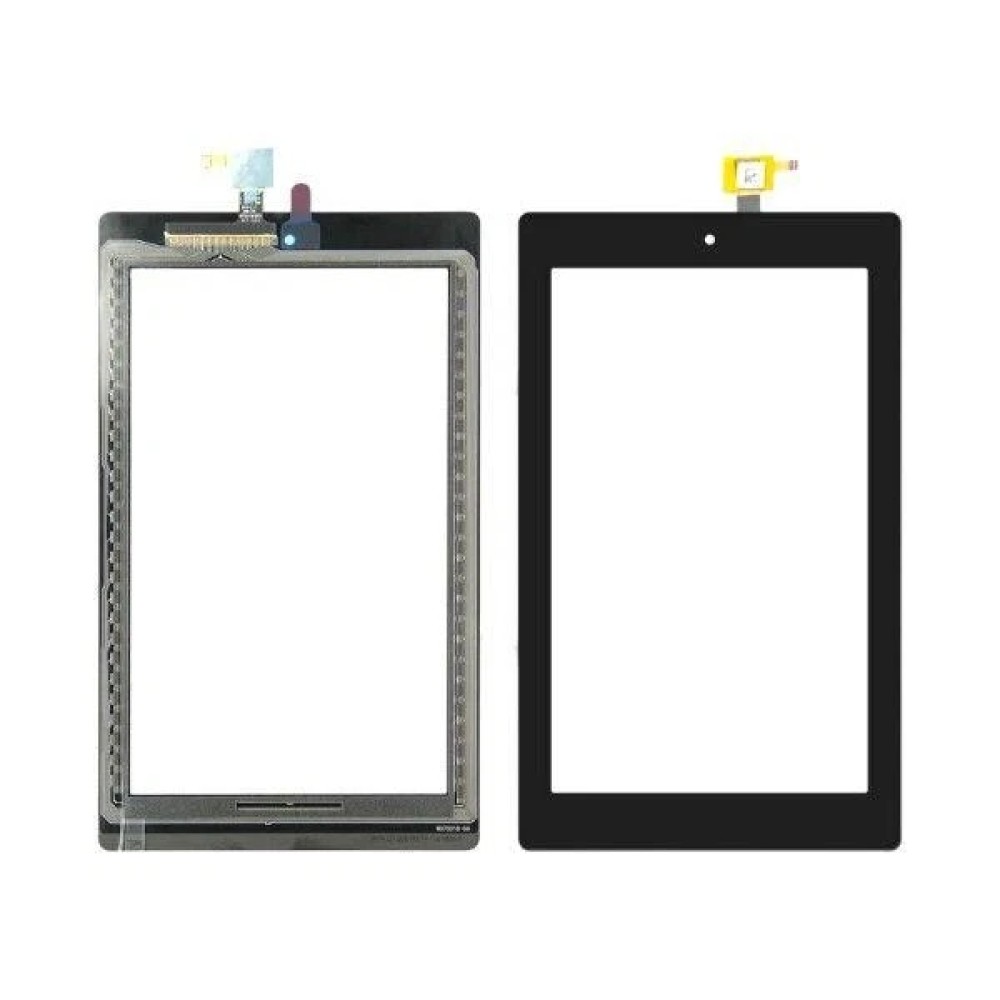
A digitiser‑only part lacks the display layer and backlight.
The listed digitiser for the 2019 HD 10 is a touch‑sensor flex without an LCD, so it cannot replace a cracked screen assembly.
The Digi4u catalogue includes a digitiser‑only SKU for the 9th‑generation HD 10. This component is a transparent touch‑sensor flex that sits on top of the LCD. If the underlying LCD is damaged – cracked glass, dead pixels or backlight bleed – fitting only the digitiser will not restore image output. Shops must diagnose whether the fault is limited to the touch layer (e.g. ghost touches with a perfect picture) or extends to the display. Only when the LCD is intact does a digitiser‑only replacement make sense. For any visible screen damage, order the full LCD assembly (M2V3R5 for 2019, T76N2B/P for 2021, TG425K for 2023). The Samsung Galaxy Tab screen guide follows the same diagnostic principle.
Shop intake tip: Add a “digitiser‑only?” checkbox to the Fire HD 10 job ticket. If the customer reports touch issues but the display looks perfect, run a quick ghost‑touch test before quoting. Quote the digitiser‑only SKU price from the live listing plus your labour; if the LCD shows any fault, swap the line item to the full assembly price. This two‑tier quote avoids awkward mid‑job price changes.
How the Fire 7 M8S26G panel differs from the HD 10 shelf
The Fire 7 9th‑gen uses a 7‑inch panel with a different flex‑cable and frame.
M8S26G is a 7‑inch LCD for the 2019 Fire 7, while HD 10 panels are commonly marketed as 10.1‑inch with separate connector pinouts.
The Fire 7 9th‑generation (2019) ships with a 7‑inch LCD identified by M8S26G. Its active area, aspect ratio and mounting tabs are unique to the smaller chassis. The flex‑cable exits on the short edge and uses a connector that is not compatible with any HD 10 variant. Shops that stock both lines should keep the two SKUs in clearly labelled bins to avoid cross‑shipping. The Fire 7 listing shows the exact dimensions and connector photograph for verification.
Shop intake tip: Label the Fire 7 bin “FIRE7-2019-M8S26G-7IN” in bold red tape. During check‑in, measure the diagonal with a steel rule if the customer is unsure — 7 inch vs 10.1 inch is obvious but a quick measurement eliminates any doubt. Quote from the live M8S26G listing price plus your standard screen‑swap labour; note on the ticket that this is a 7‑inch panel, not an HD 10 part.
What to test before sealing a Fire tablet screen
Power on, check touch response, colour uniformity and backlight bleed.
After fitting, boot the tablet, run a touch‑grid test, verify white‑screen uniformity and confirm no dead pixels before applying adhesive.
Once the new panel is seated but not yet bonded, connect the battery and power the device. Use a full‑screen white image to spot backlight bleed, colour shift or dead pixels. Run a multi‑touch test (available in the device’s developer options or via a third‑party app) to ensure every quadrant registers accurately. Verify that the proximity sensor and ambient‑light sensor still function – they share the same flex on some generations. If any anomaly appears, reseat the flex and retest. Only after a clean pass should the adhesive be applied and the chassis closed. For reference on consumer‑rights obligations when a repair fails, see GOV.UK consumer protection rights.
Shop comeback test: Before handing the device back, run a 5‑minute “soak test” — play a looping video at 75 % brightness while flexing the tablet gently along the long edge. Watch for flicker, touch drop‑outs or new bleed. Log the result on the job sheet; if the customer returns within 48 hours you have a documented baseline that protects both parties.
How to quote a Fire screen job without inventing part prices
Add your labour rate to the current supplier list price for the exact model.
Check the live Digi4u listing for the correct part, note the price, then apply your shop’s labour markup; never quote a fixed part cost.
Because Digi4u updates pricing on the product page, the only reliable figure is the one shown at the moment of quoting. Open the relevant SKU – M2V3R5, T76N2B, T76N2P, TG425K or M8S26G – record the listed price, then add your standard labour charge. Present the total to the customer as “parts at current supplier price plus labour”. This avoids the risk of quoting a stale part cost and keeps the estimate transparent. For delivery lead‑times, refer to the Digi4u delivery policy which outlines same‑day dispatch cut‑offs and courier options for battery‑containing orders.
Shop quoting workflow: Create a one‑page quote template with five rows — one per Fire SKU. At check‑in, the technician circles the correct row, writes the live price from the Digi4u tab, adds the shop’s fixed labour figure, and totals it. Email or print the quote before any work starts. If the customer approves, the same sheet becomes the work order; if they decline, you have a paper trail for the time spent diagnosing.
Related tablet paths shops already use
Many UK repair shops that service Amazon Fire tablets also handle Samsung Galaxy Tab and iPad screen replacements, so the workflow and tooling overlap considerably.
The same heat‑gun, suction‑cup and precision‑screwdriver set used for a Fire HD 10 works for a Galaxy Tab A 10.1 or an iPad 10.2. Shops can therefore batch‑order opening tools and adhesive kits across brands. The iPad Pro screen parts guide and the iPad 10th/11th screen parts guide detail comparable model‑code verification steps. Keeping a master spreadsheet of model codes, connector types and current supplier prices for all three ecosystems reduces lookup time and prevents cross‑ordering errors.
Shop cross‑brand tip: Add Fire SKUs to your existing “Tablet Master” spreadsheet alongside Samsung and iPad columns. Use the same column headers: Model Code, Generation, Panel Type, Live Supplier Price (link to listing), Labour Rate, Total Quote. Filter by brand when ordering stock; the shared tooling list (heat gun tips, suction cups, adhesive rolls) stays at the top of the sheet so weekly orders cover all three lines in one go.
| Generation (year) | Model code(s) | Panel type | Connector |
|---|---|---|---|
| 9th Gen 2019 | M2V3R5 | LCD + separate digitiser | Confirm on the live listing |
| 11th Gen 2021 (HD 10) | T76N2B | Incell (touch integrated) | Confirm on the live listing |
| 11th Gen 2021 (HD 10 Plus) | T76N2P | Incell (touch integrated) | Confirm on the live listing |
| 13th Gen 2023 | TG425K | Confirm on the live listing | Confirm on the live listing |
Accurate model‑code matching, disciplined pre‑seal testing and transparent quoting keep Fire tablet repairs profitable and repeatable. Shops that integrate the same verification routine used for Samsung and iPad lines will reduce returns and build customer trust.
FAQ
Which Fire HD 10 model codes correspond to which year?
The 2019 9th‑gen uses M2V3R5; the 2021 11th‑gen HD 10 uses T76N2B and the HD 10 Plus uses T76N2P; the 2023 13th‑gen uses TG425K. Always read the code on the original flex before ordering.
Can I use a digitiser‑only part to fix a cracked HD 10 screen?
No. A digitiser‑only flex lacks the LCD and backlight, so it cannot restore image output if the display layer is damaged. Fit a full LCD assembly (M2V3R5, T76N2B/P or TG425K) for any visible screen breakage.
Does the Fire 7 9th‑gen LCD fit the Fire HD 8?
Digi4u’s verified 24 November 2026 hub did not list a Fire HD 8 panel, and a Fire 7 M8S26G LCD is not an HD 10 assembly. The Fire 7 panel is a 7‑inch unit with its own connector and mounting tabs, so it cannot fit an HD 8 device.
What testing steps should I follow after a screen replacement?
Power the tablet, display a full‑screen white image to check for backlight bleed or dead pixels, run a multi‑touch grid test across all quadrants, and verify proximity and ambient‑light sensors. Only seal the device after a clean pass.
Where can I find the latest delivery terms for battery‑containing orders?
The Digi4u delivery policy page lists same‑day dispatch cut‑offs, Royal Mail and DPD options, zone definitions and free‑shipping thresholds for orders that include loose lithium cells or power banks.