


Charging Faults & Ports
This is the diagnosis side of the battery guide. Work through the fault patterns, the port work and the rules that affect how you handle cells and repairs.
Three routes, and you only need one of them
Pick the route that matches the symptom on the bench.
The phone will not charge
Take this route for a dead charging port or an intermittent connection. Most cases are debris, a worn port, or a flex that has lifted rather than a failed board.
Heat, drain and warnings
Take this route when the phone charges but misbehaves. Heat and drain sit between the battery, the charging circuit and the board.
Rules and safe handling
Take this route for shop policy rather than a single repair. Damaged cells and changing regulations affect what you can fit and how you dispose of what you remove.
The diagnostic order that saves parts
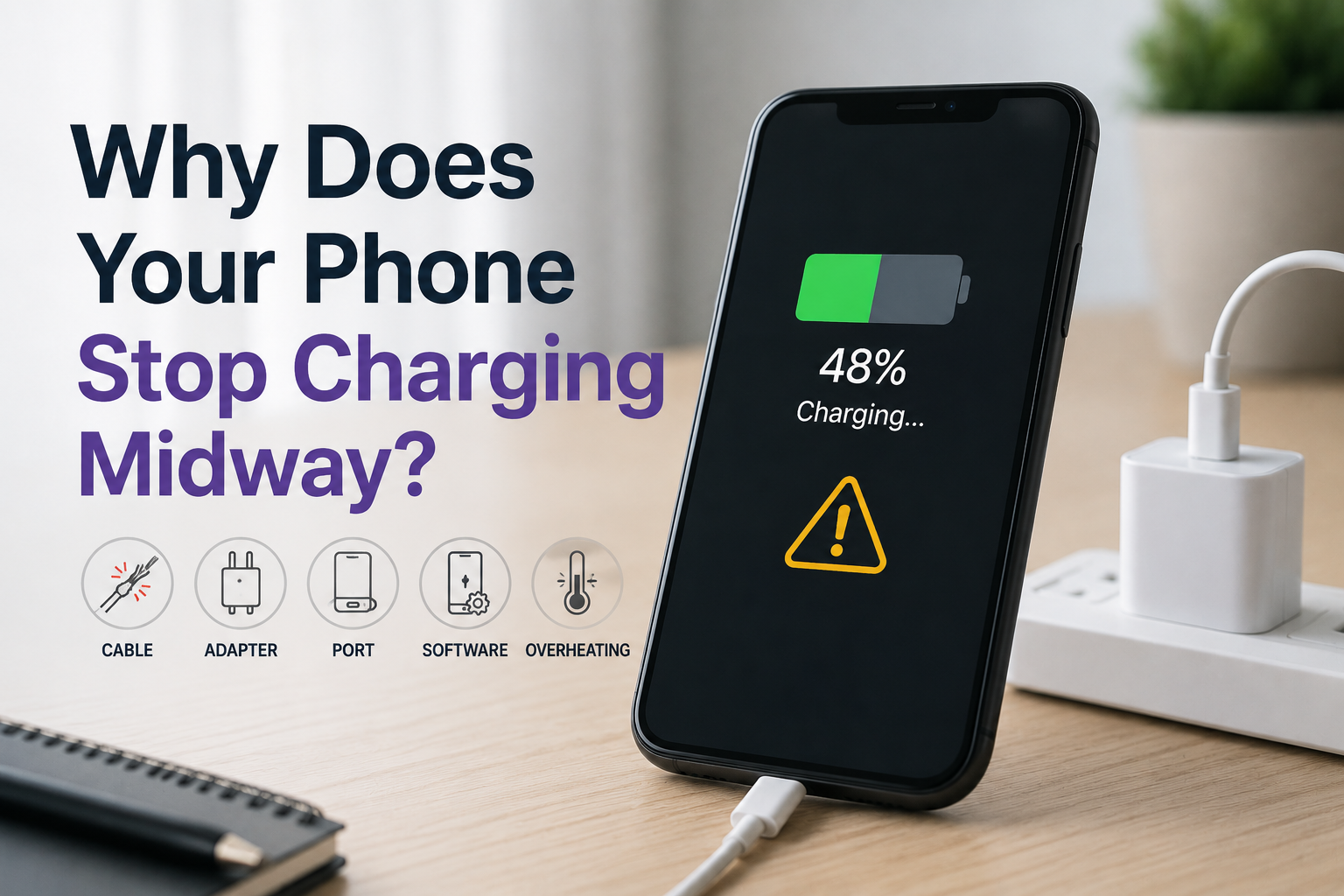
Charging faults produce one symptom from five possible causes. Working in order means you replace the cheapest suspect last, not first.
Start outside the phone
Before opening anything, change the cable and the charger, and inspect the port under magnification for lint, corrosion or a bent pin. A surprising share of no-charge jobs end here, and it costs nothing. If the phone charges with a known-good cable but not the customer’s, the repair is a conversation about the cable rather than a repair at all. Only after that test should the phone come apart.
Then work inward
Inside the phone the suspects are the port flex, the battery connector and the board. A port that has physical wear is worth replacing; a port that looks new but still fails points at the flex or the charging circuit. Testing with a known-good battery separates a cell problem from a board problem, and that single substitution is what stops a shop fitting a port on a phone whose fault was elsewhere. Only when the substitution changes nothing does the board work begin.
When it is the board
If the fault survives a known-good battery and flex, the problem is on the board and belongs with the diagnostics guide rather than the parts bench. That distinction matters commercially: board-level work has a different price, a different turnaround and a different risk profile, and quoting it as a port replacement creates a promise the shop cannot keep.
What actually causes a charging fault — four things
Four causes account for almost every no-charge job, and they are not equally likely.
The cable, charger or debris
The cheapest cause and the most common. A port packed with lint looks identical to a dead port until you inspect it under magnification.
The port or its flex
Physical wear, a lifted flex or a damaged connector are the next suspects, and they are the ones a replacement actually fixes.
The battery or its connector
A cell that reports an unexpected value, or a connector that is not seated, produces the same symptom as a dead port.
The charging circuit on the board
The least common and the most expensive. It is identified by substitution, not by assumption, which is why the order matters.
Where to go from here
Charging faults sit between the battery, the port and the board.
Charging fault questions
The short answers, each linked to the article set behind it.
Why does my phone only charge at certain angles?
That pattern points at the port or its flex rather than the battery: the contact is intermittent because of wear, debris or a partially lifted flex. Cleaning the port and testing with a known-good cable is the first step, and if the angle still matters afterwards the port assembly is the likely replacement.
Can a charging port be cleaned instead of replaced?
Often yes. Lint and corrosion in the port cause a large share of no-charge complaints, and cleaning under magnification restores them without parts. The judgement call is whether the pins are worn or damaged, in which case cleaning buys a few weeks rather than solving it.
Why does the phone get hot while charging?
Heat is normal to a degree, and abnormal when it is concentrated or persistent. A cell that is failing, a charging circuit working harder than it should, or a cable with high resistance all produce it. Compare the behaviour against a known-good charger and cable before deciding which part is responsible.
Does a new charging port need pairing on iPhone?
Some recent models report the display and battery rather than the port, so the port itself is usually a straightforward replacement. Where a warning does appear, it relates to a paired component rather than the connector, and the pairing guides cover how shops handle it.
What should a shop charge for a charging port replacement?
Base it on the actual job rather than on a flat rate, because access varies enormously between models: some ports sit on a small daughterboard, others need the screen and battery out first. The cost guides here break down what drives the quote so it can be explained to the customer.
Ask about charging port parts by model
Send the models you see with charging faults and the volume you handle. You will get the port and flex options for those handsets with trade pricing, so the part is on the shelf before the phone is.
Ask about port parts