


How to Tell If an iPhone Has Been Repaired
Need this part? We stock tested replacement parts with same-day UK dispatch and a 12-month warranty.
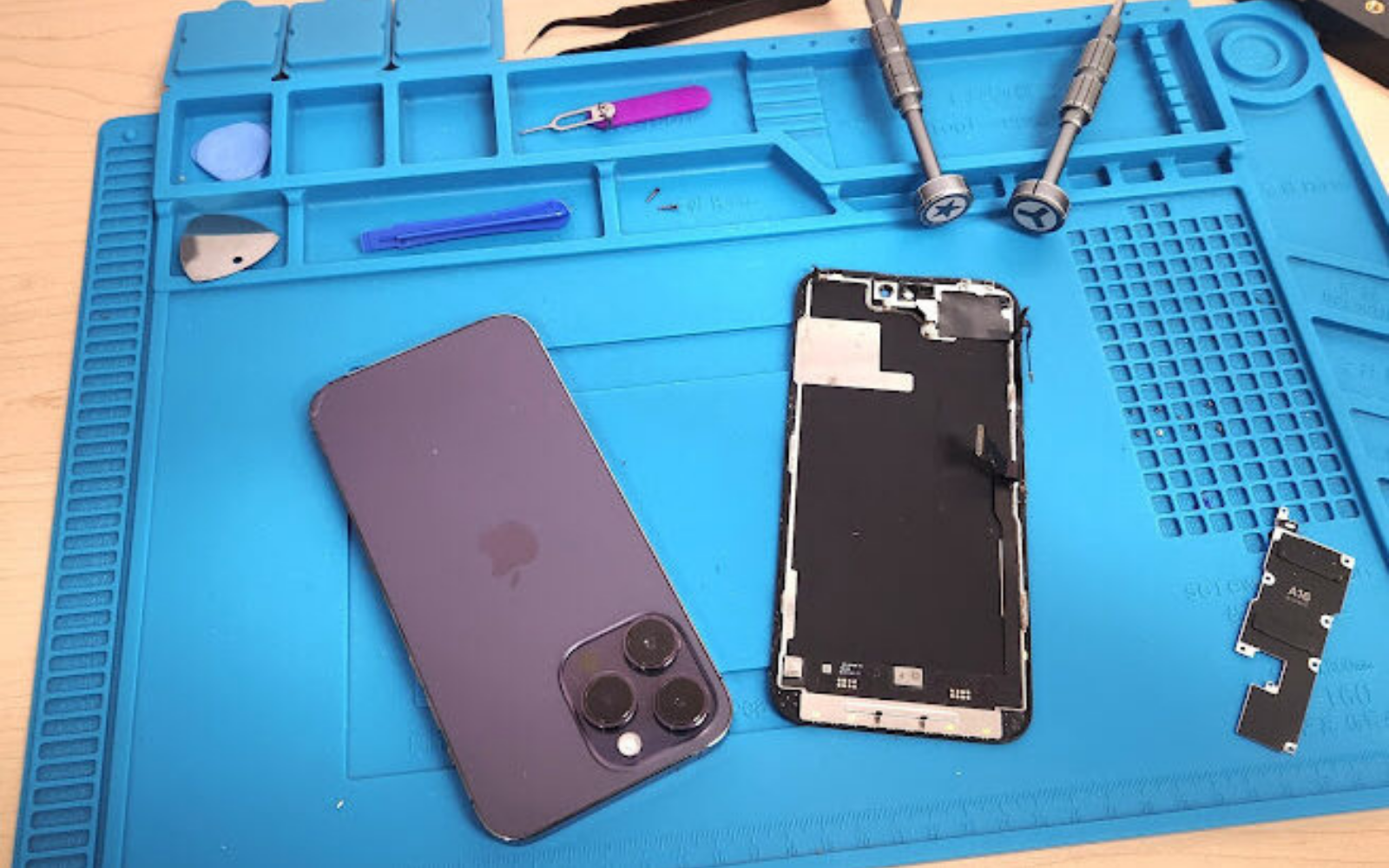
When you assess a second‑hand iPhone, the real question is which components have been swapped, because that determines the price you can pay and the risk you carry. A clean exterior hides nothing; the decisive evidence lives in the settings, the seals and the seams and the IMEI record.
Last updated:
What a used iPhone can hide
Cosmetic refurbishment has reached a level where a handset that has received a new screen, battery and back glass can look indistinguishable from an untouched unit under normal shop lighting. The only reliable clues are structural: adhesive that did not close perfectly, gaps that are not quite even, seals that were not restored, and tooling marks on fasteners. None of those signs is conclusive on its own, but together they reveal the repair history that a seller may not disclose.
How to tell if a used iPhone has been repaired
Run the checks in a logical order and stop early when a test fails. Start with the seal test, then compare the IMEI shown in software with the physical marking, inspect the back‑glass seam, perform the tap test, and finally read the Parts and Service History in Settings. This sequence separates a genuine second‑hand device from one with an unknown repair past in roughly eight minutes once you are familiar with the steps.
What Parts and Service History actually shows
Apple documents the feature in iPhone Parts and Service History. With iOS 15.2 and later, open Settings → General → About. If the iPhone has been repaired, a Parts and Service History section may appear. The labels you can see are Genuine, Used, Unknown, Unverified and Finish Repair. The meaning of each label is summarised in the decoder table below.
| Label | What Apple says it means | What a buyer or trade‑in counter should do next |
|---|---|---|
| Genuine | The repair used genuine Apple parts and processes. | Treat the component as original; no deduction needed unless other checks disagree. |
| Used | The part was already used or installed in another iPhone. | Assume a donor‑part swap; price the device as if the component were replaced. |
| Unknown | Non‑genuine part, part not working as expected, not verified or linked after repair, or modified/unable to be verified. | Flag for further inspection; an Unknown part often reduces trade‑in value. |
| Unverified | Logic board previously replaced — may affect features such as Apple Pay. | Verify functionality of secure features; consider a larger deduction. |
| Finish Repair | Calibration with Repair Assistant is incomplete. | Complete the calibration if possible; otherwise treat as an incomplete repair. |
Two cautions matter more than the feature itself. Menu naming and wording change between iOS versions, so read what the device tells you rather than looking for a fixed layout. And a clean or missing section is not proof that the iPhone is untouched — reporting depends on model and software, and some work will not appear. Model coverage varies: newer models (iPhone 12 and later, plus the iPhone Duo) can show more components; iPhone 11 models show battery and display; iPhone XR, XS, XS Max and SE (2nd and 3rd generation) show battery information only. Pre‑iOS 15.2 can only surface an Unknown part identification.
Battery health, cycle count and age
Battery health percentage alone can be misleading. Two patterns point to a replacement: an old handset reporting unusually high maximum capacity, and a battery that reports no health percentage at all or shows an unrecognised‑part notice. Neither is conclusive on its own. Test behaviour under load: run the device down and watch for sharp drops at low percentages, and put it under a heavy workload to see whether it shuts down early. A battery that reads fine in Settings but fails under load is still a battery you will replace before resale, and that cost belongs in your offer. For deeper guidance on interpreting maximum capacity and when to replace, see how to check iPhone battery health and when to replace. If an Unknown or Important Battery Message appears, the fix is covered in how to fix unknown part battery warning on iPhone.
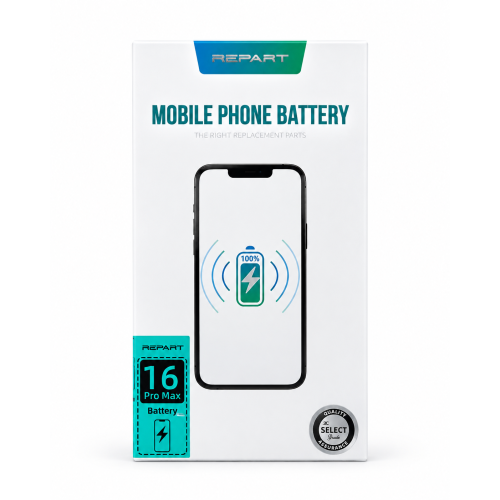
Digi4u stocks a range of replacement batteries for current and legacy models; you can browse the full selection at iPhone batteries.
IMEI, housing and Activation Lock
The IMEI is the single most reliable identifier of a housing swap. Read the IMEI from the software (Settings → General → About or the *#06# shortcode) and compare it with the number printed on the SIM tray or etched into the frame. A mismatch means the frame or back glass has been replaced with a donor part. This is common in legitimate refurbishment, but it does mean the device is no longer in its original housing — a pricing fact rather than a moral judgement. While you are in Settings, confirm two things before money changes hands: that Activation Lock is off, and that the IMEI status is clean. A device still locked to another Apple ID is a liability, and a blocked IMEI cannot be fixed by any repair. Apple’s pre‑owned buying guide stresses the same checks; see If you want to buy a pre‑owned iPhone.
Seams, seals and other physical tells
Water‑resistance seal test
A pressure or vacuum chamber measures how quickly pressure escapes from a sealed handset. A device that fails immediately has been opened. Restoring the factory gasket correctly is a specific step that many repairs skip, so a chamber test is the fastest single indicator of a repaired unit. Trade‑in operations run a bench tester rather than relying on the seller’s word. The liquid‑contact indicator inside the SIM tray slot turns red on contact with liquid; it reports water, not repair, and a refurbisher can replace a triggered indicator. A red indicator with no corrosion suggests a device that got wet and was dried properly; a red indicator with board corrosion is a device to decline.
Back‑glass and frame seam inspection
Run a fingernail slowly around the entire perimeter. On a factory‑finished device the transition from glass to frame is uniform all the way round: same height, same gap, same feel. On a replaced panel you may feel a step where the glass sits proud of the frame, a thin uneven line of adhesive squeeze‑out, trapped dust or fibres under the edge, or a colour and texture mismatch that is most obvious on titanium and matte finishes. Laser‑cut back glass panels on the Pro models are where this check pays best, because the replacement is bonded into an existing frame rather than supplied as a complete housing. That bonding step is exactly where a rushed repair leaves a trace you can feel in fifteen seconds.
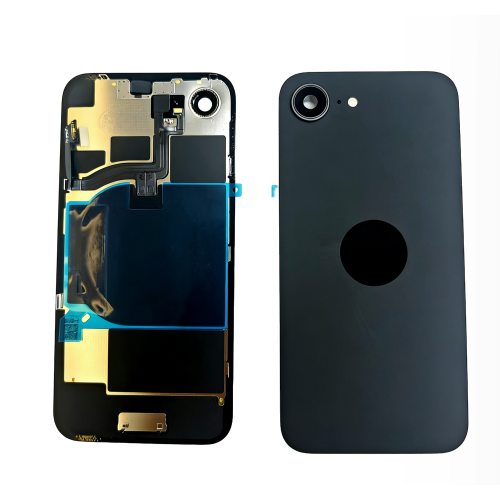
For a full range of back‑glass and housing parts, visit iPhone back covers.
Tap test for bond quality
Tap the back glass lightly with a fingernail in several positions: centre, each corner, and along the edges. A properly bonded panel sounds dull and consistent. A poorly bonded replacement sounds hollow, and the tone changes as you move around the panel; on a bad job you may hear a faint rattle. Repeat the same around the edges of the front glass, where a screen refitted with inadequate adhesive often sounds different at one corner than the others. This is a relative test — it only means something if you have a known‑original device of the same model on the bench to compare against, so keep one clean example of the models you handle most.
Screen, True Tone and Face ID — what they prove
True Tone depends on calibration data tied to the original display, so a missing toggle on a model that should have it means the display has almost certainly been replaced without carrying the original information across. That single check is the fastest way to confirm a screen swap without opening anything. Then verify whether the display sits flush on all four sides, whether there is light bleed at any edge at full brightness, and whether the brightness ramps smoothly when you drag the slider. An uneven fit combined with missing True Tone is close to conclusive. For a deeper dive into display authenticity, see how to tell if an iPhone screen is original. Face ID should also be tested; a non‑genuine front‑camera module often fails the enrolment process or produces erratic unlocking behaviour.
How to use the findings when you buy or trade in
Score each finding and let the total set the price band rather than the seller’s description or your impression of how the device looks. Gut feel on a trade‑in is how shops end up holding stock they cannot sell. Weight the structural checks heavily — seal test, IMEI mismatch, Activation Lock, IMEI status — and let the aggregate decide the offer band. The checklist table below summarises the whole‑device used‑phone inspection.
| Check | Signal strength | Effect on the offer |
|---|---|---|
| Seal test passes | Strong | Full value band |
| Seal test fails immediately | Strong | Assume internal repair; inspect further |
| IMEI mismatch between software and housing | Strong | Deduct heavily, or decline |
| Activation Lock cannot be cleared | Strong | Decline |
| IMEI status not clean | Strong | Decline |
| True Tone missing on a supporting model | Strong | Assume display was replaced |
| Uneven back‑glass seam | Medium | Assume back glass was replaced |
| Hollow or inconsistent tap tone | Medium | Budget for rework |
| High battery health on an old device | Medium | Assume battery was replaced |
| Battery health missing or Unknown part notice | Medium | Assume battery was replaced; test under load |
Record the findings, the date and the price you paid. Keep the scoring sheet with the device record. If you later sell the handset and the buyer raises a query, a dated note showing which checks you ran, what you found and how the price reflected it is worth more than any recollection. It also tells you, after fifty devices, which checks were the ones that actually predicted rework. Remember that statutory rights for retail customers are set by the Consumer Rights Act 2015, and obligations around the safety of goods you place on the market sit with the Office for Product Safety and Standards. A device bought in without a seal test is a device whose condition you cannot state with confidence, and that is the exposure the eight minutes removes.
Frequently asked questions
How do I tell if a used iPhone has been repaired?
Run the seal test, compare the software IMEI with the physical marking, inspect the back‑glass seam, perform the tap test, and read the Parts and Service History in Settings. Together these checks reveal most repairs without opening the device.
Does a missing Parts and Service History section mean the iPhone is untouched?
No. A clean or missing section is not proof that the iPhone is untouched; reporting depends on model and software, and some work will not appear.
What do Genuine, Used, Unknown and Finish Repair mean?
Genuine means the repair used genuine Apple parts and processes. Used means the part was already used or installed in another iPhone. Unknown means a non‑genuine part, a part not working as expected, not verified or linked after repair, or modified/unable to be verified. Finish Repair means calibration with Repair Assistant is incomplete.
Can I check previous repairs without opening the iPhone?
Yes. Run a fingernail around the back‑glass seam, tap the panel in several places and listen for an inconsistent tone, press the display edges to feel for movement, and check the settings for True Tone and Parts and Service History. None of those requires opening the device.
Should I still buy a used iPhone that shows a replaced battery or screen?
A disclosed, working replacement can be acceptable; an unexplained message, Activation Lock, or a functional fault is a different situation. Evaluate the overall score from the checklist and price accordingly.
Prior-repair tells on a used iPhone should be recorded at the counter, then the wider intake and parts-order gate is in the QC intake checklist for used phones.