


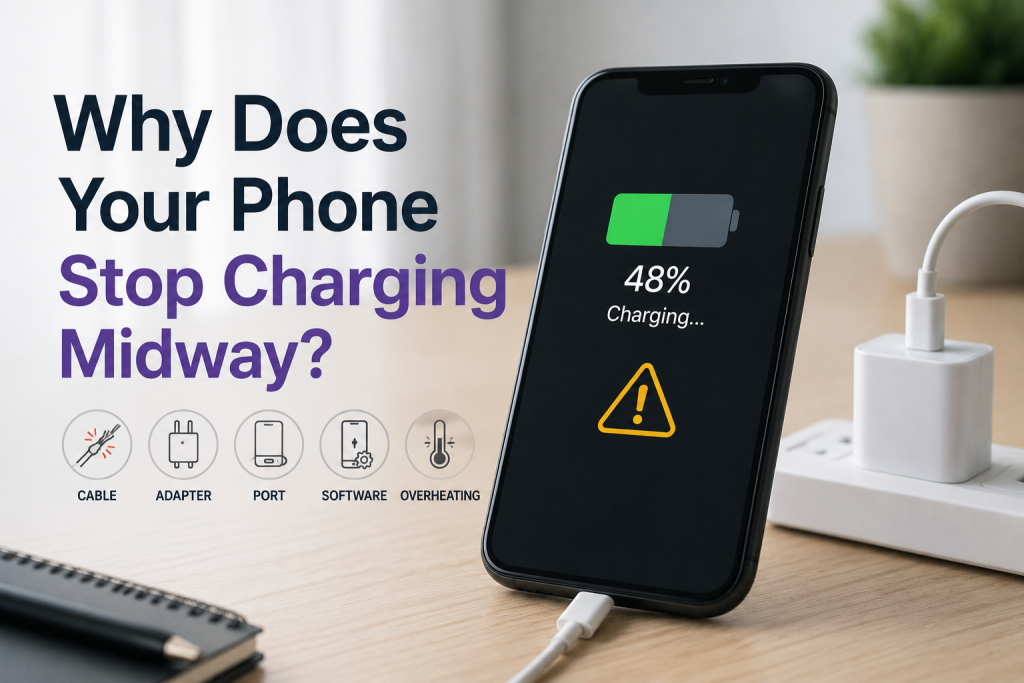
Why Does Your Phone Stop Charging Midway?
Need this part? We stock tested replacement parts with same-day UK dispatch and a 12-month warranty.
Posted on by digi4u
A Professional Repair Technician’s Guide
In real-world repair scenarios, one of the most common but often misdiagnosed issues is a phone that starts charging normally but stops midway.
Unlike a completely dead charging system, intermittent charging failure usually indicates instability in the power path, rather than total hardware failure. From a repair technician’s perspective, this type of issue requires structured diagnosis rather than blind part replacement.
Battery Degradation or Protection Trigger
The most frequent root cause is battery instability, especially in lithium-ion cells after extended use.
When charging reaches a certain percentage (typically 40%–80%), the battery management system (BMS) may:
- Detect abnormal temperature rise
- Identify voltage inconsistency between cells
- Trigger protection cutoff
This results in charging stopping suddenly, even though the cable is still connected.
Repair Approach:
- Check battery health using a power meter or diagnostic software
- Monitor voltage fluctuation during charging
- Replace the battery if:
- Voltage drops abnormally under load
- The temperature rises excessively
Tools Required:
- DC Power Supply (for current draw simulation)
- Battery health diagnostic tool
- Thermal camera (optional but highly effective)
Charging Port (Connector) Instability
Another very common issue is partial contact failure inside the charging port.
Typical causes:
- Dust or debris buildup
- Oxidation on pins
- Mechanical wear from frequent plugging
This creates a situation where:
- Charging starts normally
- Slight movement or heat expansion breaks contact
- Charging stops intermittently
Repair Approach:
- Inspect the port under magnification
- Clean using an anti-static brush and isopropyl alcohol
- If pins are worn or loose → replace the charging port flex
Tools Required:
- Microscope (essential for accurate inspection)
- Precision tweezers
- Anti-static brush
- Isopropyl alcohol (99%)
Faulty Charging Cable or Adapter
From experience, a large percentage of “charging stops midway” cases are actually external accessory failures.
Common issues:
- Broken internal wires
- Unstable voltage output
- Non-certified accessories are causing handshake failure
Especially in iPhones, unstable communication between the cable and the motherboard can interrupt charging.
Repair Approach:
- Test with a known-good original cable
- Use a USB power meter to check voltage/current stability
Tools Required:
- USB Power Meter
- Known-good charging cable (test standard)
Charging IC (Power Management IC) Issues
When the problem persists across different cables and batteries, the issue may lie in the charging IC (Tristar/Hydra for iPhones or PMIC on Android devices).
Symptoms:
- Charging starts but cuts off randomly
- Current fluctuates abnormally
- Device heats near the PMIC area
Repair Approach:
- Measure the current draw pattern using a DC power supply
- Check for short circuits around the PMIC
- Replace IC if necessary (advanced repair)
Tools Required:
- Hot air rework station
- Soldering iron (fine tip)
- Multimeter
- DC Power Supply
⚠️ This level of repair requires microsoldering skills and is not recommended for beginners.
Software or System-Level Charging Control
Modern smartphones dynamically manage charging behavior.
Charging may stop due to:
- Overheating protection
- Optimized charging features
- Firmware bugs
For example, systems may pause charging at 80% to preserve battery lifespan.
Repair Approach:
- Check battery temperature logs
- Disable optimized charging temporarily
- Update or reinstall system firmware
Liquid Damage or Corrosion
Even minor liquid exposure can lead to unstable charging behavior rather than total failure.
Corrosion may:
- Interrupt data lines intermittently
- Increase resistance in power lines
- Cause random charging cutoff
Repair Approach:
- Disassemble and inspect motherboard
- Ultrasonic clean if corrosion is present
- Repair affected traces if necessary
Tools Required:
- Ultrasonic cleaner
- PCB cleaning solution
- Microscope
Important Safety Notes
From a professional repair standpoint:
- Never continue charging a device with a swollen or overheating battery
- Avoid using unstable third-party chargers during diagnosis
- Always disconnect battery before motherboard-level repair
- Monitor current draw to prevent short circuit damage
Final Thoughts
A phone that stops charging midway is rarely caused by a single obvious failure. In most cases, it involves:
- Battery instability
- Poor electrical contact
- Power management irregularities
For repair technicians, the key is to diagnose systematically rather than replace parts blindly.



