


Android Battery Health Reporting: What the Numbers Do Not Say
Need this part? We stock tested replacement parts with same-day UK dispatch and a 12-month warranty.
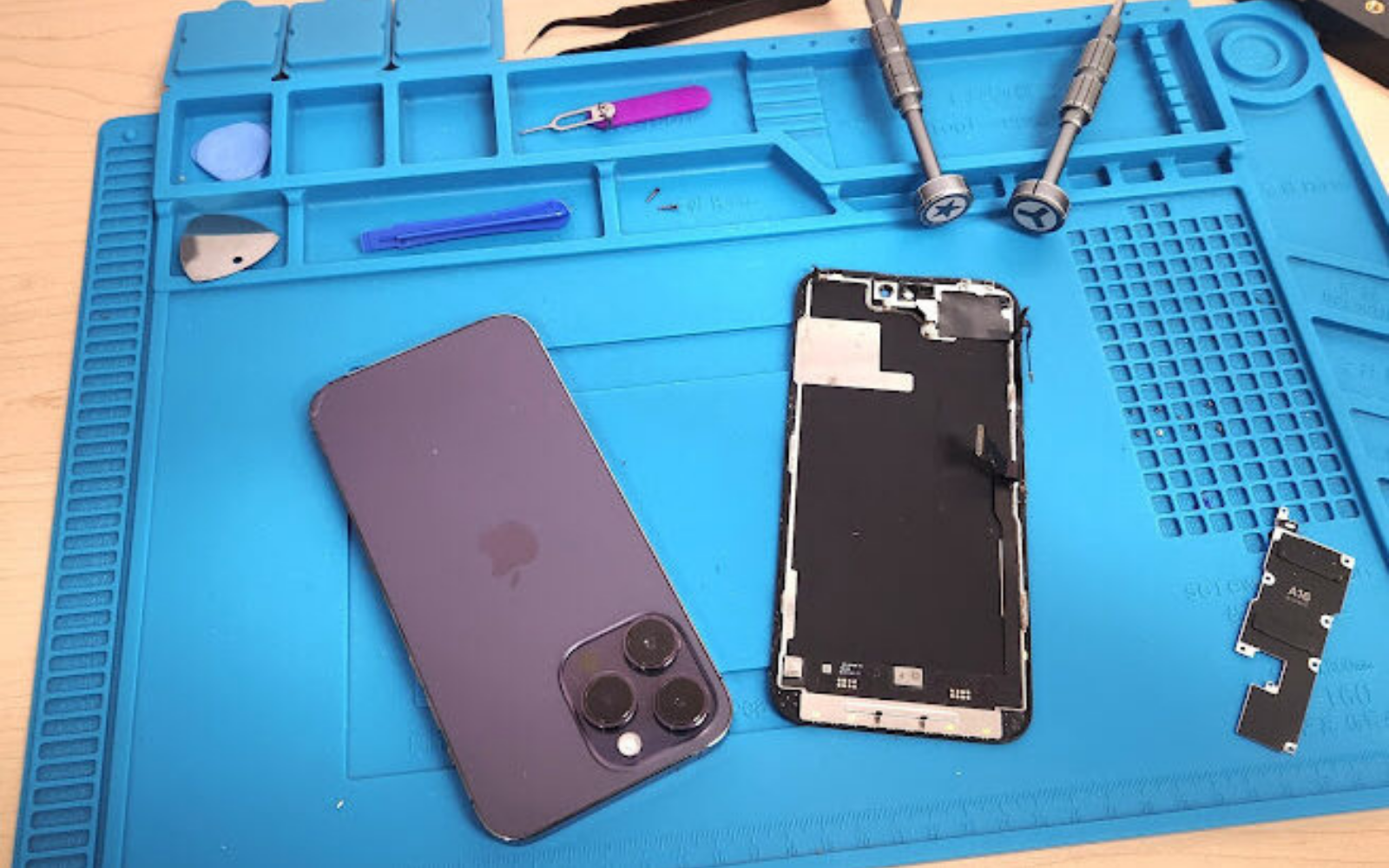
Android battery “health” is an estimate, not a laboratory capacity test. Read Samsung Device Care, Pixel settings or any third-party app as context, then decide the repair from runtime, sudden shutdowns and load behaviour. A high percentage with brownouts still needs a cell; a low percentage with solid runtime may only need monitoring.
Last updated:
Digi4u is a Cardiff-based UK supplier of phone batteries, related parts and tools for owners and repair shops.
What does Android actually report for battery health?
Capacity estimates, usage graphs and sometimes cycle counts — never one universal percentage.
Unlike iPhone’s widely recognised Maximum Capacity screen, Android leaves health reporting to OEMs. Some Galaxy builds surface a status under Device Care / Battery; Pixel generations expose different depth under Settings; many devices show only drain charts. Android platform APIs let apps read charge state and related counters, but they do not force a consumer-facing “battery health %” on every handset.
Record the model, software build and exact menu path next to any figure you write on a ticket. A number without that context cannot be compared to a later reading after an update or a cell swap.
How do Samsung, Pixel and other OEMs differ?
Treat brand menus as separate dialects, not one scale.
| Platform cue | What you often see | How to use it |
|---|---|---|
| Samsung Galaxy (Device Care) | Battery status / usage; depth varies by One UI version | Screenshot the screen; pair with runtime questions |
| Google Pixel | Battery settings and usage; newer builds add more health cues | Note build number; do not assume iPhone-like % |
| Other Android OEMs | Usage only, or engineering menus | Do not invent a % the UI never showed |
| Third-party apps | Estimated design capacity vs learned capacity | Context only — same OS counters underneath |
Enterprise tooling such as Samsung Knox Asset Intelligence documents battery health for managed fleets, which underlines the point: useful battery telemetry exists, but it is product-specific rather than a single Play Store standard.
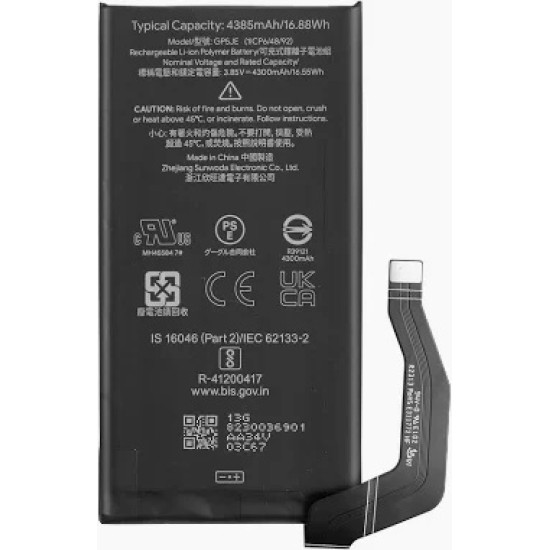
Why can a health figure mislead a repair decision?
Because capacity estimates and current delivery are different questions.
A cell can still report a middling capacity while failing under camera, 5G or gaming load. Another cell can show a gloomy estimate after a firmware change yet survive a normal workday. Adaptive charging, battery saver modes, poor cables and background apps all skew the story if you only stare at one number.
Ask the owner: how long does a normal day last, at what percentage does the phone die, and did the change arrive suddenly or gradually? Sudden cliffs often point to a weak cell or a board/charging fault; gradual fade fits ordinary wear.
What about cycle count?
Cycles explain wear; they do not replace a load test.
A full cycle is roughly the equivalent of 100% of capacity charged, even if that happens across several partial plugs. High cycle counts support a worn-cell narrative, but a low count with brownouts still deserves a battery or board investigation. Write the cycle figure beside the health estimate so both travel with the job.
Do aftermarket batteries reset the health UI?
Often not immediately — and sometimes never in the way customers expect.
The OS estimate is tied to learned counters and OEM reporting, not a magical “new cell = 100%” guarantee. After a swap, the percentage may lag, bounce or stay sticky while the phone re-learns. That is a disclosure item at handover: judge the repair by charge behaviour and runtime for the first days, not by a single menu screenshot taken on the bench.
Browse model-matched cells on Digi4u’s Samsung battery hub and catalogue pages such as the Pixel 8 battery or Samsung A21s battery. Confirm the exact model code before ordering.
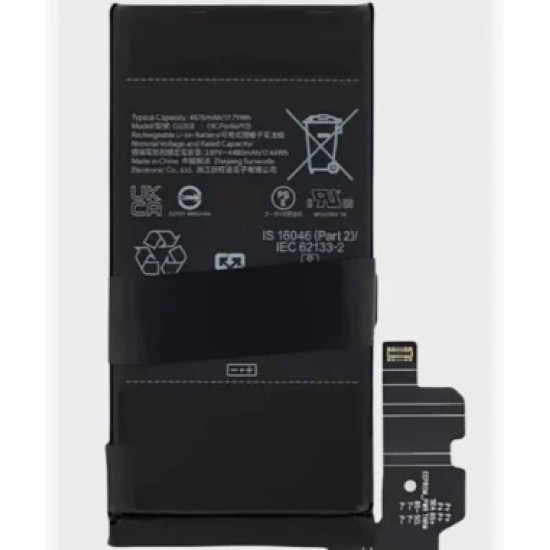
When do the numbers justify an Android battery swap?
Use a decision matrix, not a single threshold copied from a forum.
| Health UI | Runtime / load behaviour | Suggested action |
|---|---|---|
| Low estimate | Still lasts a normal day | Monitor; discuss expectations; no forced swap |
| High or “good” | Sudden shutdowns or deep % jumps under load | Replace or deeper board/charge diagnosis |
| Low estimate | Shutdowns, heat, swelling | Replace; quarantine if swollen |
| Unchanged after new cell | Stable charge and runtime | Explain reporting lag; close on behaviour |
| No health menu at all | Customer reports short life | Behaviour test + model-matched cell quote |
How should you test behaviour on the bench?
Combine a controlled charge with a short load, then watch for cliffs.
Charge with a known-good cable and brick. Note whether the percentage climbs smoothly. From a mid or low state, open the camera, enable a radio-heavy task or run a brief stress app the shop trusts, and watch for a sudden drop or power-off. Compare that to the owner’s story. If the phone only fails on the customer’s charger, test the cable and port before condemning the cell.
Related workshop reading: phone no-power diagnosis, phone overheating when idle and battery safety in the workshop.
UK lithium shipping for standalone phone batteries
Loose cells travel by DPD, not Royal Mail.
Digi4u’s live delivery policy states that Royal Mail does not carry standalone lithium batteries or power banks, so replacement cells are dispatched by DPD. Mixed baskets that include a loose battery follow the battery courier path. Same-day dispatch is aimed at orders placed before 16:00, Monday to Friday; weekend and after-Friday-16:00 orders go out the next working day. Free-shipping thresholds are method and zone dependent — re-check the delivery policy before quoting postage.
| Basket | Typical courier path | Shop note |
|---|---|---|
| Standalone phone battery | DPD only | Do not promise Royal Mail pricing |
| Mixed cart with a loose cell | Treated as battery / DPD | Warn at checkout |
| Non-battery parts only | Royal Mail 48 Tracked or DPD options | Thresholds vary by method/zone |
What should you record on the ticket?
Model code, UI path, health/cycle figures, behaviour notes, cell grade and batch if available.
That packet lets the next technician see whether a later screenshot is a real change or a different menu after an OS update. It also protects the shop when a customer expected the health percentage to jump to 100% the moment the back glass went back on.
Useful related reading: iPhone battery replacement parts UK, battery after water damage and battery safety in the workshop.
Health numbers alone do not pick the SKU; map Samsung fit codes and UK lithium shipping in Galaxy battery replacement parts UK.
FAQ
How do I check battery health on Android?
Open the manufacturer’s battery menus first — for example Samsung Device Care or Pixel Settings — and screenshot whatever capacity or status text appears. If the phone shows only usage charts, treat that as “no health %” and move to a runtime or load test rather than installing random apps as a substitute lab.
How do I check battery health on a Samsung Galaxy?
Look under Device Care / Battery on the installed One UI version, note the exact wording, and pair it with the owner’s day-long runtime story. Menu labels move between software generations, so the path on last year’s phone may not match this year’s.
How do I check battery health on a Google Pixel?
Use Pixel Settings → Battery (and any health-related screens your build exposes), record the Android build, then validate with charge behaviour. Do not assume every Pixel generation shows the same depth of health data.
Why does Android battery health not reset after a replacement?
The figure is a learned estimate tied to system reporting, not a direct chemical certificate for the new cell. It may take cycles to settle or may never present the “100%” moment customers expect. Judge the swap by charging stability and runtime.
Should I trust AccuBattery or other third-party health apps?
Use them for context only. They read the same platform counters the OS exposes and cannot independently prove current delivery under load. A bench behaviour test still decides the repair.