


Phone Overheating When Idle: Battery, Charger or Board
Need this part? We stock tested replacement parts with same-day UK dispatch and a 12-month warranty.
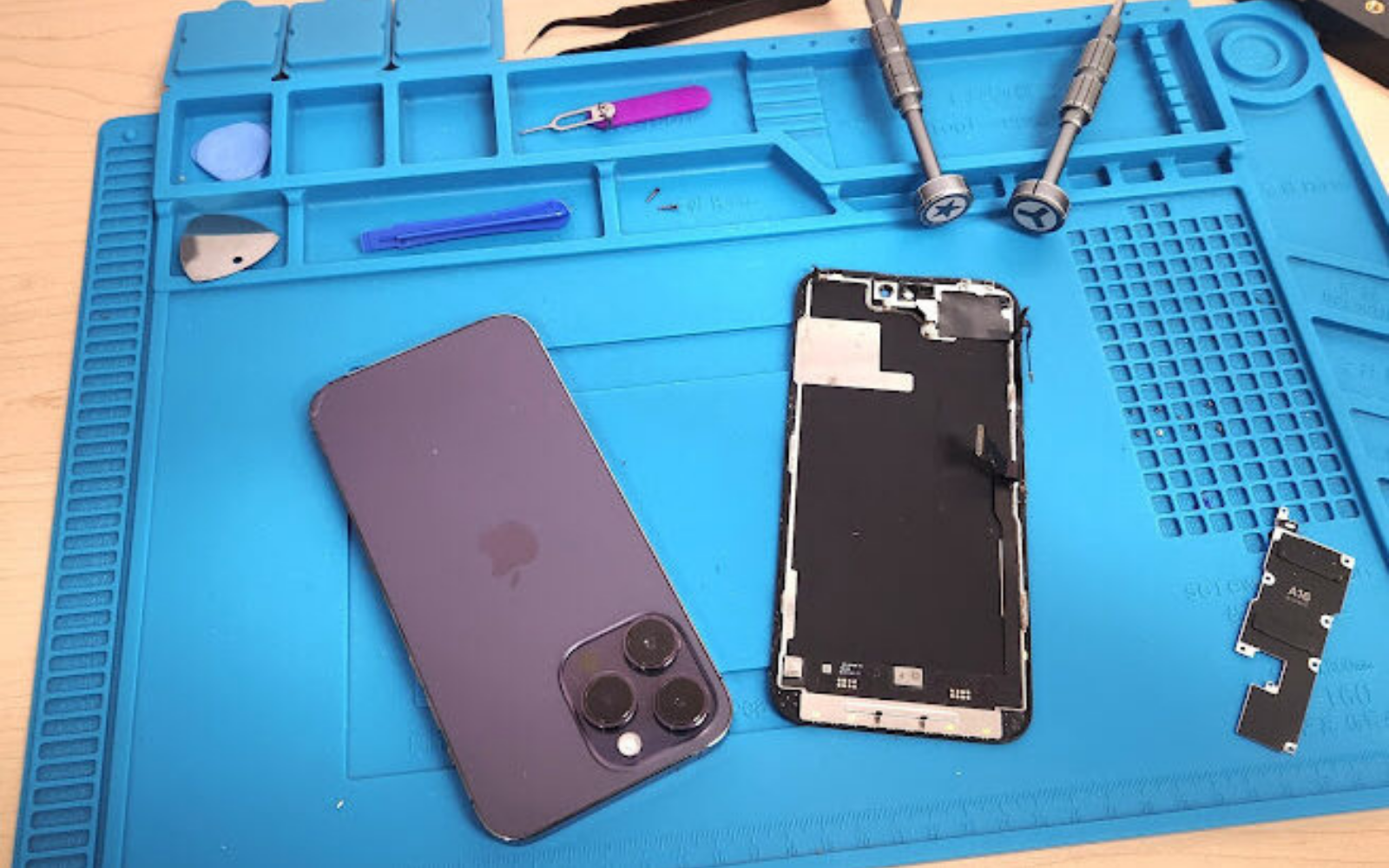
A phone that runs hot while idle — screen off, sitting on the desk — is still converting power into heat somewhere: charger negotiation, a background wake, a failing or shorted cell, corrosion on the charge path, or a board leak. Separate idle heat from load heat, eliminate the charger and cable first, then decide battery versus board, especially after a recent screen or battery job where shields and adhesives may be missing.
Last updated:
Digi4u supplies phone batteries, charging ports, chargers and related parts from Cardiff for UK technicians. Apple’s public guidance on devices that get too hot still starts with environment and charging behaviour; independent shops should honour that order before teardown. Shipping rules for standalone lithium cells remain on Digi4u’s delivery policy (DPD only, not Royal Mail).
How do you tell idle heat from load heat?
Load heat during navigation, games, camera use or wireless charging can be normal. Idle heat with the screen off, no case, and no obvious workload is the ticket that belongs on this page. Start unplugged on a cool desk, note where the warmth sits (upper SoC area versus lower cell / connector), and whether aeroplane mode or a forced restart changes it. Sun-soaked cars and radiator shelves create false “faults” — reproduce on the bench before you quote parts.
| Pattern | Likely branch | Next step | Stop / refer |
|---|---|---|---|
| Hot only while plugged in; cools unplugged | Charger / cable / port path | Known-good adapter + lead; inspect port | — |
| Hot idle unplugged; cools in aeroplane mode | Radio / software wake | Safe-mode / update / app audit | OS referral if no hardware skill |
| Hot idle unplugged; lower half; % drops fast | Battery internal resistance / fault | Health stats + visual swell check | — |
| Hot at plug-in instantly; high draw | Short / crushed cell / board | Stop charging; inspect liquid/impact | Board specialist if short holds |
| Hot after recent screen/battery job | Shield / adhesive / flex seating | Re-open checklist before new parts | Do not “another battery” blindly |
How do you eliminate the charger and cable?
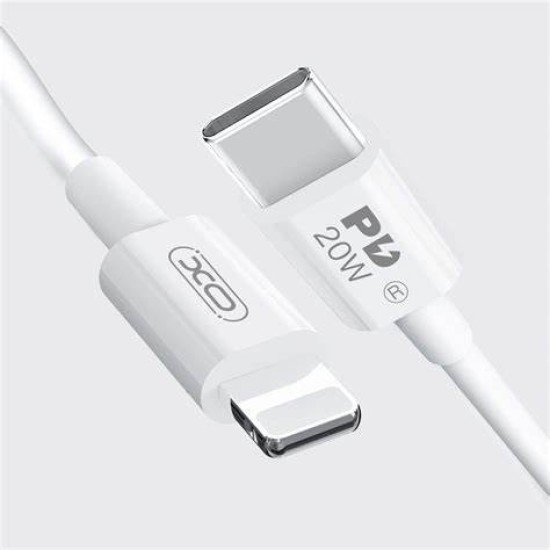
Accessory blogs correctly warn that poor chargers, wireless pads and thick cases raise charge temperature. For idle complaints, still prove the external path: known-good USB-C or Lightning lead, known wall adapter, no wireless pad, case off. If heat vanishes on the bench lead but returns on the customer’s brick, stop the hardware quote. If heat continues unplugged after a cool-down, the accessory is not the story — move to battery and board branches. Digi4u’s charger hub and cable hub are useful for staging known-good test gear and retail replacements, not as a substitute for measurement.
| External check | Pass | Fail |
|---|---|---|
| Customer phone cools unplugged on bench | Charge-path or environment likely | Stay on idle hardware branch |
| Known-good adapter + cable = normal charge warmth only | Customer accessory suspect | Inspect port / cell / board |
| Wireless pad removed = idle cool | Wireless inefficiency / misalignment | Continue wired idle tests |
| Case removed = idle cool | Thermal blanket / MagSafe plate | Hardware path remains |
When is idle heat a battery swell or internal fault?
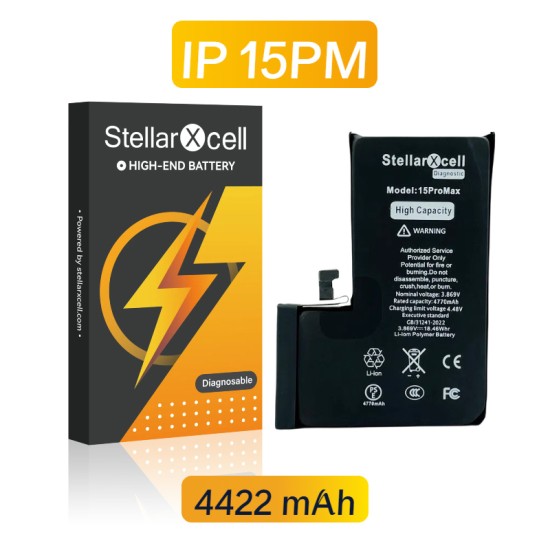
A worn or damaged cell turns current into heat through rising internal resistance. Clues include heat focused on the lower half, rapid percentage drops at idle, unexpected reboot, or visible back-glass lift. Stop charging a swollen pack; do not press a bowed frame flat. Stage a matched replacement only after connector and liquid checks — Digi4u’s iPhone battery hub is the usual shelf once the branch is proven. If corrosion sits under the adhesive, a new cell alone often fails; see battery after water damage.
iFixit’s Android overheating troubleshooting likewise flags faulty batteries and short circuits after basic environment and software steps — the same discipline belongs on iPhone and Pixel benches: do not freezer-cool a hot phone, and do not skip a visual swell check before ordering parts.
Why does heat appear after a screen or battery replacement?
Aftermarket screen and battery jobs can leave out graphite sheets, heat shields, screw grounding points or correct adhesive thickness. The phone then runs warmer at idle even when the new part is electrically fine. Technician forums repeatedly report overheating after poor LCD fits or missing shields — treat that as a rework checklist, not an automatic “defective battery” comeback. Re-open, compare against a donor or photo of OEM shield placement, reseat flexes, and only then stage another cell. If the customer’s complaint began the day after a prior shop’s glass job, document that history on the ticket before you inherit the blame.
| After-repair finding | Action | Unsafe promise |
|---|---|---|
| Missing graphite / shield vs donor | Refit thermal path; retest idle | “New OLED will run cool forever” |
| Pinched battery flex / folded cable | Reseat; check for nick/short | Leave on charge overnight to “test” |
| Liquid under new cell adhesive | Board inspection; rewrite quote | “Battery only, guaranteed” |
| Idle heat + boot loop after LCD | Display line / grounding check | Blind second battery |
What parts path and refuse criteria should shops use?
Quote diagnosis time first. Stage charger/cable retail only when the accessory fails the known-good test. Stage a battery when idle heat, health metrics and visuals agree. Move to port inspection when heat tracks with plug-in resistance — Digi4u’s charging-port hub and no-power diagnosis cover that fork. Refer board-level leakage when shorts persist after cell isolation.
Refuse or pause when the phone is hot enough to risk further damage and the customer demands “just leave it charging”, when a swollen pack must be pressed back into a warped housing, when liquid evidence is denied but indicators are tripped, or when a prior repair’s missing shields cannot be funded for rework. Early refusal is cheaper than a thermal incident on the counter.
What is the one rule for phone overheating when idle?
Reproduce idle heat on the bench, eliminate charger and cable, then branch battery versus board — and re-check shields after recent screen or battery work. Digi4u stocks the common UK battery, port and charger paths; treat board shorts and missing thermal hardware as quoted labour, not catalogue miracles. Related reading: battery after water damage and phone no power diagnosis.
FAQ
Why is my phone hot when I’m not using it?
Something is still drawing power: a charger left connected, background radios or apps, a failing battery, a resistive charging port, or a board leak. Test unplugged, case off, on a cool desk before assuming the worst.
Is it normal for a phone to get hot while charging?
Mild warmth while charging is common. Persistent uncomfortable heat, heat that continues after unplugging, or heat with a swollen back glass is not “normal” — stop using a damaged pack and get it checked.
Can a bad battery cause overheating when idle?
Yes. Rising internal resistance turns idle current into heat, often on the lower half of the phone, sometimes with fast drain. Confirm with health readings and a visual swell check before ordering a cell.
Why does my phone overheat after a screen replacement?
Missing heat shields or graphite, pinched flexes, poor grounding or adhesive stack issues can raise idle temperature even when the new display works. Rework the thermal path before blindly fitting another battery.
When should a shop refuse an overheating repair?
When the customer will not fund inspection after liquid or swell evidence, insists on charging a hot or bowed device overnight, or refuses rework of missing shields after a prior repair. Safety beats winning the ticket.