


MacBook Screen Replacement Parts UK: Panel, Lid and Cable Kits
Need this part? We stock tested replacement parts with same-day UK dispatch and a 12-month warranty.

Buying macbook screen replacement parts UK Mac shops can stand behind means choosing between a full lid assembly and a bare LCD, then matching the exact A-number before the clutch covers come off. Cable routing, hinge geometry and glass fragility differ across Air and Pro lines, and a wrong carton costs both courier fees and half a day of labour. This guide is written for Mac repair businesses that stock panels, quote labour separately and need a clear decision path from model lookup to QC.
Should Mac shops stock full lid assemblies or bare LCDs?
Stock full lids for speed; bare LCDs for rebuilds.
A complete display assembly swaps as a unit with cameras and cables already routed, while a bare panel demands more labour, more risk and a technician who already knows that generation’s adhesive and bracket layout.
Walk-in tickets that need same-day turnaround usually justify a full lid: fewer flexes to transfer, fewer chances to crease a display cable, and cleaner cosmetics around the camera board. Bare LCD stock suits shops that rebuild lids in batches, salvage good glass housings, or quote insurance jobs where parts budget is capped and labour is already booked. Digi4u, a Cardiff-based parts supplier since 2011, lists MacBook LCD and related display titles so purchasing can separate Air and Pro lanes instead of mixing silver and space grey cartons on one shelf.
Write “full lid” or “bare LCD” on the quote before the customer pays a deposit. That line prevents disputes when labour hours differ by a factor of two for what looks like the same cracked screen from the outside. Browse the live MacBook screen hub and the wider MacBook parts hub once the A-number is known.
How do Air and Pro cable and hinge layouts differ?
Air and Pro lids are not interchangeable cable families.
Flex lengths, connector orientations, hinge clutch covers and antenna routes differ enough that a Pro cable will not dress cleanly in an Air lid even when the diagonal matches.
MacBook Air assemblies often use thinner lids and different camera-board placements than same-year Pro machines. Pro lids may carry brighter panels, different cable counts and tighter hinge torques. Treating “13-inch grey LCD” as a universal bin is how shops burn panels during dry-fit. Apple’s own guidance on identifying Mac models remains the right first step before any parts order (Apple: Identify your MacBook model).
On the bench, photograph hinge covers and cable dress before removal. That photo becomes the assembly checklist. Digi4u category hubs for MacBook Air series and MacBook Pro series keep Air and Pro purchasing paths separate so junior staff do not pull the wrong year from a mixed shelf.
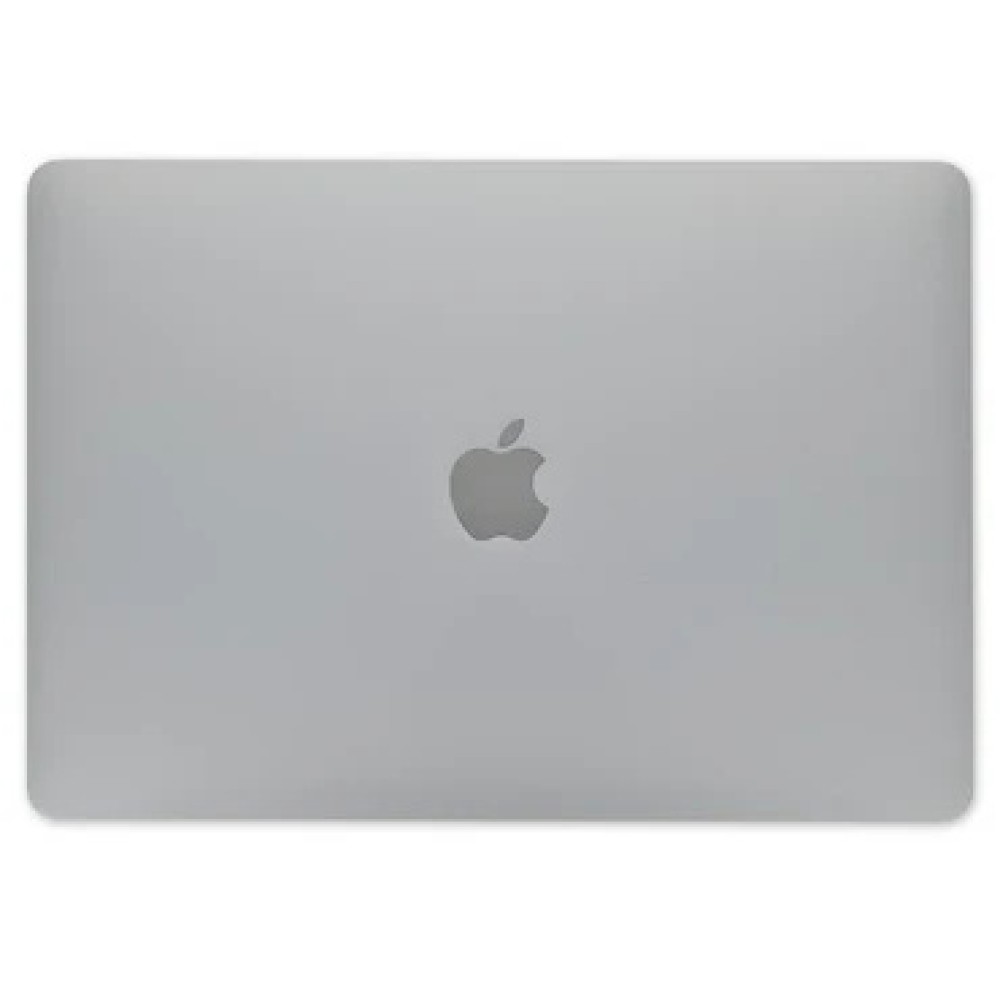
How do you match A-numbers to Digi4u listings?
Confirm A-number, year and colour before opening the carton.
Marketing names such as “13-inch MacBook Pro” span multiple A-numbers with incompatible panels, so About This Mac or the underside markings must drive the SKU choice.
Read the model identifier while the donor still boots (About This Mac / System Information) or from the case markings when it does not. Match that code to the supplier title character for character — A1502 is not A1706, and 2015 silver is not 2017 space grey even when both are 13-inch Pros. Apple documents how to find model information for support and service contexts (Apple: Find the model name and serial). Digi4u listings that already include the A-number in the title should be treated as the specification; do not assume colour or year from the thumbnail alone.
For a worked example of one Air generation already covered on the Digi4u blog, see the MacBook Air A2337 screen replacement deep-dive after you finish the stocking logic in this guide.
| Decision | Choose full lid when… | Choose bare LCD when… |
|---|---|---|
| Turnaround | Same-day or walk-in promise | Batch rebuilds with spare lids |
| Risk tolerance | Junior tech on the ticket | Senior tech, known generation |
| Cosmetics | Camera/mic must look factory | Housing already scarred / salvage |
| Parts budget | Customer pays assembly premium | Insurance or cost-capped quote |
Flexgate-era cable stocking notes for UK benches
Some 2016–2019 Pro generations are associated with display cable flex failures that show as flickering or a blackout when the lid angle changes. Shops that still see those machines should stock spare display cables alongside panels, not only full lids.
A flickering lid that clears when the display is propped at a particular angle is a cable-path clue before you condemn the LCD. Dry-fit a known-good cable when your process allows, or quote a cable-inclusive labour path when the customer declines a full assembly. Keep cables labelled by A-number; flex lengths are not universal across “13-inch Pro” years. Third-party teardown references such as iFixit’s MacBook Air device hub help new technicians learn cable dress without treating any single blog as a certification.
Do not invent failure-rate statistics on invoices. Describe the observed symptom, the test you ran, and the part you propose. That language stays honest when a cable fix restores the image and when it does not.
What QC catches backlight bleed and dead pixels?
Open-lid optical tests catch most defects before torque.
Full white, full black, mid-grey and maximum brightness checks should happen on a known-good logic board path before adhesives fully cure and before the customer sees the machine.
On arrival, inspect glass for transit pressure marks, photograph the SKU label, and check flex tips for crease. Power the assembly when your jig or donor board allows. Walk for dead pixels on white, glow or uneven blacks on OLED-era panels, and corner bleed on LCD lids. Move the lid through its travel while watching for flicker that implicates the cable rather than the LCD. Apple Parts and Service History messaging can also appear after nongenuine parts are fitted on some devices; treat any notice as a disclosure item, not a surprise at handback (Apple: Parts and Service History).
Only after optical and cable-path checks pass should final clutch-cover screws and adhesive cure proceed. Closing early to “save time” is how bleed tickets re-enter the same week.
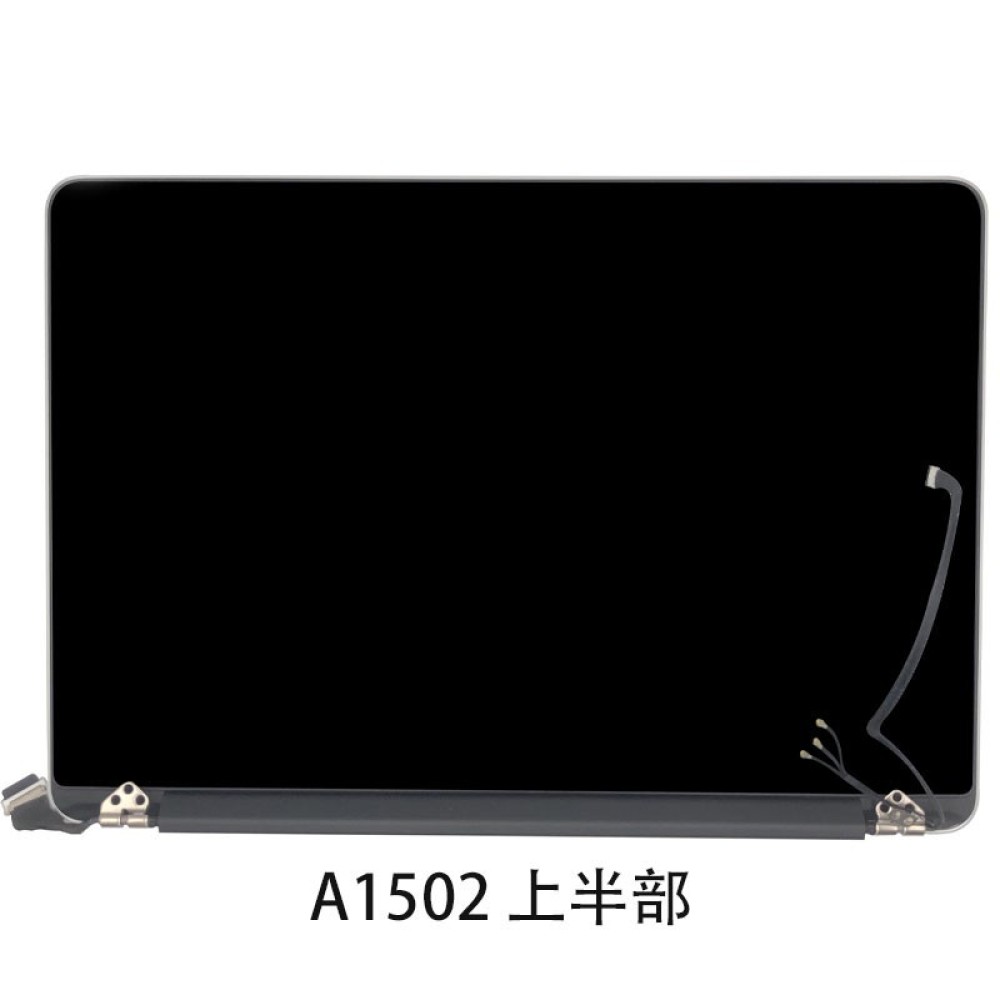
How should UK shops handle fragile glass-lid shipping?
Glass lids need rigid packing and careful courier choice.
Digi4u aims for same-day dispatch on orders placed before 16:00 Monday to Friday, with weekend and late-Friday orders going out the next working day; shops should still plan receiving QC for glass pressure marks.
According to Digi4u’s public delivery policy, Standard Royal Mail 48 Tracked for non-battery orders is available with free shipping over £100 on that method, while orders containing standalone batteries must travel by DPD and are not carried by Royal Mail. Mixed baskets that include standalone lithium follow the DPD path. Next-day DPD free thresholds are higher and zone-dependent; Zone 2 (Highlands, Islands, Northern Ireland, Republic of Ireland, Isle of Man, Channel Islands) has different DPD pricing and next-day is not guaranteed. Full detail lives on the live Digi4u delivery policy.
Keep original foam and trays when returning DOA lids. Photograph packaging on arrival. For lithium carriage context when a battery travels with a lid in the same basket, UK aviation guidance on batteries remains a useful staff-training reference (UK CAA battery guidance; IATA Dangerous Goods Regulations overview).
Cross-link: A2337 deep-dive for Air benches
Generation-specific install detail belongs on dedicated posts, not in every stocking guide. For MacBook Air A2337 (M1, 2020) panel work — fastener maps, cable notes and common failure modes — use Digi4u’s existing A2337 screen replacement article after you have confirmed the A-number and chosen full lid versus bare LCD here. That split keeps this page focused on commercial parts selection while the deep-dive owns the bench sequence.
If your ticket is a different Air or Pro A-number, return to the series hubs rather than forcing A2337 steps onto the wrong chassis. Wrong torque maps crack new glass as efficiently as wrong SKUs.
Which tools and torque habits protect a lid swap?
Correct bits, torque and cable dress prevent install damage.
Stripped clutch screws and pinched display cables are shop-induced failures, not supplier defects, when photos show clean glass on arrival.
Use the driver set and pentalobe/tri-point bits specified for that generation; do not substitute worn tips. Support the lid so glass never rests on the keyboard deck during cable work. Route antennas and camera cables exactly as photographed on teardown. Torque clutch covers evenly; one overtightened corner can show as pressure banding later. Apple Self Service Repair materials, where available for a given model and region, outline genuine-channel tooling expectations without implying Digi4u is an authorised Apple programme partner (Apple Self Service Repair). Digi4u’s about page states the company’s UK parts positioning for shops that need a supplier context line on invoices.
Conclusion
Full lid versus bare LCD is a labour and risk decision, not a thumbnail decision. Match A-numbers and colours, separate Air and Pro cable families, run optical QC before final torque, and pack glass lids for fragile transit. Digi4u’s UK MacBook catalogue and weekday 16:00 dispatch cut-off give shops a practical way to replenish those lanes without inventing compatibility the listing does not claim.
Screen kits and battery packs are separate SKU lanes; for A-number battery matching and DPD lithium rules, see MacBook battery replacement parts UK.
When the ticket is a Pro lid rather than a general Mac panel, use MacBook Pro screen parts UK — lid assemblies and A-numbers.
FAQ
Should UK Mac shops buy full lid assemblies or bare LCDs first?
Most UK counters stock full lid assemblies for current Air and Pro walk-ins that need fast turnaround, and keep bare LCDs only when they rebuild lids in batches. Full lids reduce cable-transfer risk for junior technicians. Always match the A-number and colour before ordering.
How do I confirm the correct MacBook screen A-number?
Use About This Mac or System Information while the machine boots, or read the underside model markings when it does not. Match that A-number and year range to the supplier title character for character. Do not order from screen size or marketing name alone.
What QC checks catch backlight bleed after a MacBook lid swap?
Test full white, full black, mid-grey and maximum brightness before final torque. Move the lid through its travel to spot cable flicker. Photograph the panel SKU and any transit marks on arrival so DOA versus install damage stays clear.
Can Digi4u ship MacBook screen parts same day in the UK?
Digi4u aims for same-day dispatch on orders placed before 16:00, Monday to Friday, from its Cardiff base. Weekend or after-Friday-16:00 orders go out the next working day. Non-battery screen orders typically travel Royal Mail 48 Tracked; baskets with standalone lithium batteries use DPD only.
When is a flickering MacBook display a cable issue rather than the LCD?
Flicker that changes with lid angle often points to the display cable path on Flexgate-era and similar designs. Dry-fit or quote a cable-inclusive path before condemning a new panel. Keep spare cables labelled by A-number rather than by screen size alone.
