


Order a screen with frame when the existing housing is damaged or when the model-specific assembly reduces the need to separate and bond the display. Order without frame when the housing is straight and reusable and the technician has the tools and process to bond the new screen correctly. The cheaper part is not automatically the cheaper repair once labour, adhesive and rework are counted.
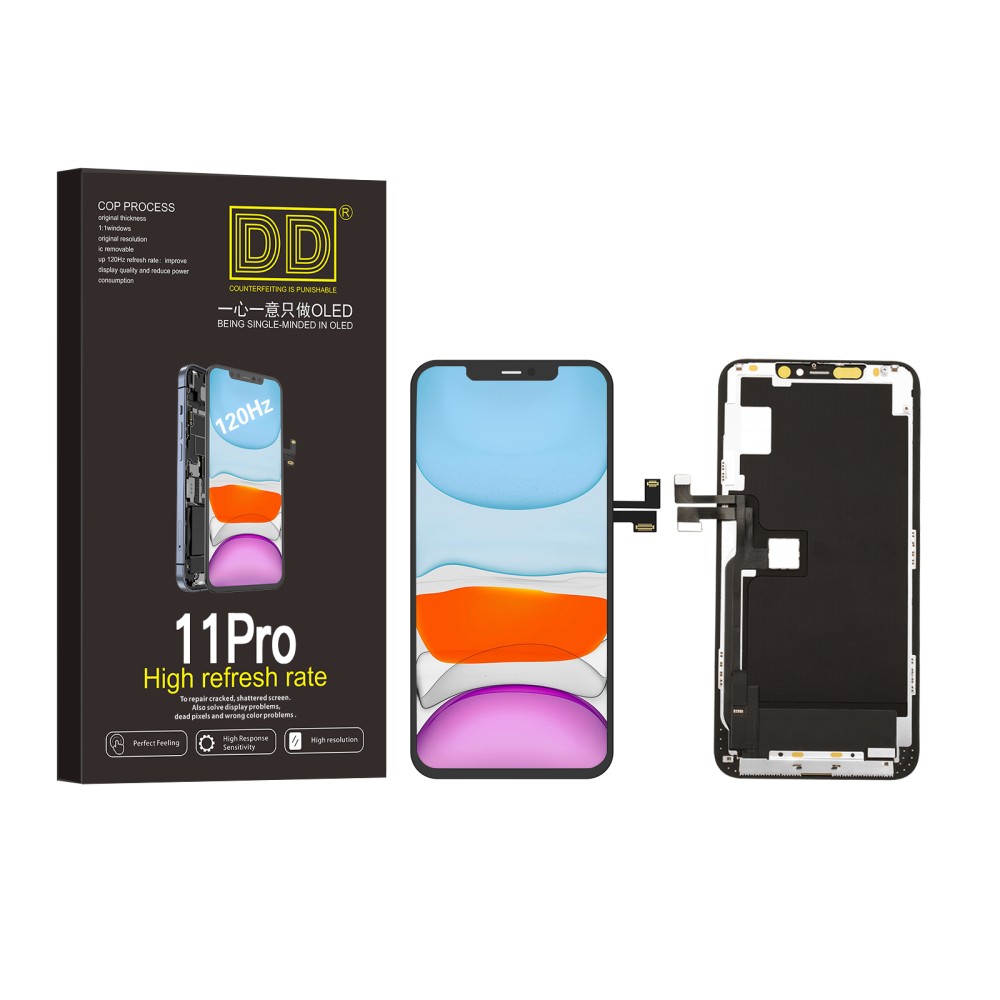
The practical difference
A with-frame screen arrives attached to a replacement mid-frame or housing component defined by the listing. A without-frame screen supplies the display assembly for bonding into the existing frame. Included brackets, seals and small parts vary, so neither phrase tells you everything in the box. Compare the component list and photographs before ordering.
Inspect the existing housing
Check corners, rails, screw points, adhesive landings and signs of twist. A bent frame can place pressure on a new display, create gaps and cause repeat damage. Minor residue is a preparation task; structural distortion is a repair decision. Do not force a new screen into a housing simply because the old one still sits there.
When a screen with frame helps
It can reduce display-separation and bonding work and can replace a damaged seating surface. It may also provide more consistent alignment for technicians familiar with the model. However, more internal components may need to be transferred, and colour, antenna arrangement, small brackets and regional variations must match the phone.
When without frame is appropriate
It can suit a straight, reusable housing and a shop equipped to remove adhesive, prepare the surface, align the panel and apply the specified bond. It may reduce part cost and preserve more of the original housing. The trade-off is increased preparation and the risk of uneven seating, contamination or adhesive failure.
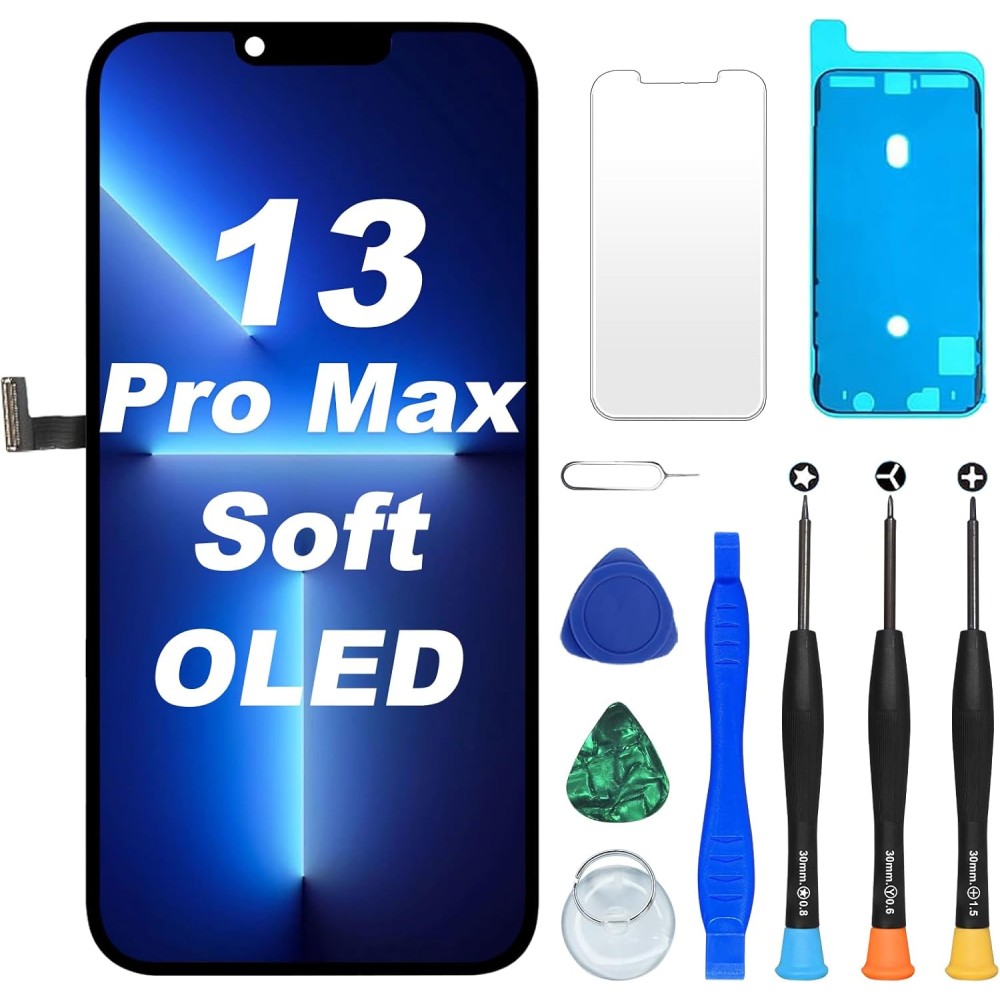
Compare total repair work
List every transfer, adhesive step, cleaning task and test. Include technician time, damaged-frame risk and the cost of reopening a poor bond. A with-frame part that requires extensive component transfer is not automatically faster; a without-frame part fitted to a bent housing is not a saving. Use a model-specific workflow estimate.
Compatibility checks
Confirm model name, A-number, colour, connector, frame variant, network or regional differences where relevant, included components and screw/bracket positions. Review the repair manual before choosing. Apple’s Self Service Repair resources demonstrate that display procedures and supplied parts differ by model.
Test before adhesive or final assembly
Connect and test image, touch, brightness and sensors while protecting flexes and return condition. For a with-frame unit, also check transferred components and physical alignment. For a without-frame unit, dry-check seating without applying damaging pressure. Final sealing comes only after both function and fit pass.
Choose and document the part
Consumers should ask the technician which approach is included in the quote. Repair shops should record frame condition, selected assembly and required transfers. Start with Digi4u’s iPhone screen category, then use the exact listing—not the category photograph—to confirm whether the product includes a frame.
Turn the guidance into a controlled repair decision
For an individual buyer: identify the exact model, decide which result matters and ask the installer to describe the proposed part in writing. Do not buy from a photograph, screen size or headline claim alone. If the repair involves opening a powered device, delicate security hardware or a display assembly, use a competent technician rather than treating the purchase as the complete repair.
For a repair business: attach the supplier SKU and stated specification to the job, record the device condition before disassembly and use the same acceptance test for every sample in that grade. Customer paperwork should name the selected option and any known limitation. When a result differs from the approved specification, pause the job and preserve evidence instead of improvising a workaround that makes the original fault harder to assess.
Evidence to keep with the job
- Device model name, A-number and reported symptom.
- Order reference, supplier SKU, grade and frame or bundle option.
- Photographs of the received part, connectors, seals and pre-existing damage.
- Results of the open functional test before films or final adhesive are disturbed.
- Any warning, setting, diagnostic result or customer-approved trade-off.
- The current product listing and returns procedure used for the decision.
This record is useful even when the repair succeeds. It lets the shop compare repeat performance by SKU, identify installation training needs and distinguish a product trend from an isolated device fault. Do not convert internal observations into public defect-rate or performance claims until the sample size and test conditions are documented.
Common questions
Does a screen with frame always make the repair easier?
No. It can reduce bonding work but may require more component transfers. Compare the model-specific workflow.
Can a frameless screen be fitted to a bent housing?
It should not be forced into one. Distortion can create gaps, pressure faults and repeat damage.
What should the quote specify?
State whether the screen includes a frame, which components are transferred, the grade fitted and the expected functional result.
