


Incell, FOG and OLED do not form a simple best-to-worst ladder. Incell and OLED describe display construction, while FOG is commonly used in the repair trade for a flex-on-glass or semi-finished display component that may require further assembly. Because sellers use terminology differently, buyers should verify what is included, which model is supported and what work remains before fitting.
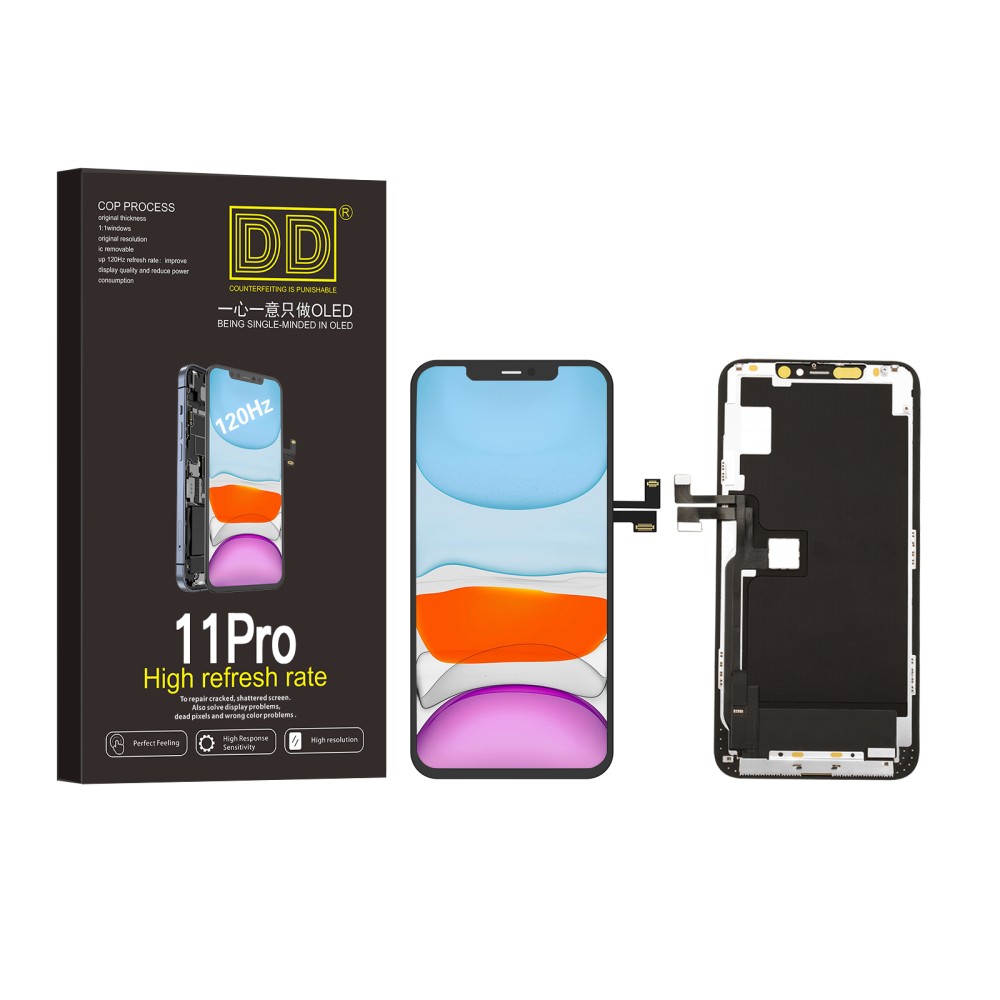
Start with the part, not the label
Ask whether the listing is a complete screen assembly, a panel without frame, or a component intended for refurbishment. An incell assembly may be ready for a normal screen replacement; a FOG item may be intended for specialist refurbishing; an OLED assembly may be hard or soft construction. The product photograph is supporting evidence, not the specification.
What incell usually describes
Incell LCD integrates touch sensing within the LCD stack, allowing a thinner assembly than some traditional LCD designs. It still uses a backlight, so black level and construction differ from OLED. For an originally OLED phone, an incell replacement can be a budget-led alternative only when the listing confirms support and the owner accepts possible differences in thickness, display area, brightness and power behaviour.
What FOG means in repair supply
FOG commonly refers to a display component where the driver flex is bonded to glass. It may not include every layer, frame, backlight or small part required for a complete repair. It belongs primarily in a refurbishment workflow with appropriate lamination, alignment, dust control and testing equipment. Do not order a FOG component as though it were automatically a plug-in screen assembly.
What OLED tells you—and what it does not
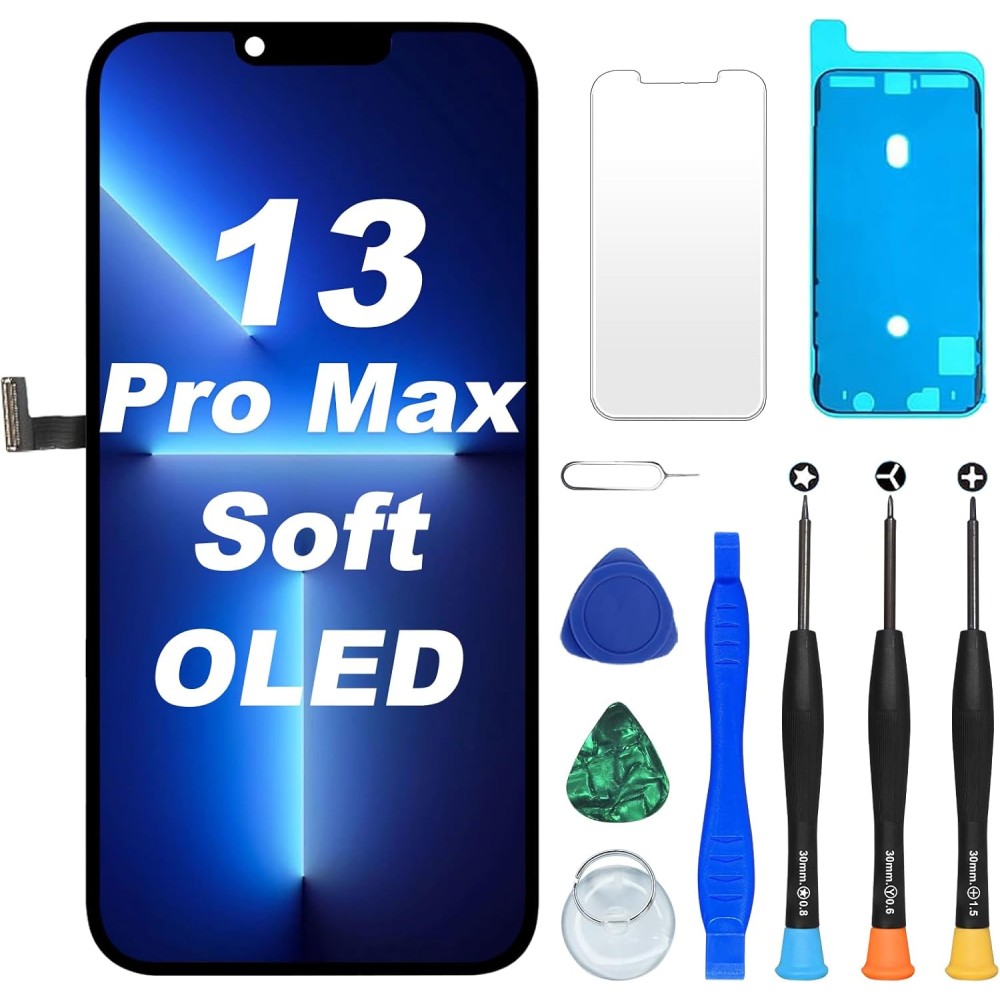
OLED pixels emit their own light, enabling deep blacks and a different physical stack from LCD. Aftermarket OLED may use flexible or rigid substrates, but the OLED label alone does not establish brightness, touch quality, impact tolerance or refresh support. Compare the exact SKU and supplier definition instead of assuming every OLED part performs alike.
Compatibility and workflow checks
Verify the model and A-number, connector, frame option, sensor brackets, transferred components and software steps. Also verify the buyer’s capability: a repair shop equipped for complete assemblies may not have the tools or clean process required for FOG refurbishment. Apple’s Self Service Repair resources illustrate why model-specific procedures matter.
Use a controlled test
Before sealing, inspect for transit damage and test the whole touch grid, image, brightness, dark content, viewing angle, proximity sensor and model-relevant refresh behaviour. Compare samples from the same SKU, not one incell product against a different model’s OLED. Record failures by SKU and fault type so purchasing decisions use evidence rather than technician memory.
Choose by repair scenario
An informed consumer usually needs a complete compatible assembly, not a FOG component. A general repair shop may offer documented incell and OLED grades for different budgets. A specialist refurbisher may buy FOG components because it controls the remaining assembly steps. The correct choice depends as much on process capability as on display technology.
Questions to ask before ordering
Ask what the box contains, which layers are new, whether a frame is fitted, which original functions are supported, what pre-installation test is expected and which return conditions apply. Browse Digi4u’s iPhone screen range only after identifying the exact device, and request clarification when “FOG”, “incell” or “OLED” is used without an assembly description.
Turn the guidance into a controlled repair decision
For an individual buyer: identify the exact model, decide which result matters and ask the installer to describe the proposed part in writing. Do not buy from a photograph, screen size or headline claim alone. If the repair involves opening a powered device, delicate security hardware or a display assembly, use a competent technician rather than treating the purchase as the complete repair.
For a repair business: attach the supplier SKU and stated specification to the job, record the device condition before disassembly and use the same acceptance test for every sample in that grade. Customer paperwork should name the selected option and any known limitation. When a result differs from the approved specification, pause the job and preserve evidence instead of improvising a workaround that makes the original fault harder to assess.
Evidence to keep with the job
- Device model name, A-number and reported symptom.
- Order reference, supplier SKU, grade and frame or bundle option.
- Photographs of the received part, connectors, seals and pre-existing damage.
- Results of the open functional test before films or final adhesive are disturbed.
- Any warning, setting, diagnostic result or customer-approved trade-off.
- The current product listing and returns procedure used for the decision.
This record is useful even when the repair succeeds. It lets the shop compare repeat performance by SKU, identify installation training needs and distinguish a product trend from an isolated device fault. Do not convert internal observations into public defect-rate or performance claims until the sample size and test conditions are documented.
Common questions
Is FOG a complete replacement screen?
Not necessarily. FOG often describes a semi-finished flex-on-glass component for specialist refurbishment, so verify every included layer and component.
Is incell the same as OLED?
No. Incell is an LCD construction with integrated touch sensing; OLED pixels emit their own light.
Who should buy a FOG component?
Usually a specialist refurbisher with appropriate lamination, bonding, dust-control and testing capability—not a buyer expecting a plug-in assembly.
