


How to Make Your New Smartphone Last for Years: A Practical Maintenance Guide
Need this part? We stock tested replacement parts with same-day UK dispatch and a 12-month warranty.
Posted on by digi4u
When you buy a new smartphone, you’re not just paying for performance—you’re investing in a device that should ideally serve you well for several years. However, like any piece of electronics, a phone is made up of components that naturally wear down over time. Understanding which parts are most vulnerable—and how to maintain them properly—can significantly extend the lifespan of your device.
Below is a component-focused guide, written from a practical repair perspective, to help you keep your phone in optimal condition for as long as possible.
1. Battery
The battery is one of the first components to degrade in any smartphone. Lithium-ion batteries have a limited number of charge cycles, and their capacity gradually decreases over time. Common issues include faster battery drain, unexpected shutdowns, overheating, or even swelling in extreme cases.
To slow down battery degradation, avoid frequent deep discharges (letting the battery drop to 0%) and overcharging for extended periods. Keeping the charge level between 20% and 80% is ideal for long-term health. Heat is another major factor—avoid using your phone heavily while charging or exposing it to high temperatures, such as leaving it in a car under direct sunlight.
From a repair perspective, battery replacement is one of the safest and most effective ways to restore performance. For DIY users, as long as the battery is not punctured or swollen, a controlled replacement is generally safe. However, if you notice any swelling after opening the device, it’s best to stop and consult a professional.
2. Display (Screen Assembly)
The display is both the most interacted-with and the most fragile component. Over time, screens may develop scratches, reduced brightness, touch sensitivity issues, or even dead pixels. Physical damage like cracks is also extremely common.
Using a high-quality tempered glass protector can significantly reduce the risk of scratches and cracks. Pairing this with a shock-absorbing case helps minimize damage from drops. In terms of usage habits, avoid applying excessive pressure to the screen and keep it clean from dust or moisture that could affect touch performance.
If a screen replacement becomes necessary, keep in mind that some devices (especially iPhones) may display “non-genuine part” warnings after replacement. Advanced repair techniques, such as IC chip transfer, can resolve this—but these are not beginner-level operations.
3. Charging Port (Connector)
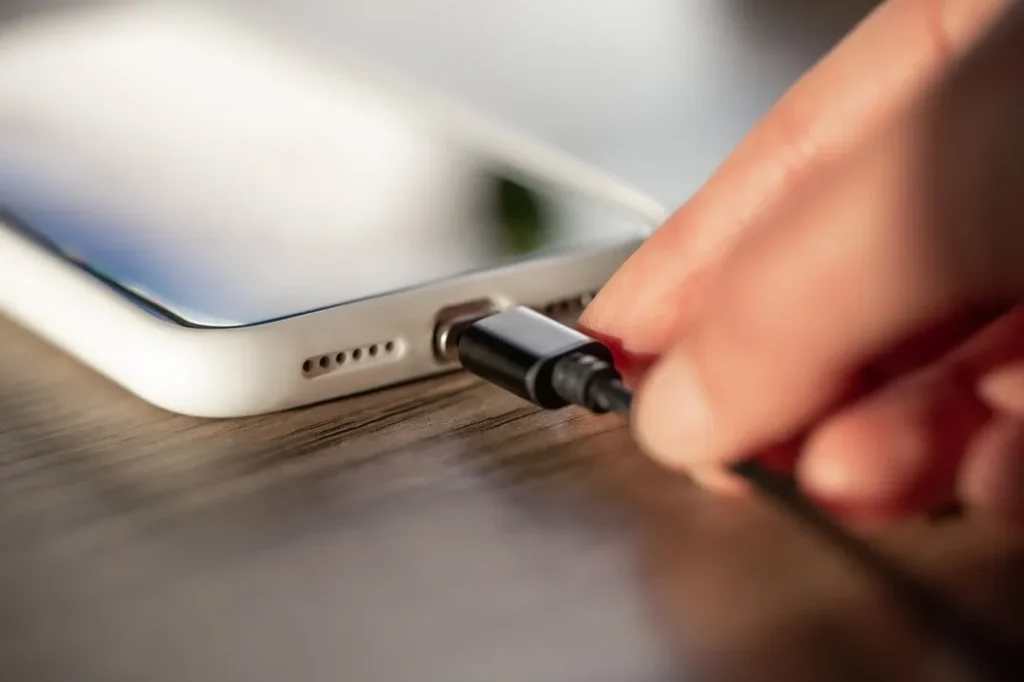
The charging port is a high-wear component due to frequent plugging and unplugging. Over time, dust, lint, and debris can accumulate inside the port, leading to poor connections, slow charging, or intermittent charging issues.
To maintain the charging port, periodically inspect and clean it using non-metal tools such as a wooden toothpick or a soft brush. Avoid forcing the charging cable into the port, especially if resistance is felt, as this can damage the internal pins.
Another key point is to use high-quality charging cables and adapters. Cheap or poorly manufactured accessories can cause unstable current flow, which not only affects charging efficiency but can also accelerate battery wear.
4. Camera Module
Smartphone cameras are precision components that can degrade due to dust intrusion, scratches on the lens, or internal hardware issues. Symptoms include blurry images, focusing problems, or visible spots in photos.
To protect the camera, avoid placing your phone on rough surfaces that can scratch the lens. A case with a raised camera lip or a dedicated lens protector can help prevent direct contact with surfaces. Regularly cleaning the lens with a microfiber cloth also ensures optimal image quality.
If camera issues arise, proper diagnosis is essential. Not all problems require full module replacement—sometimes the issue is as simple as a loose connector or external obstruction.
5. Buttons (Power & Volume Keys)
Physical buttons are subject to mechanical wear over time. Frequent use can lead to reduced responsiveness or complete failure, especially if dust or moisture enters the internal switch mechanisms.
To extend their lifespan, avoid excessive force when pressing buttons. Using on-screen alternatives (such as assistive touch features) can reduce physical wear. Keeping the device away from moisture is also critical, as liquid ingress can quickly damage button contacts.
When buttons fail, repair often involves replacing the flex cable assembly, which requires partial disassembly of the device.
6. Speaker & Microphone
Audio components like speakers and microphones are vulnerable to dust, moisture, and debris. Over time, this can lead to muffled sound, reduced volume, or poor call quality.
Routine cleaning of speaker grilles with a soft brush can prevent buildup. Avoid exposing your phone to water unless it is officially rated for water resistance—and even then, long-term exposure can still cause internal corrosion.
If audio issues persist, it’s important to distinguish between software-related problems and hardware damage before replacing components.
7. Internal Connectors & Flex Cables
Inside the phone, various components are connected through delicate flex cables. These connectors can loosen over time due to drops, thermal expansion, or repeated repairs.
While this is not something users interact with directly, careful handling during any DIY repair is critical. Always disconnect the battery before working on internal components to avoid short circuits. Improper handling is a common cause of secondary damage during repairs.
Final Thoughts
Extending the life of your smartphone is not about avoiding wear entirely—it’s about managing it intelligently. Each component has its own failure pattern, but with proper usage habits and preventive maintenance, you can significantly delay these issues.
From a repair professional’s perspective, the key is simple: diagnose before replacing, maintain before repairing. A well-maintained phone not only performs better but also reduces long-term repair costs.
If you’re considering DIY repairs, start with simpler components like batteries or screens, and always use reliable parts and proper tools. With the right approach, keeping your phone running smoothly for several years is entirely achievable.



