


Google Pixel Battery Replacement: Matching the Cell to the Model
Need this part? We stock tested replacement parts with same-day UK dispatch and a 12-month warranty.

Pixel repairs are a small share of the UK market and a growing one, and the battery is the job most likely to bring one into a shop. The devices are kept for years, the cells are not especially expensive, and the alternative for the customer is a handset that will not last a day.
The ordering is where shops come unstuck. Pixel naming hides several distinct models and generations, and a battery for one will not fit another even when the frame looks identical.
How do you find the right battery for a Pixel?
By the model code, not the family name.
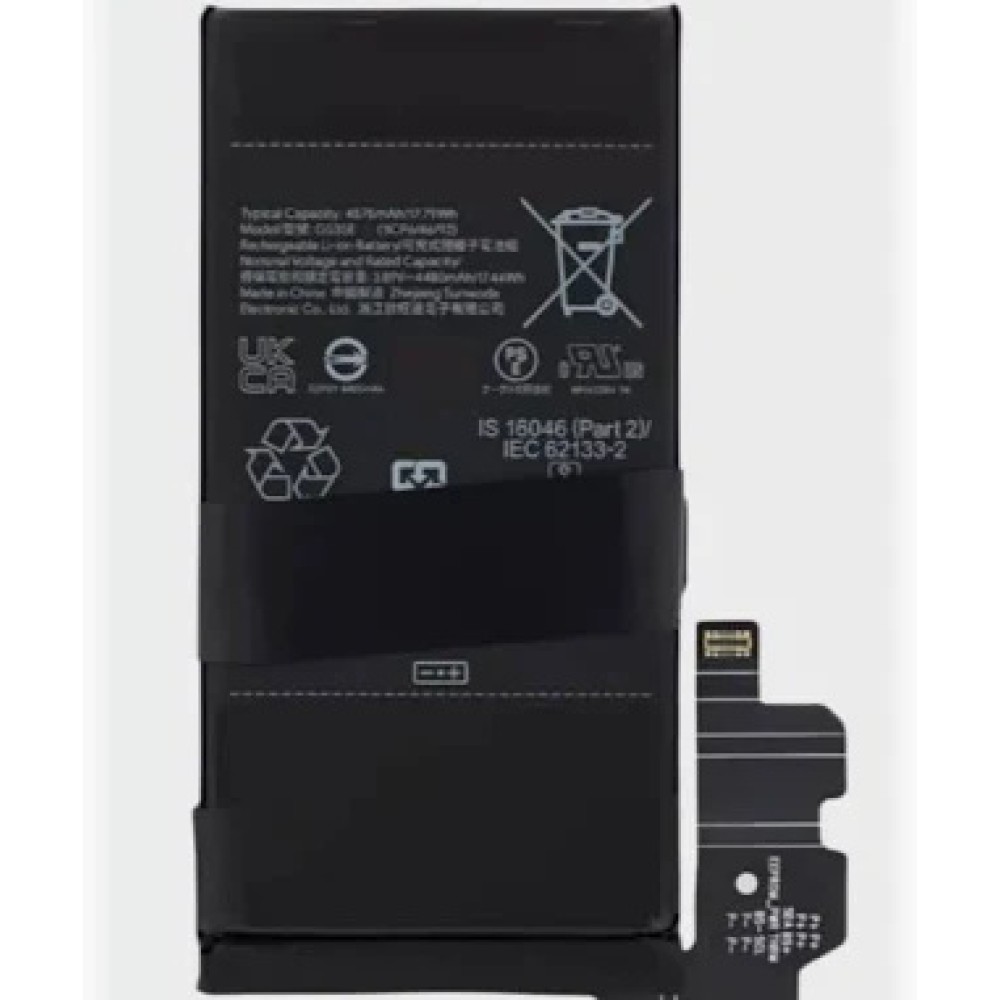
Pixel models are sold as a standard, a Pro and an A-series within each generation, and the batteries differ in capacity and connector between them. The model is shown in Settings, About phone, and the regulatory label carries the variant code.
The same identification discipline applies here as anywhere else, and it is described in the identification discipline used on any brand. On a Pixel, the difference between a Pixel 9 and a Pixel 9 Pro is a different cell as well as a different screen.
Which Pixel models come in for battery work?
The earlier generations and the A-series, most often.
Pixel 6 and 7 devices are now old enough to need a cell, and the A-series models sold in volume were often bought on price and kept for a long time. Newer devices appear under warranty or accidental damage cover rather than as battery jobs.
That mix matters for stock. Holding one cell per generation for the models that actually arrive is worth more than a broad shelf, and the reasoning behind it is the same as on any other range, as described in a stock plan built on evidence.
What does a Pixel battery replacement involve?
Heat, a glued cell, and a display that comes off first.
On most Pixels the battery is reached by removing the rear cover or, on some models, the display, and the cell is bonded to the chassis with adhesive. The work is comparable to a Samsung or iPhone battery job rather than being unusual.
The differences are in the details: the adhesive coverage, the routing of the flex, and on some models the presence of a wireless charging coil sitting close to the cell. Knowing which access route applies saves an unnecessary dismantling step.
Why does the fingerprint reader matter on a Pixel battery job?
Because the reader is under the display on most models.
Pixel devices from the 6 series onwards use an under-display optical fingerprint sensor, which means the reader is part of the display assembly rather than a separate component. A battery replacement does not disturb it, but a display removal that goes wrong can.
That is one reason the Pixel screen repair process is so dependent on the assembly choice, as described in sourcing Pixel panels in the UK. Where a battery job also requires the display to come off, the reader should be tested before the device is closed.
How much does a Pixel battery replacement cost?
Modest against the value of the device in most cases.
The cell is inexpensive relative to a screen, and the labour is an hour or so of careful work. On an older Pixel where the device is worth little, the arithmetic can still work because the alternative is a replacement handset.
What customers should compare is what is included: which cell, whether the gasket is replaced, and what warranty applies. Pricing the job from the part cost alone underprices the labour, and the structure that avoids that is described in pricing a repair so the parts margin survives.
Charging rates differ across the range as well, and it is worth knowing what the device should be doing. A standard Pixel and a Pro model do not necessarily draw the same wattage from the same charger, and the A-series models are different again, so the comparison should always be made against the model’s own specification rather than against a generic expectation.
What should be tested after the swap?
Charging, fast charging, temperature, report.
Charging and fast charging confirm the connector is seated and the device is negotiating properly. Temperature during a charge cycle confirms the cell is behaving, and the reported battery information confirms the device is reading it.
On models where the display was removed for access, the fingerprint reader and touch should be tested as well. A battery job that leaves a sensor malfunctioning is a return, and the test takes seconds while the device is still open.
Does the Pixel report battery health like an iPhone?
Not in the same place, and not in the same form.
Pixel devices report battery information through the settings, and the useful test remains behavioural: charge the device, run it down, and confirm that the shutdown pattern has gone. That is the evidence that matters when the repair is discussed afterwards.
Photographing the reported figure at intake and again after the repair is the practical way to record the outcome. That is the same discipline that applies when a device reports a part it cannot verify, described in what the device reports about a fitted part.
How do you remove a Pixel cell safely?
Softening the adhesive and working with plastic cards.
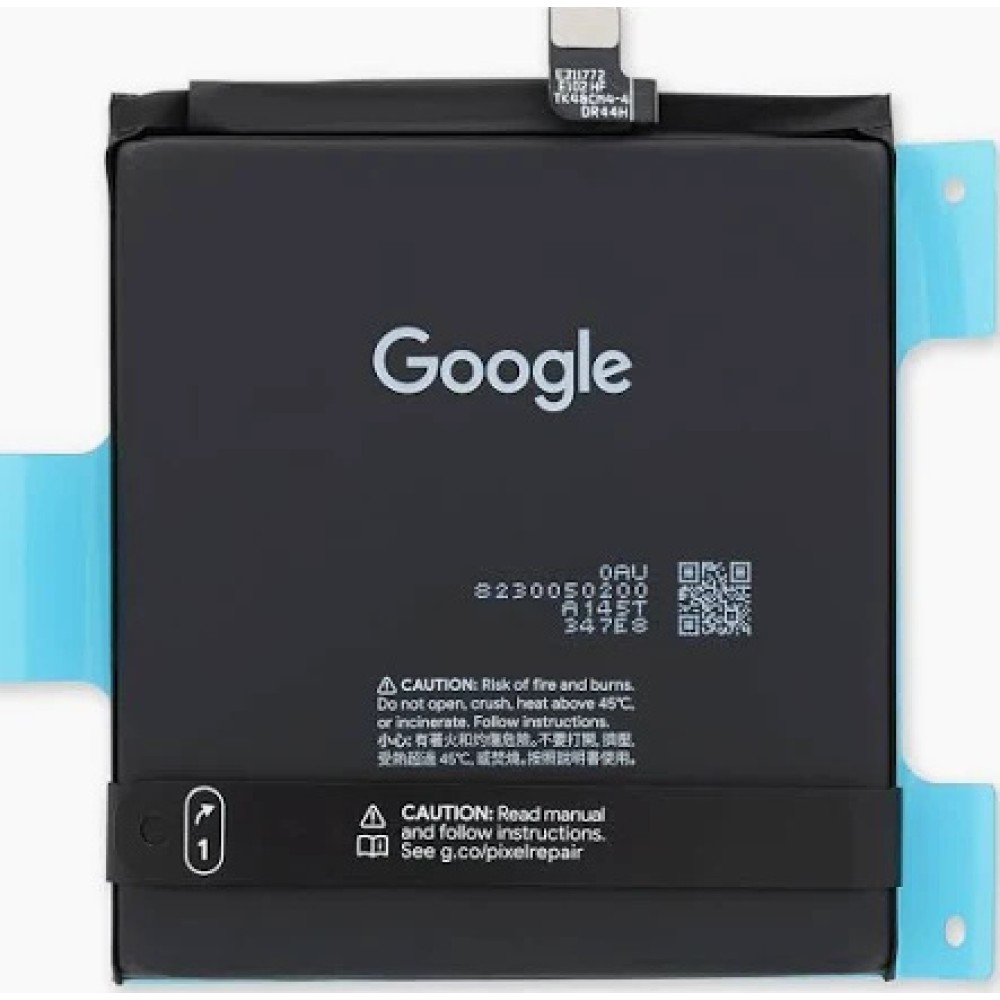
The adhesive runs across the whole footprint of the cell, so the technique is the familiar one: warm the chassis, apply solvent at the edge, work a card underneath and stop the moment resistance increases. Force is what punctures a lithium pouch.
Where the cell has already swollen, the case may have lifted and the frame may be distorted. Those devices should be handled as a safety matter rather than a repair, and the handling rules are described in avoiding damage to the battery connector.
What should the customer be told before the repair?
Which cell, what it costs and what the device will report.
The battery conversation is easier when it is framed around behaviour rather than a percentage: the device will hold a charge again and stop shutting down under load. Where a message may appear afterwards, saying so at the counter turns a surprise into information.
Retail customers keep their rights on the finished work under the Consumer Rights Act 2015, and Google’s own service options are published at Google’s repair page, which is useful context when a customer is comparing routes.
Access differs by generation, and it is worth knowing before the device is opened. Some models come apart from the rear, which keeps the display out of the job entirely. Others require the panel to be lifted, which adds a bonded display removal to what the customer believes is a battery repair. Confirming which applies takes a minute and changes the quote.
Charging behaviour after the repair is worth setting expectations around. A Pixel that charged slowly before the swap was usually reporting a cell problem rather than a charger problem, but a worn cable or an under-rated adapter will still limit the rate afterwards. Testing with a known-good charger and cable before handover separates the two.
A swollen cell changes the job. The case may have lifted, the frame may be distorted and the display may already be under pressure from behind, which means the repair may not restore the shape of the handset. Those devices are handled as a safety matter first, and the customer should hear that before the quote rather than after it. It is a short conversation, and it is the difference between a repair and a dispute.
Parts availability is the second habit worth building. Pixel volumes in the UK are smaller than Apple’s, so a cell that is in stock this month may not be next month, and confirming availability before quoting a date is the difference between a repair and an apology. Where a supplier offers to order it in, that lead time belongs in the customer conversation.
What about Pixel A-series batteries?
They use different cells again.
The A-series models are built to a lower price point and use different cells from the flagship and Pro handsets of the same generation. A battery for a Pixel 7 will not fit a Pixel 7a, and the two are frequently confused because the names are so close together.
Checking the model on the device rather than from the customer’s description is what prevents that mistake, and it is the same reason a photograph at intake is worth taking. A wrong cell on a Pixel is a returned job rather than a delayed one, because the connector will not seat.
What is the one habit that makes Pixel battery work straightforward?
Confirm the model and the access route before quoting.
Two checks, and both take a minute. The model decides the cell, and the access route decides how long the job takes, which is the whole of the quote.
Around them sit the ordinary disciplines: warm rather than force, replace the gasket, test charging and the reader before closing the device, and record what was fitted. Replaced cells are waste under the Waste Electrical and Electronic Equipment Regulations 2013, their carriage is covered in shipping lithium batteries for repair shops, parts placed on the market fall to the Office for Product Safety and Standards, and the safety expectations around a charging area are set out by the HSE at electrical safety.
FAQ
How much does a Google Pixel battery replacement cost?
The cell is inexpensive relative to a screen, and the price is mostly the labour of opening the device and removing a bonded battery. Compare the total against the value of the handset rather than the part cost alone.
How do I find the right battery for my Pixel?
Use the model from Settings, About phone, and confirm the variant on the regulatory label. Within each generation the standard, Pro and A-series models take different cells, and the names alone do not identify the part.
Will the fingerprint reader work after a Pixel battery replacement?
Yes, provided the under-display sensor is not disturbed. On models where the display has to be removed for access, test the reader and re-enrol a finger before closing the device.
Does a Pixel show battery health after a replacement?
Pixel devices report battery information in the settings, and the more useful test is behavioural: whether the device holds a charge and stops shutting down under load. Record the reported figure before and after the repair.
Pixel cells matched to the model. Digi4u lists Google Pixel batteries by model, alongside the gaskets and tools the job needs.
{
“@context”: “https://schema.org”,
“@type”: “FAQPage”,
“mainEntity”: [
{“@type”: “Question”, “name”: “How much does a Google Pixel battery replacement cost?”,
“acceptedAnswer”: {“@type”: “Answer”, “text”: “The cell is inexpensive relative to a screen, and the price is mostly the labour of opening the device and removing a bonded battery. Compare the total against the value of the handset rather than the part cost alone.”}},
{“@type”: “Question”, “name”: “How do I find the right battery for my Pixel?”,
“acceptedAnswer”: {“@type”: “Answer”, “text”: “Use the model from Settings, About phone, and confirm the variant on the regulatory label. Within each generation the standard, Pro and A-series models take different cells, and the names alone do not identify the part.”}},
{“@type”: “Question”, “name”: “Will the fingerprint reader work after a Pixel battery replacement?”,
“acceptedAnswer”: {“@type”: “Answer”, “text”: “Yes, provided the under-display sensor is not disturbed. On models where the display has to be removed for access, test the reader and re-enrol a finger before closing the device.”}},
{“@type”: “Question”, “name”: “Does a Pixel show battery health after a replacement?”,
“acceptedAnswer”: {“@type”: “Answer”, “text”: “Pixel devices report battery information in the settings, and the more useful test is behavioural: whether the device holds a charge and stops shutting down under load. Record the reported figure before and after the repair.”}}
]
}
