


OnePlus Screen Replacement Parts UK: Flagship OLED Frame Kits for Shops
Need this part? We stock tested replacement parts with same-day UK dispatch and a 12-month warranty.

Choosing oneplus screen replacement parts uk means balancing model identification, OLED presentation, frame condition, fingerprint expectations and the time needed for reliable testing. For Android repair teams, a flagship assembly is not simply a glass-and-display purchase: it is a job-risk decision that affects preparation, fitting and post-repair diagnostics. This guide focuses on stocking considerations for OnePlus OLED assemblies, with particular attention to the OnePlus 10 Pro and 9 Pro catalogue families.
Which OnePlus years still justify stock?
Stock the models that your repair history, local demand and diagnostic capability can support.
Prioritise identifiable flagship OLED families with repeat demand, while treating older or less common models as measured, job-led purchases.
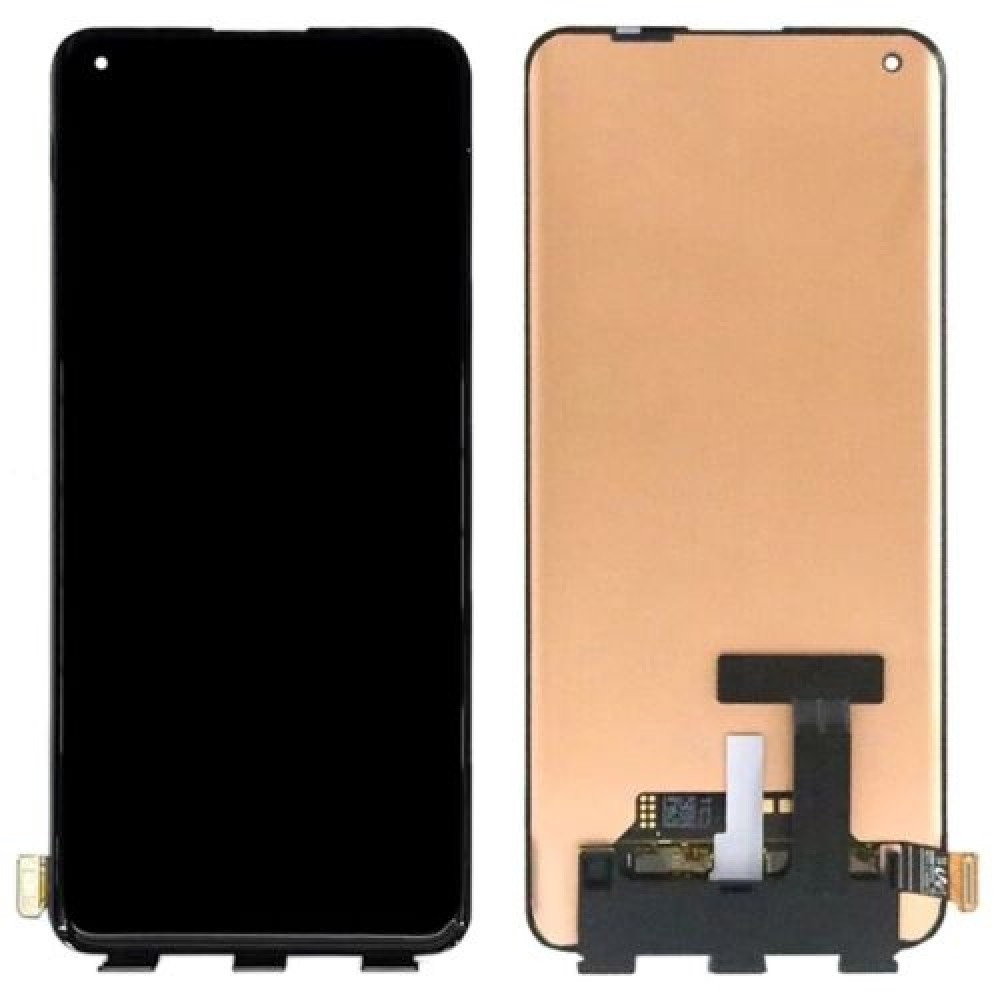
Numeric generations can remain commercially useful after launch, particularly where customers prefer to repair a well-maintained handset rather than replace it. The OnePlus 10 Pro and OnePlus 9 Pro are useful examples for a buying review because both involve curved AMOLED assemblies and model-specific fitting considerations. Older OnePlus 8, 8T and Nord lines may also appear in repair queues, but their suitability for regular shelf space depends on your own ticket history rather than the model name alone.
Before ordering, record the exact handset variant, model code, display size, frame colour and whether the job requires a complete assembly. A product family can contain regional or carrier variations, and the wrong part can turn a straightforward repair into a return, delay or rework. The Digi4u OnePlus category gives your team a starting point for checking the relevant catalogue family, while the supplier’s phone-screen buying guide provides wider stocking context.
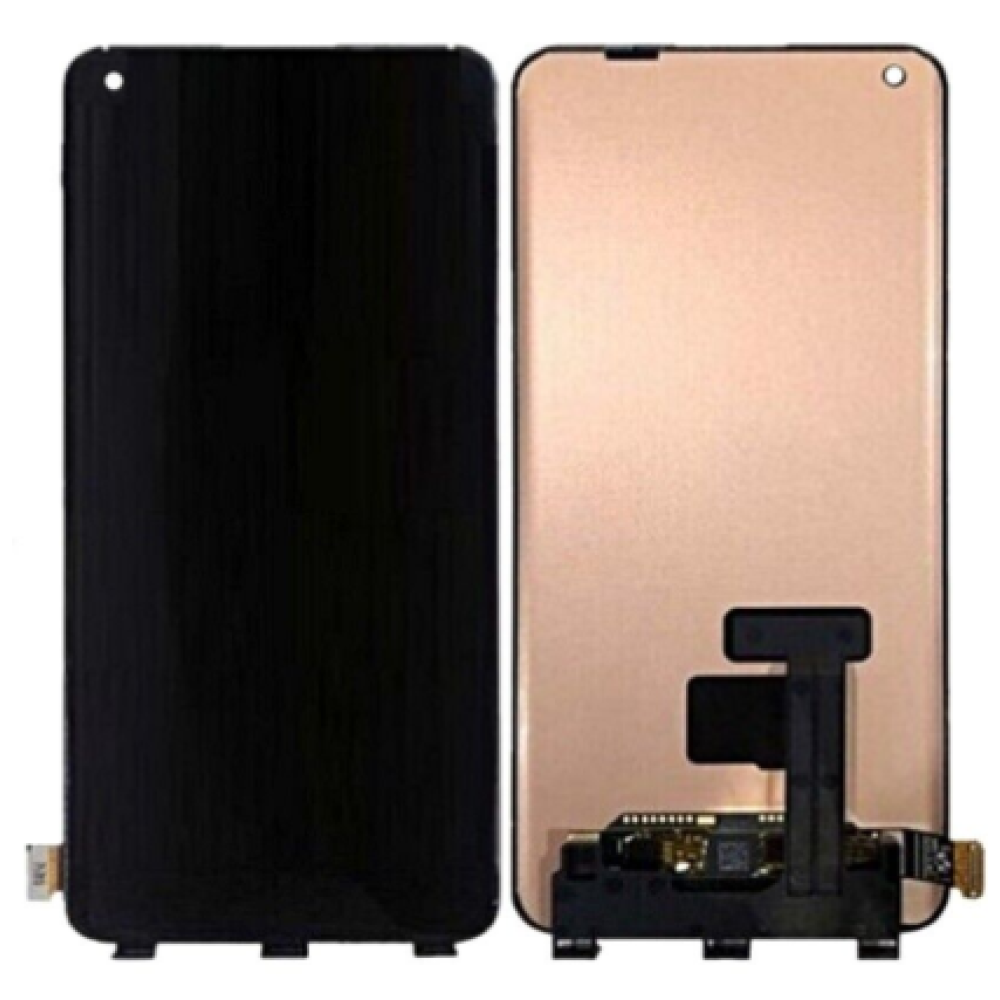
Are with-frame OLED packs better than bare panels?
With-frame packs usually reduce alignment risk; bare panels can suit experienced teams with controlled refurbishing processes.
Choose with-frame assemblies for repeatable fitting and faster preparation; choose bare panels only when your process can manage separation and bonding consistently.
A with-frame OLED assembly combines the display with a replacement chassis or bezel structure. That can simplify adhesive removal, reduce the chance of uneven seating and make it easier to preserve a clean perimeter finish. It is often the more practical choice for shops handling curved flagship screens, where small alignment errors can become visible at the edge or affect touch behaviour.
A bare panel may reduce the amount of hardware being replaced, but the saving is only meaningful if your team has suitable separation equipment, clean-room discipline and the time to transfer components accurately. The frame must be inspected for distortion, corrosion, impact damage and remnants of old adhesive. If it is bent, a bare panel may inherit the original problem. Your receiving checklist should therefore distinguish panel-only, screen-and-frame and complete assembly descriptions rather than treating every AMOLED listing as interchangeable.
| Buying factor | With-frame OLED | Bare OLED panel |
|---|---|---|
| Preparation | Less frame cleaning and alignment work | More separation, cleaning and bonding work |
| Best fit | Repeatable shop repairs and curved displays | Experienced refurbishment workflows |
| Main risk | Incorrect variant or frame specification | Transfer damage or poor perimeter bonding |
What should shops expect from in-display fingerprint sensors?
Fingerprint performance should be tested as a compatibility result, not promised as a guaranteed restoration.
An aftermarket OLED may require calibration, clean sensor transfer and customer disclosure; never guarantee fingerprint recovery before testing.
In-display fingerprint systems depend on the display stack, sensor position, optical conditions, software state and the condition of the transferred component. A replacement screen can show a good picture and still require further diagnosis if fingerprint enrolment fails. Your team should test the original sensor before disassembly where possible, note any existing fault, and protect the sensor flex during removal.
After installation, check fingerprint enrolment, unlock consistency and the relevant security settings. If the handset supports a calibration or diagnostic routine, follow the manufacturer’s current service guidance rather than relying on a generic sequence. OnePlus support material and its UK support pages are appropriate references for device-specific software information. Explain to the customer that screen replacement does not create a fingerprint-restore guarantee, particularly when the original sensor, adhesive layer or handset has suffered impact damage.
Which adhesive and tools should be ready?
A controlled screen job needs the right consumables as well as the display assembly.
Prepare heat control, opening tools, cleaning materials, display adhesive, test leads and ESD protection before booking the repair.
For a flagship OLED job, the practical kit normally includes temperature-controlled heat, suction or lifting equipment, non-marring picks, fine tweezers, a suitable driver set, cleaning solvent approved for electronics work, lint-free wipes and replacement display adhesive. ESD protection matters because the display, sensor and board connectors are exposed during disassembly. A microscope or inspection magnifier is useful for checking connector pins, flex damage and adhesive contamination.
For with-frame assemblies, the work shifts towards safe component transfer and connector verification. For bare panels, add a bonding method suited to the display construction and a fixture that can maintain even pressure while adhesive cures. Never use excessive force near the OLED edge or flex. Keep screws organised by location and photograph the handset before opening it. These controls support repeatability and make it easier to identify whether a later fault comes from the part, the installation or an unrelated pre-existing issue.
How should shops check burn-in and touch edges?
Test the OLED, touch grid, brightness and curved edges before final sealing.
Use a repeatable screen test: uniform colours, low brightness, multi-point touch, edge swipes, proximity and fingerprint checks.
OLED inspection should begin before adhesive is applied. Display a black screen in a dim area to identify bright pixels, pressure marks, light leakage or unusual edge behaviour. Follow with white, red, green and blue screens to reveal tint, shadowing, burn-in-like retention and uneven brightness. A grey screen can expose banding that is less obvious in normal menus. Let the screen warm through normal operation before making a final judgement.
Touch testing should cover the full perimeter, keyboard diagonals, pinch gestures, notification pulls and swipes from both curved edges. Check the earpiece area, proximity behaviour, auto-brightness, refresh-rate options where supported and any visible display warnings. Record the result against the handset model code and part description. If the assembly fails before bonding, stop and document the evidence. A consistent intake and QC process is more useful than relying on a single visual check, especially when the repaired device will be collected later.
What matters when arranging UK dispatch for curved OLEDs?
Dispatch timing, packaging and battery restrictions should be included in the booking decision.
Confirm the delivery service and order cut-off before scheduling a repair, then inspect the parcel promptly on arrival.
Digi4u states that orders placed before 4:00 PM Monday to Friday receive same-day dispatch. Weekend orders and orders placed after 4:00 PM on Friday move to the next working day. Delivery options vary by zone and item type, so your team should use the Digi4u delivery policy when planning customer appointments. Curved OLED assemblies should be checked for visible transit damage, crushed packaging, connector exposure and frame distortion as soon as received.
For repair planning, separate dispatch time from delivery time and leave room for incoming QC. If a part arrives with an issue, clear photographs, the order information and the unmodified condition help your team communicate efficiently with the supplier. The policy also explains courier restrictions for standalone lithium batteries and power banks. Those rules may not apply to a screen assembly, but they matter when a screen order is combined with another repair part.
Should related USB-C board jobs be stocked alongside screens?
USB-C faults deserve separate diagnosis because a screen replacement will not correct a charging or data-board problem.
Test charging, data, microphones and board connectors independently before approving a screen-only repair.
Flagship phones can arrive with more than one fault after a drop, liquid exposure or charging incident. A customer may describe a dark screen, but the underlying issue could include a damaged USB-C board, charging port, display connector, flex or power-management fault. Before fitting a new OLED, test wired charging, USB data, accessory detection, microphone operation and the handset’s response to a known-good power source.
Separating these symptoms protects your parts budget and avoids presenting a screen as a cure for a board-level fault. If the display is working intermittently, inspect the connector and flex under magnification before removing the original assembly. Your team can also use the related Android screen-parts guide for broader buying principles, while the dedicated OnePlus guide at OnePlus 9 and 10 screen replacement guide is better suited to procedural background. This article is focused on stocking and supplier evaluation rather than a DIY sequence.
Conclusion
For repair shops, the strongest OnePlus screen purchasing process starts with model-code control, not brand familiarity. Evaluate whether a with-frame OLED assembly reduces fitting risk, test in-display fingerprint behaviour without making guarantees, and use a documented burn-in and touch-edge routine before sealing the device. OnePlus 10 Pro and 9 Pro assemblies illustrate why curved OLED jobs need careful variant matching and receiving inspection.
Keep delivery cut-offs, courier restrictions and incoming QC in the same workflow as technical diagnosis. That approach helps your team decide when a flagship screen belongs on the shelf, when it should be ordered for a confirmed job and when a suspected display fault is actually related to the USB-C board or another subsystem. For product-safety responsibilities, consult GOV.UK business product-safety guidance, GOV.UK guidance for goods placed on the Great Britain market, BSI and Trading Standards.
Review current OnePlus screen options and delivery information through Digi4u’s OnePlus category before planning your next repair booking.
FAQ
Can shops buy a OnePlus 10 screen kit for repair work?
Yes. A OnePlus 10 screen kit should be selected by exact model, variant and assembly description. Check whether the listing is a panel-only product or a complete OLED assembly with frame, then inspect the part before fitting. A screen kit does not remove the need to diagnose the original handset, test the display connector and check fingerprint performance after installation.
Is a OnePlus 11 OLED with frame always the best choice?
Not always. A OnePlus 11 OLED with frame can reduce alignment and bonding work, but the correct choice depends on your team’s equipment, experience, job volume and the condition of the original frame. Confirm the exact model and part specification before ordering. Do not assume that a with-frame assembly guarantees fingerprint restoration or resolves faults outside the display system.
What should be tested after a OnePlus screen replacement?
Test colour uniformity, black levels, brightness, touch response across the complete panel, curved-edge swipes, proximity behaviour, refresh-rate settings where supported and fingerprint enrolment. Also test charging and USB data separately if the handset arrived with impact or liquid damage. Record the results before final sealing so your team has a clear QC trail.
Can I buy OnePlus screen parts in the UK with same-day dispatch?
Digi4u states that orders placed before 4:00 PM Monday to Friday receive same-day dispatch. Weekend orders and orders placed after 4:00 PM on Friday move to the next working day. Delivery services and restrictions vary by item and destination, so repair shops should check the current Digi4u delivery policy before promising an appointment date.
