


iPad Charging Port Replacement Parts UK: Dock Flex Fit for Air and Standard Models
Need this part? We stock tested replacement parts with same-day UK dispatch and a 12-month warranty.
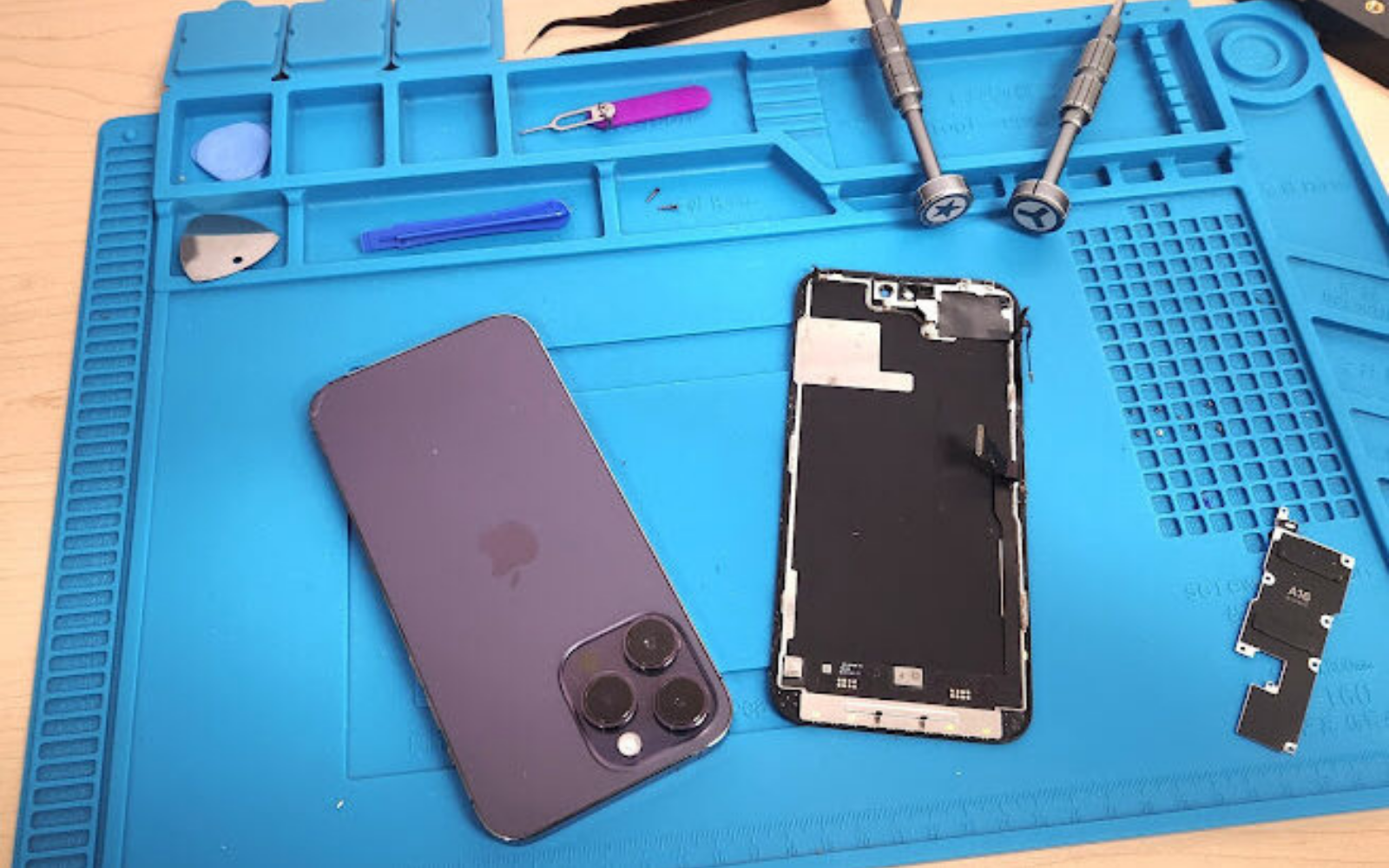
When sourcing ipad charging port replacement parts uk, repair shops must match connector generation, flex layout and model‑specific variants before placing an order. This guide walks through the key decision points so your team can stock the right dock flexes and avoid costly returns.
Lightning vs USB-C iPad port eras
The shift from Lightning to USB‑C separates two hardware generations, affecting flex part numbers, board layout and test procedures for repair shops.
Apple introduced the Lightning connector on the original iPad (2010) and retained it across the iPad 2, 3, 4, Air 1, Air 2, Mini 1‑4 and the 9.7‑inch iPad (2017‑2018). In late 2018 the iPad Pro 11‑inch and 12.9‑inch (3rd gen) moved to USB‑C, a change that later propagated to the iPad Air 4 (2020), iPad Mini 6 (2021) and the standard iPad 10 (2022). Each era uses a distinct dock‑flex geometry: Lightning flexes carry an 8‑pin arrangement with a dedicated microphone line, while USB‑C flexes integrate a 24‑pin USB‑C receptacle, often sharing the same flex with the audio‑mic and antenna traces. Because the board‑level pinout differs, a Lightning flex cannot be fitted to a USB‑C board and vice‑versa. Shops should therefore verify the connector type on the device’s logic board before ordering, using the model number printed on the rear case or in Settings → General → About.
| Connector era | Typical iPad families | Key flex difference |
|---|---|---|
| Lightning (2010‑2018) | iPad 1‑4, Air 1‑2, Mini 1‑4, 9.7″ 2017‑18 | 8‑pin dock, separate mic line |
| USB‑C (2018‑present) | Pro 11/12.9 (3rd gen+), Air 4‑5, Mini 6, iPad 10 | 24‑pin USB‑C, integrated mic/antenna |
For official connector specifications, see the USB Implementers Forum and Apple’s Lightning connector guide.
Flex assemblies and mic lines
A dock flex is more than a simple connector carrier; it routes microphone signals and, on USB‑C models, antenna feeds for Wi‑Fi/Bluetooth diversity.
On Lightning models the flex typically routes the microphone signal from the bottom‑edge mic to the board, while the headset jack (where present) uses a separate flex. On USB‑C models the single flex often carries the USB‑C receptacle, the bottom microphone, and one or two antenna feeds. When a shop replaces a flex, any damage to these traces can result in no‑audio calls, poor Wi‑Fi throughput or a non‑enumerating USB port. The safest workflow is to inspect the flex under magnification for torn traces, test continuity on the microphone and antenna pads with a multimeter, and only then proceed with soldering or connector seating. Digi4u’s iPad charging port repair blog outlines the trade‑offs between ordering a bare flex and a pre‑assembled dock module.
Dirty port vs failed dock decision
Debris often mimics a dead port; a clean‑and‑test step rules it out before committing to a flex replacement.
Technicians should follow a structured diagnostic: first, illuminate the port with a strong LED and look for lint, corrosion or bent pins. A short blast of dry compressed air (≤30 psi) often restores connectivity. If the device still fails to charge, connect it to a programmable USB‑C or Lightning power supply set to 5 V / 2 A and monitor current draw. A healthy port typically draws 0.5‑1 A during negotiation; a flat‑line or highly erratic draw suggests an open or shorted line on the flex or the board’s charge‑controller IC. Only after these steps should a shop order a replacement flex. This approach reduces unnecessary part swaps and protects the shop’s margin on labour‑intensive board repairs. For general electrical-safety context, the HSE electricity guidance is a starting point, not a shop test method.
Model fit traps across Air generations
Each Air generation needs its own flex; Wi‑Fi vs cellular adds a second variable that can change flex length or antenna routing.
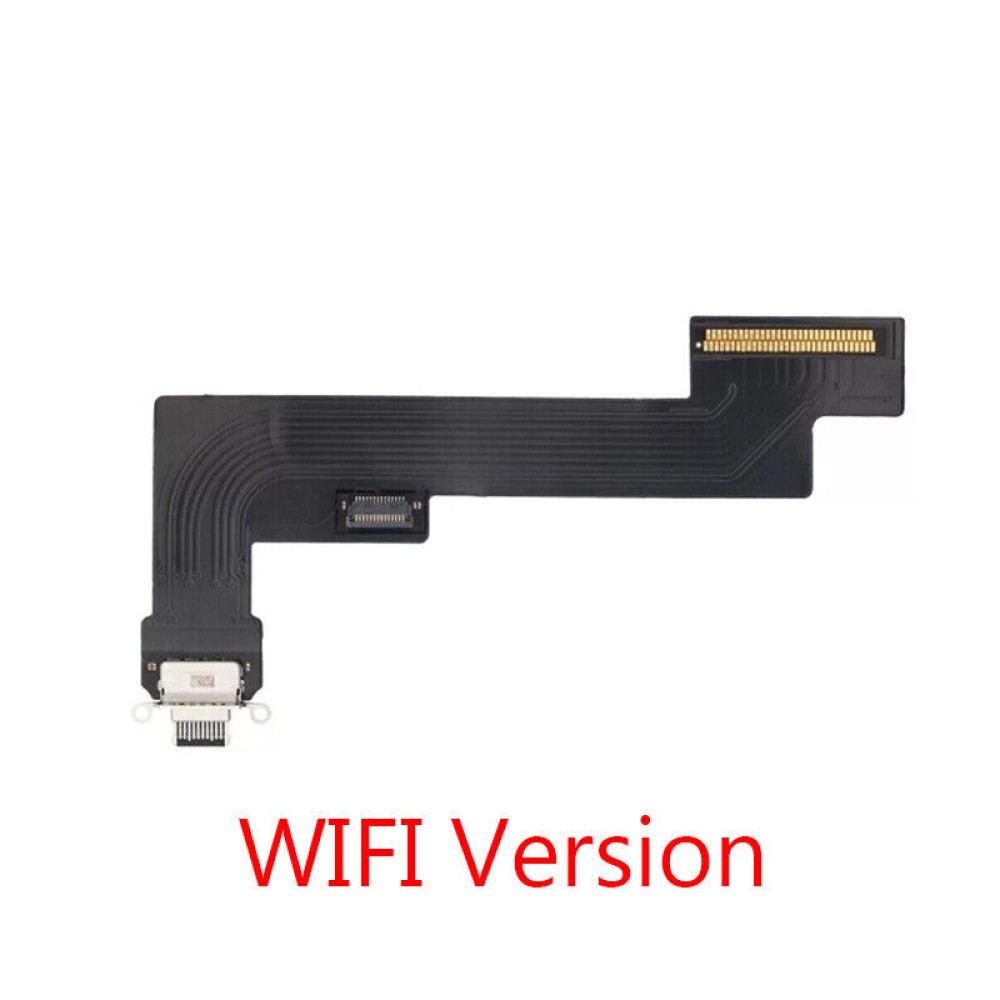
The iPad Air line illustrates how a single marketing name hides multiple flex part numbers. Air 3 (2019) uses a Lightning flex distinct from Air 2; Air 4 (2020) moves to USB‑C but retains a different board‑level pinout than Air 5 (2022). Moreover, Wi‑Fi‑only and Wi‑Fi + Cellular variants sometimes ship with different flex lengths or antenna‑feed routing. The Digi4u catalogue lists an iPad Air 5 Wi‑Fi replacement charging port flex where the product URL and title reference a grey finish while the on‑page heading mentions black. This discrepancy means the shop must open the live product page, confirm the actual colour supplied, and verify that the listing matches the exact model (A2588, A2589, A2591) printed on the device. The same diligence applies to Air 3, Air 4 and any future Air releases; always cross‑reference the model identifier on the tablet with the part description on the iPad parts hub before adding to the basket. For a detailed walkthrough of Air‑specific replacement steps, see the iPad Air charging port replacement blog.
Fit traps across standard, Mini and Pro families
Beyond the Air line, the standard iPad, Mini and Pro families each carry their own flex geometry, and assuming interchangeability is a common source of returns.
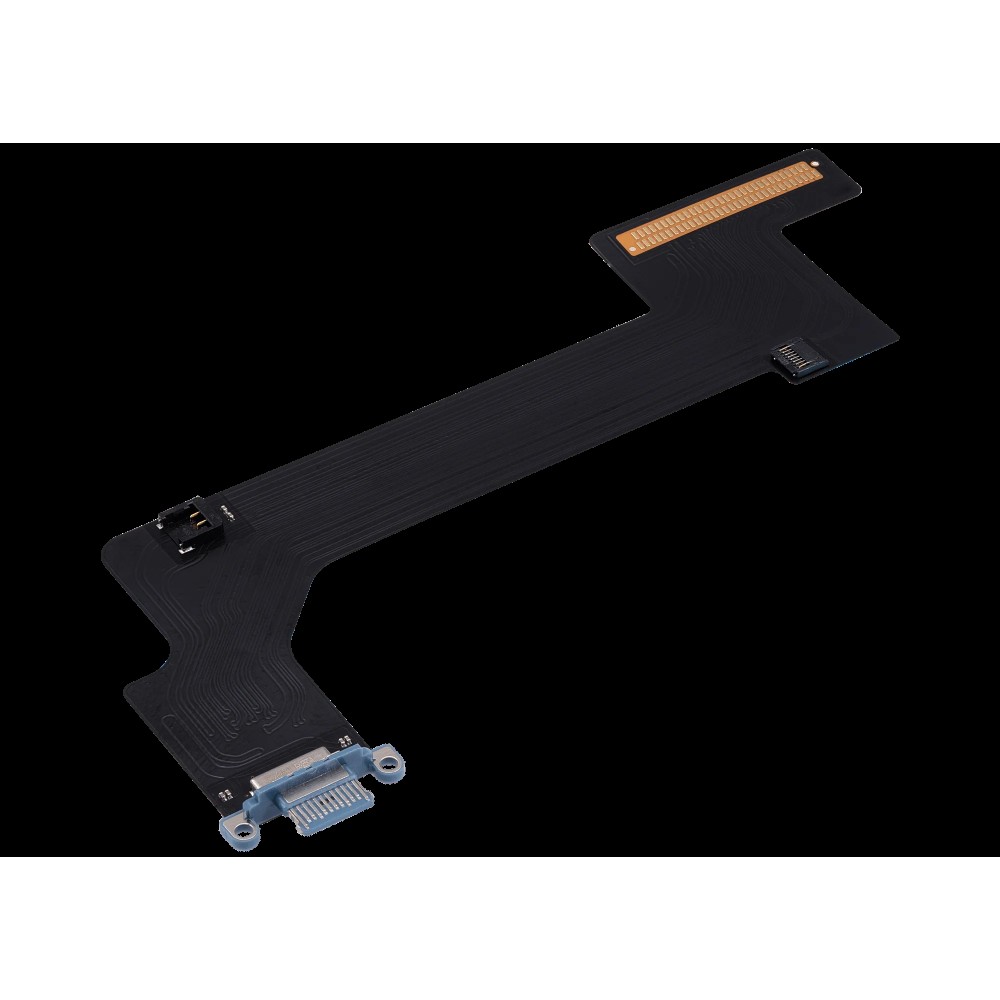
The 10.2‑inch iPad (7th‑9th gen) retains a Lightning dock flex that is physically longer than the Air 2 flex, with a different screw‑hole pattern. The iPad Mini 6 uses a USB‑C flex that is shorter than the Air 5 flex and routes a single antenna feed rather than the dual feeds found on the Air 5 Wi‑Fi + Cellular variant. The 12.9‑inch iPad Pro (3rd gen onward) employs a USB‑C flex that integrates a second microphone line for the top‑edge mic, a feature absent on the Air 5 and Mini 6 flexes. Colour suffixes (grey, black, silver) are cosmetic only, but the part number printed on the flex’s PCB must match the device’s model identifier (e.g. A2428 for iPad 10, A2588 for Air 5 Wi‑Fi). A practical habit is to keep a printed cross‑reference sheet at the bench that lists model identifier, connector type, flex length, antenna‑feed count and colour code. This sheet prevents a rushed order from mixing an Air 5 flex with a Mini 6 flex, which would otherwise lead to a non‑functional repair and a comeback.
Bench charge and sync tests
After fitting a new flex, the shop should run a two‑stage bench test to verify both power delivery and data enumeration.
Stage 1: power‑only verification. Connect the iPad to a calibrated USB‑C or Lightning source (5 V, 2 A limit) and record the inrush and steady‑state current. A healthy Lightning port typically settles around 0.9 A; a USB‑C port on an iPad Pro may draw up to 1.5 A during fast‑charge negotiation. Stage 2: data enumeration. Attach the device to a macOS or Windows host and verify that the device appears in System Information (macOS) or Device Manager (Windows) as an Apple Mobile Device. Successful enumeration proves the USB‑D+/D‑ (Lightning) or CC/SBU (USB‑C) lines are intact. If the device charges but does not enumerate, inspect the flex’s data‑line pads for solder bridges or missing components. Document the readings for the shop’s quality log; this data also supports any warranty claim with the supplier. Apple’s official support pages provide additional diagnostic flowcharts for charging issues.
UK stock recommendations
A pragmatic stock list for a UK repair shop covers the three most common connector families seen in the workshop.
First, the iPad Air 5 Wi‑Fi flex (USB‑C) for the current mid‑range Air. Second, the iPad Mini 6 charger port flex (USB‑C, black) which is not interchangeable with any Air part. Third, a USB‑C flex for the 12.9‑inch iPad Pro (3rd gen onward) – the highest‑volume Pro model in many shops. All three are listed on the iPad parts hub where the shop can confirm the latest part numbers, packaging and any colour variations. Digi4u offers same‑day dispatch for orders placed before 4 pm Monday‑Friday (see delivery policy), so a shop can replenish just‑in‑time rather than holding large safety stock. When a new iPad generation launches, add its flex to the list after confirming the part on the hub; do not assume backward compatibility. For manufacturer responsibilities on electrical equipment placed on the UK market, consult the GOV.UK guidance.
Related battery corrosion checks
Liquid ingress often travels from the charging port toward the battery connector along the flex cable, so a port repair should always include a battery‑connector inspection.
When a shop receives a device with a reported charging fault, the intake checklist should include a visual inspection of the battery‑to‑board flex for the characteristic white‑green copper corrosion. If present, the corrosion may have already bridged onto the dock flex pads, meaning a new dock flex alone will not restore reliable charging. The recommended remediation is to clean the affected pads with isopropyl alcohol (99 %) and a soft brush, then re‑flow any suspect solder joints. In severe cases the battery flex itself must be replaced. Shops should also note the battery’s cycle count and health (available via iOS diagnostics) as a reference for the customer; however, Digi4u does not publish battery lifespan figures. Apply the shop’s own parts and labour terms, and treat the GOV.UK WEEE guidance as a starting point for disposing of removed cells, not as a warranty policy.
Quality control and comeback handling
A disciplined QC step after re‑assembly reduces the likelihood of a device returning with the same symptom.
Before the device leaves the bench, run a full charge cycle to 100 % and verify that the battery reports a healthy charge‑hold after a 30‑minute rest. Re‑run the data enumeration test with a known‑good cable to confirm the USB‑C or Lightning data lines remain stable under load. Log the flex part number, batch code (if printed), and the test results in the shop’s repair management system. If a comeback occurs, compare the logged data with the original test; a discrepancy often points to a secondary fault such as a damaged charge‑controller IC rather than the flex itself. Keeping this traceability shortens diagnostic time on repeat visits and protects the shop’s reputation for first‑time fixes.
Conclusion
Matching the correct dock flex to the iPad’s connector generation, model variant and connectivity option is the single biggest factor in a first‑time fix. A disciplined diagnostic flow – clean, bench‑test, verify – prevents unnecessary part swaps and protects labour margins. Keeping a concise, verified stock list aligned with the live Digi4u iPad hub ensures the workshop can fulfil the majority of charging‑port jobs without delay.
Browse current iPad charging‑port flexes on the Digi4u hub
FAQ
What is the difference between a Lightning and a USB‑C iPad charging port?
Lightning docks use Apple’s older 8-pin connector, seen on earlier standard and Air iPads, while USB-C docks use a different connector introduced on later iPad Pro models and now used on Air and Mini generations sold as USB-C. A Lightning flex will not fit a USB-C board, and the reverse is also true. Confirm the port family, generation and Wi-Fi versus cellular wording on the live listing, then test charge and data on the bench before handback. Do not treat a USB-C iPad as one interchangeable SKU.
Can I use an iPad Air 5 flex on an iPad Mini 6?
No. Both may use USB-C, but the live Air 5 Wi-Fi flex and the Mini 6 black dock flex are different listings, with different board shapes and routing. Label those families separately in the shop stock so a rushed order does not mix them. Confirm colour and Wi-Fi versus cellular fit on the current product page, because the Air 5 listing is generation- and connectivity-specific. After fitting, run charge, sync and microphone checks where the flex carries those lines.
How do I test a replacement dock flex before fitting it to a customer device?
Connect the flex to a known‑good logic board on a test fixture, apply 5 V via the appropriate connector, and measure current draw (0.5‑1 A for Lightning, up to 1.5 A for USB‑C). Then attach the board to a host computer and confirm USB enumeration. Only proceed with installation if both power and data tests pass.
Does Digi4u offer same‑day dispatch for iPad port flexes?
Same-day dispatch applies to orders placed before 4:00 PM Monday to Friday, for items actually ordered from the live catalogue. Weekend or after-4:00 PM Friday orders go out the next working day. Royal Mail 48 Tracked is used for non-battery baskets; orders containing standalone lithium batteries ship by DPD only. Prefer the live delivery policy for current rates and zones rather than memorising every cell, and do not promise a part that is not on the current listing.
What should I check for battery corrosion when replacing a charging port?
Look for corrosion or residue around the dock, nearby shields and any battery connector that shares the same liquid path. Clean only with the materials and methods your bench already uses, and do not assume a new dock flex will survive if the surrounding connectors are still contaminated. If the battery itself is swollen or damaged, handle it as a separate lithium item and follow the shop’s own safety process. Record what you found on the ticket so a come-back can be traced.