


Apple Watch Screen Repair: Which Model, Which Part and What It Costs
Need this part? We stock tested replacement parts with same-day UK dispatch and a 12-month warranty.
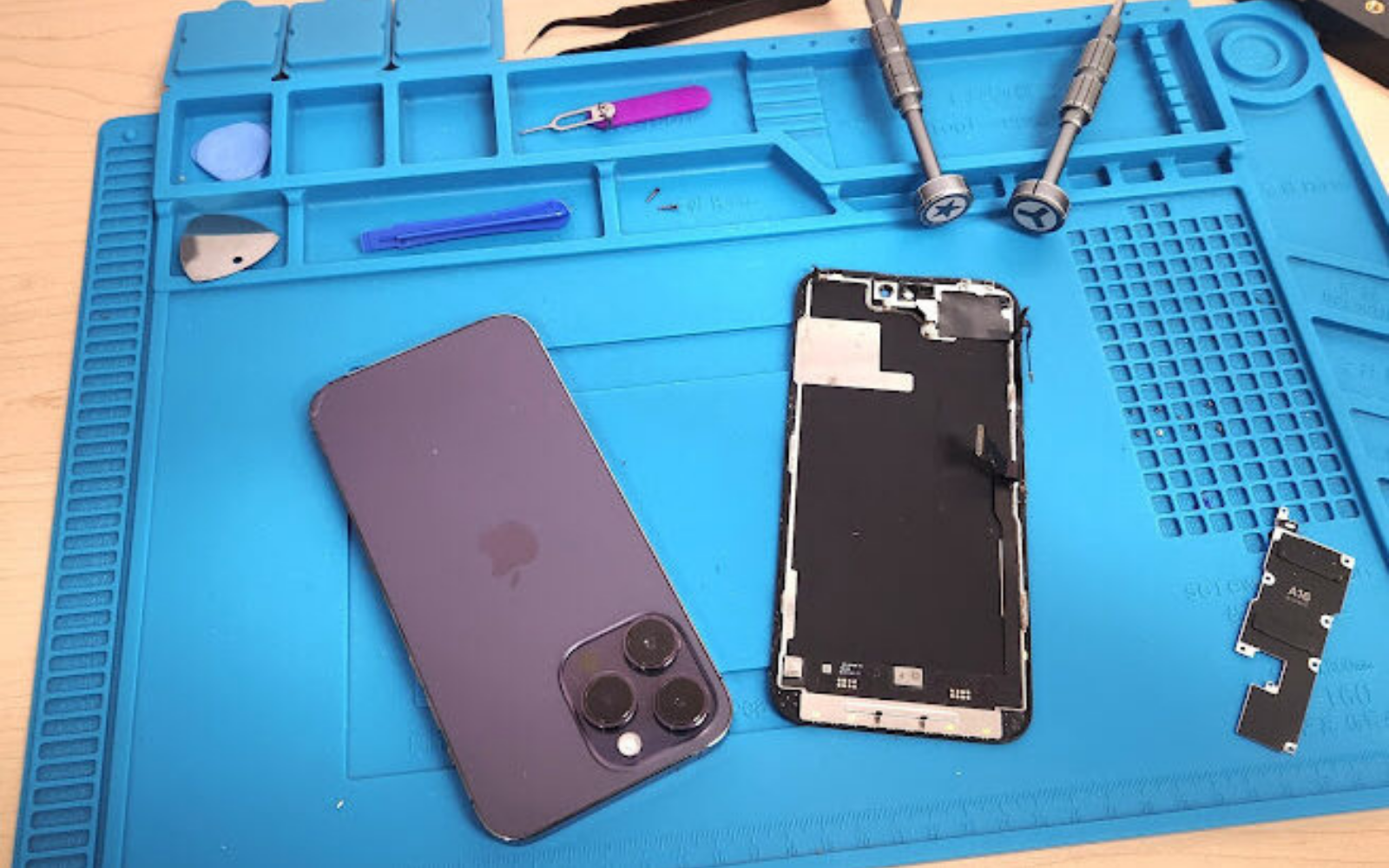
Apple Watch screen repair starts with identifying the exact series, case size and GPS or Cellular variant, then deciding whether the damage needs specialist glass refinishing or a complete display assembly. Costs vary because the work is labour-intensive. Before proceeding, assess the battery, case condition, data backup and unavoidable limits on water resistance.
Last modified:
Write the Apple Watch screen quote in two stages
Ask the customer for the model number and a description of what changed after the impact. If the watch still operates and remains paired, the Watch app can help identify it. Use Apple’s Watch identification guide to match the model number to the series and case size. Note whether it is a cellular variant. Put that information on the intake record before looking at the price of an assembly.
Quote against the condition you can verify. With a cracked face that still displays an image, check whether taps near the edges work and whether the image shows marks on a plain background. Record any pre-existing faults and explain the difference between replacing an assembly and referring the glass for specialist work. If the face is lifting or the case is visibly deformed, pause testing until the battery and case condition have been assessed.
On a dark watch, a cracked outer layer does not prove that fitting a display will restore it. Ask the customer what they could still use before they brought it in, then check whether the watch can be tested under the conditions in your quote. If power or board function is uncertain, agree on diagnosis first and make the assembly quote conditional. That prevents a screen price from being mistaken for a quote to fix the entire watch.
On collection, go through the condition notes you recorded at intake and demonstrate the screen checks the customer agreed to. If the original condition prevented testing a feature, record that explicitly. Put any water-resistance limitation on the same document so the customer can read it before taking the watch away.
Compare the total repair quote with a replacement of equivalent series and connectivity. Labour, housing condition and whether the customer values the existing watch matter more than the part price in isolation.
How to tell glass damage from a failed display
An Apple Watch cracked screen does not always mean the underlying display has failed. Clear graphics and reliable touch beneath broken outer glass may make specialist glass-only refinishing technically possible. Lines, dark areas, missing images or unreliable touch point towards damage within the laminated display assembly or its connections.
| What you see | What it usually means | First action |
|---|---|---|
| Cracked glass with a clear image and working touch | The outer glass may be damaged while the display and digitiser remain functional. | Assess whether specialist glass-only refinishing is economical and available; otherwise quote a complete display assembly. |
| Lines, dark patches or no image | The display layer, flex or another internal component may have failed. | Inspect the watch and test a correctly matched replacement assembly before sealing it. |
| Touch dead or patchy | The digitiser, flex connection or display assembly may be damaged. | Check for impact damage, then test the correct assembly and its connections. |
| Screen lifting from the case | A swollen battery is possible, particularly where there is no clear impact explanation. | Stop charging, isolate the watch safely and inspect the battery without pressing or puncturing it. |
A lifting display must not be treated as an adhesive-only problem. A swollen cell can place pressure on the screen and create a safety hazard. Follow appropriate swollen-battery handling guidance, keep tools away from the cell and do not attempt to force the display back into the case.
How to match a watch screen to the right model
Match the part by series, case size and variant rather than appearance. Sizes used across the range include 38/42 mm, 40/44 mm, 41/45 mm, 42/46 mm on later Series models, and 49 mm on Ultra. An assembly for one size will not fit another. Even an identical millimetre marking can conceal a different internal layout.
The case size is engraved on the watch’s back. Confirm the model through the Watch app on the paired iPhone or on the device before ordering. GPS and Cellular/LTE versions can use different assemblies on some series, so check the relevant catalogue listing rather than assuming that their connectors are shared. Digi4u’s guide to Apple Watch screen replacement parts in the UK provides series and SKU stocking notes for repair shops.
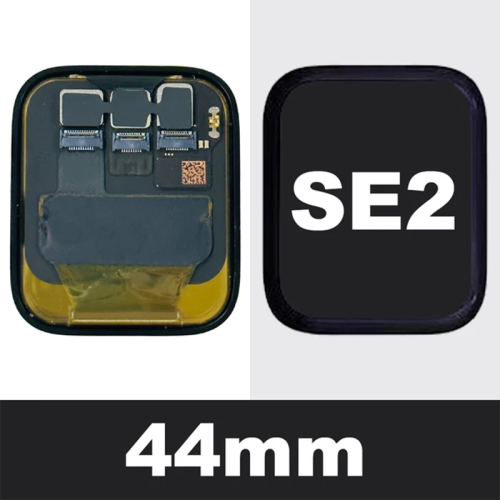
Record the confirmed model, size and variant on the intake sheet before quoting or ordering. This simple check reduces incompatible-part orders and prevents a repair estimate being based on the wrong assembly. Browse Apple Watch parts matched by model only after completing those checks.
What the repair involves on the bench
Before opening the watch, ask the customer to sync health and activity data to the paired iPhone. Inspect the case for distortion, liquid evidence and gaps around the display. Photographing its received condition and recording existing faults creates a clear baseline for both technician and customer.
The display is bonded around its perimeter. Opening normally involves controlled, even heat and a thin tool used carefully around the edge. Localised overheating can damage components, while inserting a tool too deeply can crease the short display flex. Avoid levering down against the glass or forcing one point of the assembly upwards.
Once the display is lifted, disconnect the relevant flexes without stretching them. Remove old perimeter adhesive carefully, inspect the mating surface and follow the appropriate fitting process for the replacement. Magnification, fine ESD-safe tools and controllable heat help with components that are smaller and more fragile than their phone equivalents.
Connect and test the display before final closure. Check the image, brightness, touch across the full panel and any functions disturbed during the repair. The broader principles in testing a replacement screen before sealing help distinguish a defective component from a poorly seated or stressed flex.
Glass-only work versus a full display assembly
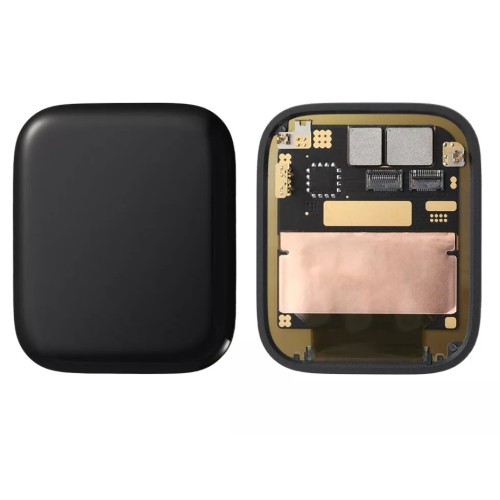
Apple Watch glass repair and Apple Watch screen replacement describe different processes. A full assembly replacement exchanges the laminated display component. Glass-only work retains functioning display layers while a specialist removes and laminates new front glass. It is not a routine swap using a standard catalogue screen, and its suitability depends on the condition of the original assembly.
| Repair path | What is replaced | When it is appropriate | Customer limit |
|---|---|---|---|
| Full display assembly matched by series and size | The complete matched display assembly. | When the image or touch has failed, or a predictable catalogue-part repair is required. | The exact series, size and variant must be confirmed; original water resistance cannot be promised after opening. |
| Glass-only refinish | The damaged front glass while suitable original display layers are retained. | Potentially when the image is clear and touch works reliably. | This is specialist lamination work, not a catalogue screen swap, and availability or success should not be assumed. |
| Replace the watch or use Apple’s service route | The watch is replaced or handled through Apple’s assessed service process. | When repair economics, severe damage or risk make independent repair unsuitable. | Apple inspects the device before its final estimate, and Apple Authorised Service Providers may set their own fees. |
Digi4u supplies complete display assemblies matched by series and size; it does not offer glass-only work as a promised service and is not an Apple Authorised Service Provider. Series 3 and older repairs can sit close to the watch’s replacement value, so the customer should be shown the practical choices without pressure.
Why the battery is often replaced at the same time
Replacing an Apple Watch screen already requires opening the case, making it sensible to assess the battery during the same visit. A battery showing poor service condition, swelling or another confirmed problem can be addressed without scheduling a second opening. It should not, however, be replaced automatically without inspection, customer consent and an updated quote.
Discuss the option before work begins, especially on an older watch. The relevant series, battery condition and additional labour all matter. Digi4u’s Apple Watch battery replacement guide explains the considerations in more detail. If the display has lifted, stop charging until swelling has been ruled out safely.
Is water resistance affected?
Yes. Apple Watch is water-resistant, not waterproof. Series 1 and first-generation models have an IPX7 rating under IEC 60529. Series 2 and later are rated to 50 metres under ISO 22810:2010. Apple Watch Ultra and later are rated to 100 metres under ISO 22810:2010 and are EN13319-compliant. Series 7 and later, and Ultra and later, are also rated IP6X for dust resistance.
Apple states that water resistance is not permanent and can diminish over time. Impacts, soaps, solvents, lotions and similar substances can affect seals. Its guidance also says Apple Watch cannot be rechecked or resealed for water resistance. Read the official Apple Watch water-resistance guidance when explaining these limits.
A new perimeter gasket is part of careful reassembly, but it does not restore or prove the manufacturer’s original rating. A cracked display can let water in and must not be treated as dive-safe. Apple’s Ultra Depth and Water Seal Test cannot be performed where the front display or back crystal has visible cracks, and the published countries offering it do not include the UK.
What should the customer be told before the repair?
Give the customer a written, answer-first summary covering the identified watch, proposed part, quoted work, battery decision and water-resistance limitation. Explain that hidden impact, flex or liquid damage may only become clear after inspection. If the scope changes, obtain agreement before continuing.
State clearly that opening the watch means its original water-resistance rating cannot be guaranteed. Explain whether the quote is for a complete display assembly or specialist glass work, and avoid treating those terms as interchangeable. Retail customers retain their rights for the finished work under the Consumer Rights Act 2015; shop terms must not be presented as replacing those rights.
Customers who prefer the manufacturer’s route can arrange Apple service and repair for Apple Watch through Apple Support, including a Genius Bar, an Apple Authorised Service Provider or mail-in service. Apple inspects the device before providing a final estimate, while authorised providers can set their own fees.
When should you decline the job?
Decline or pause replacing an Apple Watch screen when the case is bent enough to prevent the display sitting correctly, when serious liquid damage makes a reliable outcome unlikely, or when a swollen battery cannot be handled safely with the available facilities. Do not promise that adhesive or a gasket will compensate for a distorted case.
Replacement may also be the more proportionate route where an older watch’s repair sits close to its value, where the required assembly cannot be identified confidently, or where damage extends beyond the display. If the customer elects to proceed despite a limited prognosis, record the known risks and agreed scope precisely.
Apple Watch screen repair questions
Can you fix a cracked Apple Watch screen?
Yes, many cracked screens can be repaired. A clear image with fully working touch may suit specialist glass-only refinishing, while lines, dark patches, missing images or failed touch usually point towards a complete display assembly. The technician must first inspect the case, battery and internal damage and explain the water-resistance limitation.
How do I know which Apple Watch screen to order?
Read the case size engraved on the back, then confirm the exact model in the Watch app or on the watch. Match the series, millimetre size and GPS or Cellular/LTE variant against the catalogue. Identical-looking watches, and even watches sharing a stated size, can use different internal layouts or assemblies.
Does an Apple Watch stay water resistant after a screen repair?
Do not promise the original rating after replacing an Apple Watch screen. Apple says water resistance is not permanent and that Apple Watch cannot be rechecked or resealed for water resistance. Careful cleaning and a new gasket support proper reassembly, but they do not prove the factory rating. A cracked display is not dive-safe.
How much does an Apple Watch screen repair cost in the UK?
The job is labour-heavy, and quotes vary by series, case size, variant, damage and repair path. Independent shops should identify and inspect the watch before quoting rather than relying on a generic figure. Apple also inspects the device before giving a final estimate, while Apple Authorised Service Providers can set their own fees.
Should the battery be replaced at the same time as the screen?
It is worth assessing because the watch is already open, but replacement should depend on battery condition, age, safety and customer consent. A lifting screen can indicate swelling; stop charging and do not puncture the cell. If replacement is justified, combining the work avoids opening the case again for a separate battery repair.
Screen and battery quotes often land on the same ticket; stocking and shipping notes are in Apple Watch battery replacement parts UK: fit and shipping.