


Apple Watch Battery Replacement Parts UK: Fit, Swell Risks and Shipping Rules
Need this part? We stock tested replacement parts with same-day UK dispatch and a 12-month warranty.

When sourcing apple watch battery replacement parts uk for a professional repair bench, the first priority is confirming that the cell matches the exact series, generation and case size of the device. A mismatch can cause fit issues, swelling hazards or courier rejections, all of which increase turnaround time and cost. This guide covers SKU matching, swell safety, adhesive handling, UK lithium shipping rules, post‑install checks, screen‑first staging and stock rotation so your team can order with confidence.
How do you match battery SKUs to series and case size?
Match the battery to the watch’s series, generation and case‑size identifiers before ordering.
Use the model number on the case back (e.g. A2355) together with the series name to select the correct cell SKU.
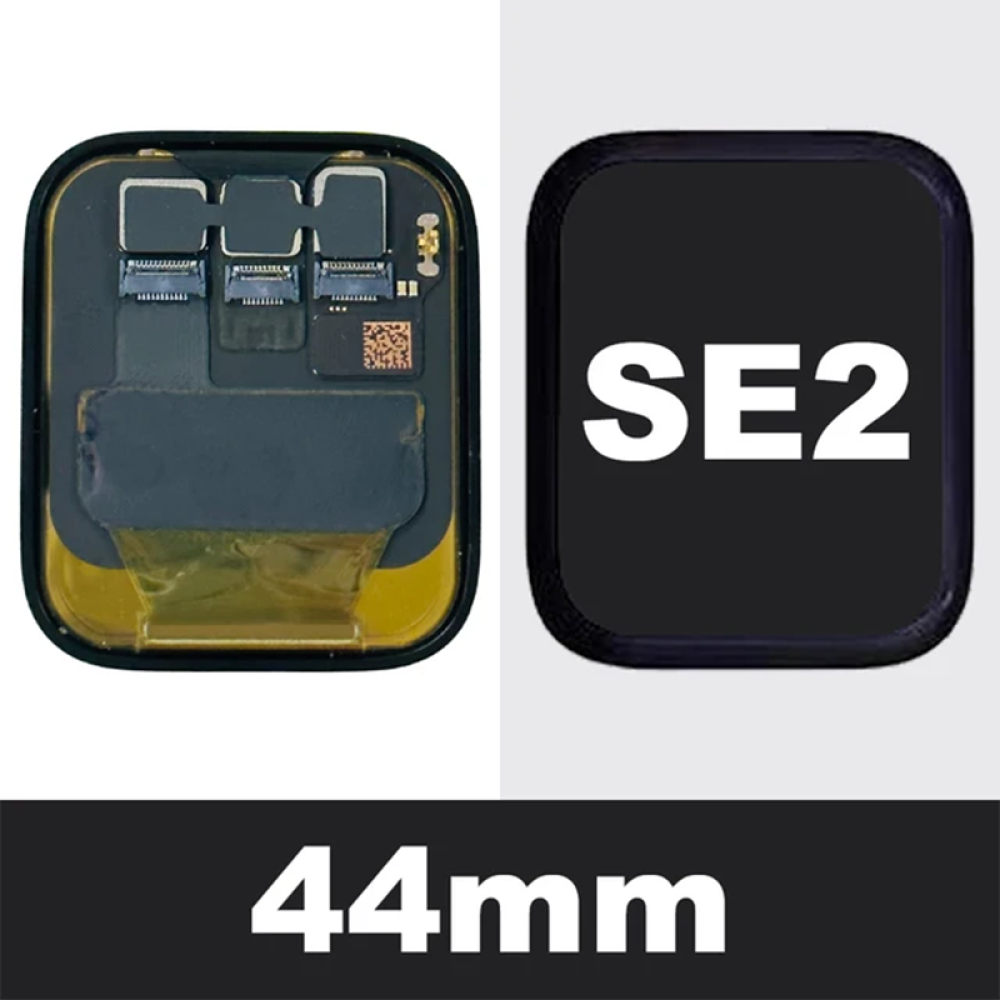
Apple Watch models share case dimensions across generations, but the internal battery connector and capacity differ. The most reliable method is to read the four‑character model identifier printed on the rear case (for example A2355 for Series 6 44 mm GPS) and cross‑reference it with the supplier’s compatibility table. The Digi4u Apple Watch hub lists screens and chargers by series and case size; battery listings follow the same taxonomy, so confirm the live catalogue or submit an enquiry before assuming a cell is in stock. A simple spreadsheet mapping series, generation, case size (40 mm/44 mm) and model identifier prevents costly returns. The table below illustrates the key variables for recent models.
| Series | Generation | Case size | Model identifier (example) |
|---|---|---|---|
| Series 6 | 1st | 44 mm | A2355 |
| SE (2nd gen) | 2nd | 44 mm | A2722 |
| Series 7 | 1st | 41 mm | A2473 |
| Series 8 | 1st | 45 mm | A2775 |
Always verify the identifier on the device itself; the series name alone is insufficient because Apple re‑uses case sizes across generations. In practice, many shops keep a laminated quick‑reference card at each bench that pairs the model identifier with the corresponding Digi4u SKU, reducing lookup time during peak periods.
What should you do with swollen watch batteries?
Isolate swollen cells immediately; do not puncture, heat or apply pressure.
Place the battery in a fire‑resistant container, label it as hazardous, and follow local disposal guidance.
A swollen lithium‑ion cell indicates internal gas buildup and poses a fire risk. The safest workflow is to stop the repair, remove the device from the work area, and place the battery in a dedicated, non‑conductive container such as a metal tin with a vented lid. Do not attempt to “de‑swell” by heating or pressing; this can trigger thermal runaway. The UK Health and Safety Executive recommends treating swollen cells as dangerous waste. For commercial premises, the GOV.UK product‑safety guidance and Trading Standards provide disposal routes. Document the incident in your repair log and inform the customer that the unit cannot be returned to service until a certified replacement is fitted. Digi4u’s battery category includes handling notes for lithium cells, but always defer to the latest regulator advice. Additionally, consider arranging a quarterly audit of your hazardous‑waste log to demonstrate compliance during any HSE inspection.
How are adhesive and flex handled during replacement?
Use low‑heat, controlled‑pull techniques to preserve the display flex and water‑seal adhesive.
Apply a calibrated heat pad at 60 °C for 30 seconds, then lift the screen with a suction handle while supporting the flex cable.
The Apple Watch display is bonded with a pressure‑sensitive adhesive that also seals the device to IP68 rating. Excessive heat (>80 °C) or rapid pulling can delaminate the OLED flex or tear the thin‑film antenna. Professional shops typically use a programmable heat plate and a soft‑start suction cup to achieve a uniform bond break. After removal, clean residual adhesive with isopropyl alcohol (99 %) and a lint‑free swab; avoid acetone as it can damage the polariser. When re‑sealing, apply a thin bead of OEM‑spec adhesive (often supplied with the replacement screen) and cure under a calibrated press for the time specified by the adhesive manufacturer. The existing battery‑replacement how‑to covers step‑by‑step teardown; this note only highlights the adhesive‑flex interface that directly affects battery access. For shops that process high volumes, investing in a temperature‑controlled rework station with a built‑in vacuum lift reduces cycle time and improves repeatability.
What are the UK lithium courier rules for small cells?
Standalone watch batteries must ship via DPD; Royal Mail is not permitted for lithium cells.
DPD accepts cells up to 2 Wh per package with a UN3481 label; free‑shipping thresholds apply per zone.
UK carriers classify watch batteries as UN3481 “Lithium ion batteries contained in equipment” when installed, but as UN3480 “Lithium ion batteries” when shipped loose. Royal Mail 48 Tracked excludes loose lithium cells; DPD is the only approved courier for standalone watch batteries and power banks. Digi4u’s delivery policy (re‑verified 2026‑11‑10) states: Zone 1 mainland UK DPD standard £10, free over £100; Zone 2 (Highlands, Islands, NI, ROI, IoM, Channel Islands) £15, free over £100. Next‑day DPD Zone 1 £10 free over £150, Zone 2 £15 free over £200 (next‑day not guaranteed for Zone 2). For non‑battery orders, Royal Mail 48 Tracked £3 free over £100 applies to both zones. Always attach the correct UN3481 label, include a shipper’s declaration, and ensure the package passes the 1.2 m drop test. The GOV.UK sending restricted goods page summarises the legal requirements. Shops that regularly ship loose cells should keep a stock of UN‑certified packaging and pre‑printed shipper’s declarations to avoid last‑minute delays.
Which post‑install charge‑cycle checks are recommended?
Run a full 0‑100 % charge, then a 30‑minute load test before returning the device.
Verify capacity meets ≥95 % of design rating and that the watch reports no “Service Battery” alert.
After fitting a new cell, connect the watch to its magnetic charger and allow it to reach 100 % without interruption. Then discharge under a typical workload (screen on, heart‑rate sensor active) for 30 minutes while logging the voltage curve via a USB‑C power meter. The Apple Watch diagnostics menu (accessed by holding the side button and Digital Crown) will display the current maximum capacity percentage. A reading below 95 % of the original design capacity suggests a sub‑standard cell or a connection issue. Also confirm that the “Battery Health” screen in watchOS shows “Normal” and that no “Service Battery” warning appears. Document the results in the repair ticket; this data supports warranty claims with the parts supplier and demonstrates due diligence to the customer. The Apple battery service guide outlines the official health‑check procedure. For added rigour, some workshops run a second charge‑discharge cycle after a 24‑hour rest period to catch latent capacity fade.
When must the screen come off first for parts staging?
The display must be removed before the battery on every current Apple Watch model.
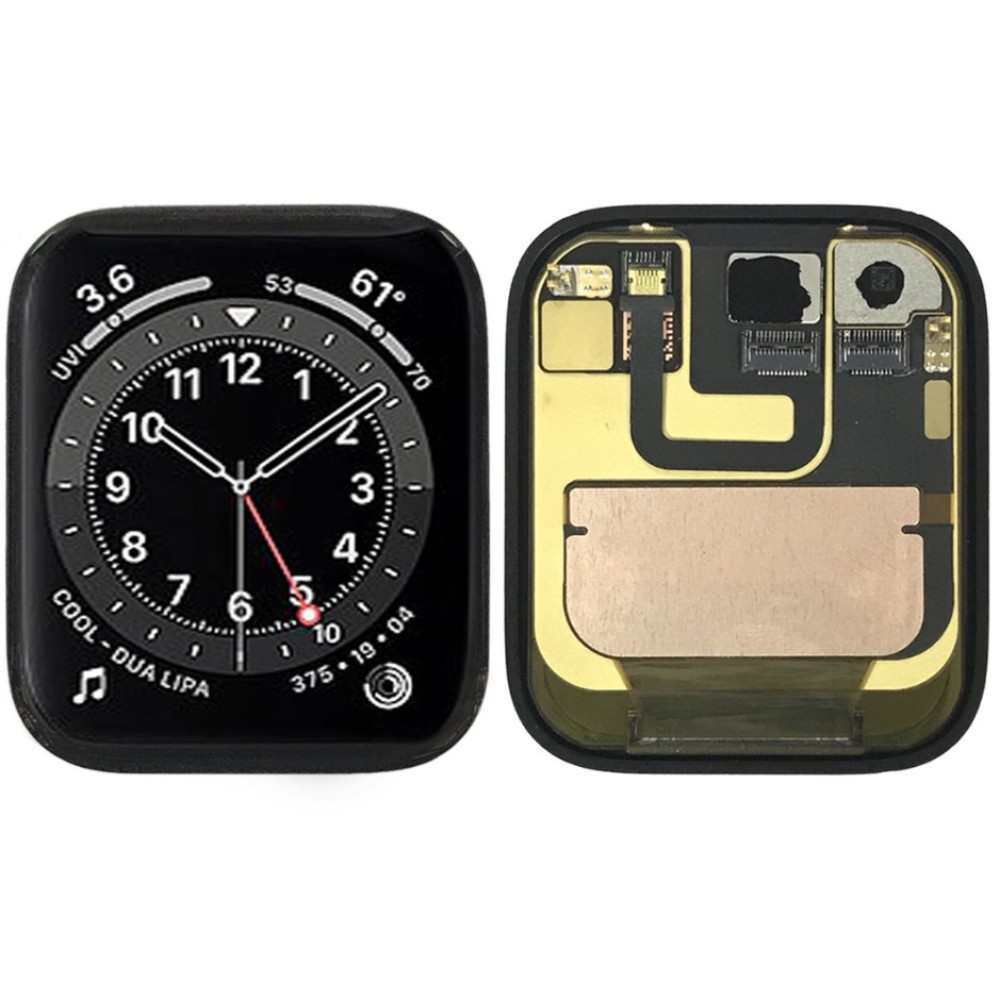
Because the battery connector sits beneath the display flex, the screen is the primary access gate.
All Apple Watch generations from Series 4 onward place the battery connector under the OLED assembly. The display flex routes over the battery, so any attempt to reach the cell without detaching the screen risks tearing the flex or damaging the force‑touch layer. The staging workflow therefore begins with the adhesive‑break step described earlier, followed by careful disconnection of the display flex, removal of the screen, and only then extraction of the battery. This sequence also protects the water‑seal adhesive, which must be reapplied to the screen perimeter during reassembly. The screen‑replacement parts guide details the same screen‑first approach for display swaps, reinforcing a consistent bench procedure. Standardising this sequence across all technicians reduces the likelihood of accidental flex damage, which is one of the most common causes of repeat repairs.
How should stock rotation for watch cells be managed?
Rotate stock on a first‑in‑first‑out basis and audit capacity every six months.
Label each batch with receipt date; retire cells that exceed 12 months shelf life or show >5 % capacity loss.
Lithium‑ion cells degrade even when unused, losing roughly 2‑3 % capacity per year at room temperature. To minimise the risk of fitting a degraded battery, organise the parts bin by receipt date and apply a visible label (e.g. “Received 2025‑03”). Conduct a capacity spot‑check on a random sample every six months using a calibrated analyser; any batch averaging more than 5 % below the rated capacity should be quarantined and returned to the supplier under their returns policy. Digi4u’s about page notes that same‑day dispatch applies to orders placed before 16:00 Mon‑Fri, so timely replenishment is feasible. Keep a small safety stock (one to two units per popular SKU) to avoid emergency orders that bypass rotation checks. Record all movements in your inventory system; this audit trail supports quality‑management standards such as ISO 9001 and the BSI guidelines for component traceability. Implementing a simple barcode scan at receipt and issue points further reduces manual errors and provides real‑time visibility of stock age.
Conclusion
Accurate SKU matching, strict swell handling, disciplined adhesive work, compliant lithium shipping, verified post‑install testing, screen‑first staging and systematic stock rotation together form a repeatable workflow for Apple Watch battery repairs. By aligning each step with the latest carrier rules and manufacturer guidance, repair shops reduce rework, protect technicians and maintain customer trust.
Browse Apple Watch parts on Digi4u
FAQ
Can I use a Series 6 battery in an SE (2nd gen) 44 mm watch?
No. Although the case size matches, the connector pinout and firmware‑reported capacity differ between Series 6 and SE (2nd gen). Installing the wrong cell will trigger a “Service Battery” alert and may cause charging instability. Always match the exact model identifier printed on the case back.
What packaging is required for shipping a loose Apple Watch battery?
The cell must be placed in a rigid, non‑conductive inner container, then a UN3481‑marked outer box with a shipper’s declaration. DPD requires the package to pass a 1.2 m drop test. Royal Mail does not accept loose lithium cells under any service.
How often should I capacity‑test stored watch batteries?
Perform a spot‑check on a random sample every six months. If the average capacity of a batch falls more than 5 % below its rated value, quarantine the batch and arrange a return with the supplier.
Does Digi4u stock Apple Watch battery cells for Series 8?
The Apple Watch hub currently lists screens and chargers; watch‑cell SKUs are not displayed live. Confirm availability by checking the hub or contacting Digi4u directly before placing an order.
