


A replacement-screen warranty decision usually depends on the current written terms and the condition in which the part is returned. Protective films, flex cables, seals, adhesive, installation marks and fault evidence can all matter. Read the seller’s policy before starting, because a technically genuine fault can become difficult to assess once the panel has been fully fitted or damaged during removal.
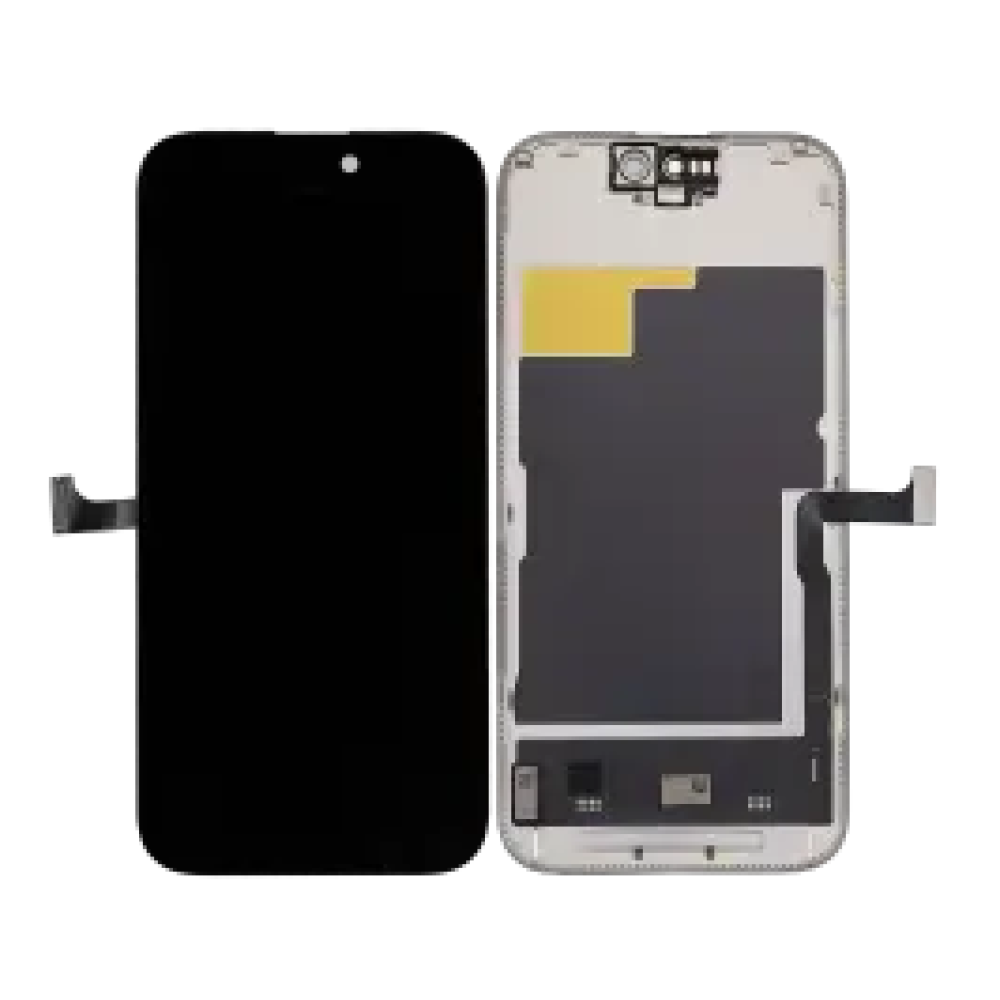
Read the current terms before opening the box
Check which faults, time periods, products and account types are covered. Separate dead-on-arrival procedure from fitted-part warranty. Ask whether films may be lifted for testing, which seals must remain, what evidence is required and how an RMA is authorised. Do not rely on an old article, invoice note or another buyer’s arrangement.
Record condition at arrival
Photograph the outer package and part before handling. Inspect glass, frame, flexes, connectors, seals and labels. Record SKU, order number and device model. Report transit damage promptly under the stated process. Installing a visibly damaged panel can obscure whether damage occurred in shipping or at the bench.
Test before irreversible steps
Use the model-specific safe connection sequence and test image, brightness, full-grid touch and relevant sensors before adhesive or final assembly. Keep protective material in the condition required by the policy. A boot logo is not enough; the test should reproduce the claimed fault or establish that the part passes.
Avoid installation marks
Do not crease flexes, contaminate connectors, scratch coating, force a panel into a bent frame or leave tool marks. Use correct screw locations and do not energise connectors during reseating. A warranty covers defined product failures, not damage introduced by an unsuitable installation process.
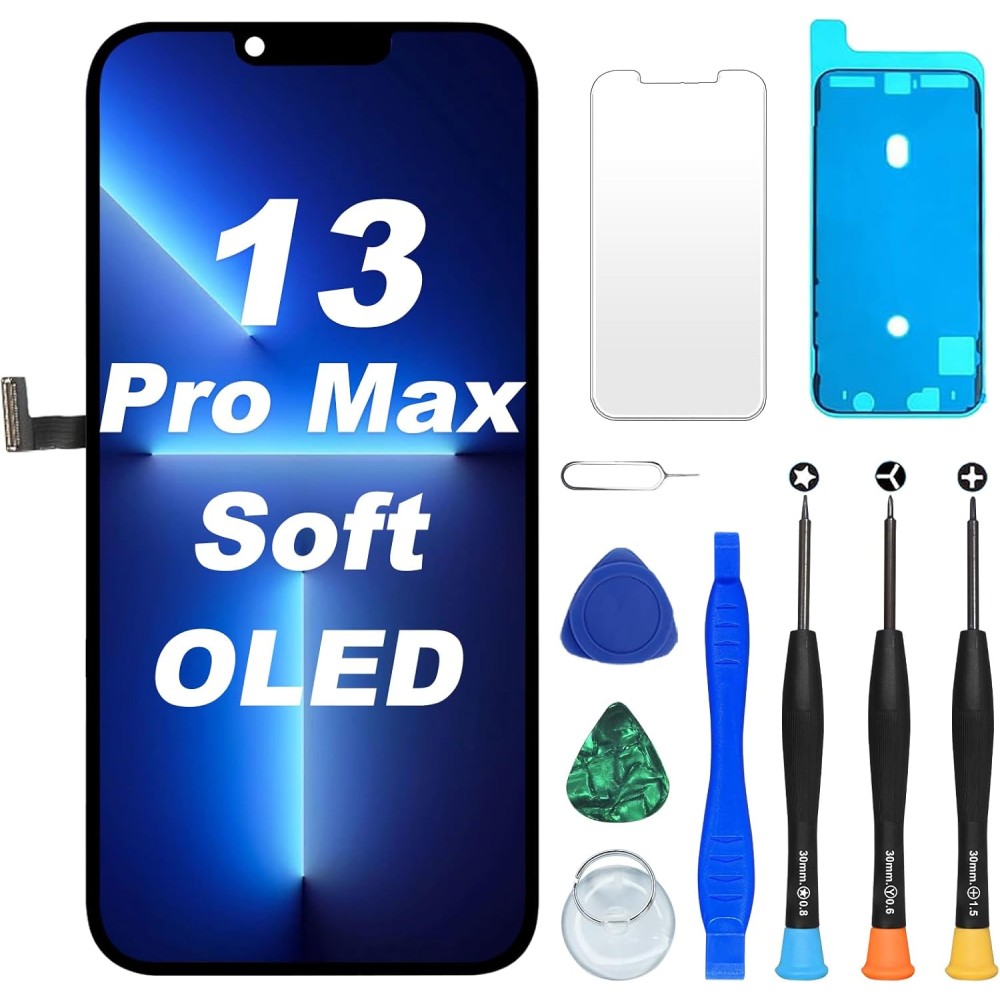
Build a useful evidence pack
Include order reference, SKU, exact model, fault description, stage discovered, photographs, video where useful and the diagnostic steps already performed. State whether the part was fitted, whether films or adhesive were removed and whether the original screen behaves differently. Clear evidence speeds assessment and reduces repeated handling.
Distinguish product fault from another cause
A black screen may involve battery state, connector damage or board fault; a touch issue may involve frame pressure or cable routing. Change one variable at a time. Do not repeatedly connect multiple untracked parts. If the same fault appears with two known-good screens, expand diagnosis before filing identical claims.
Handle fitted parts and customer devices carefully
If a fitted part fails later, document the device condition and customer report before reopening it. Look for impact, liquid, housing distortion and third-party intervention. Explain that supplier acceptance cannot be promised before inspection. Preserve the removed part and all identifiers.
Create a shop process
Put the supplier’s current policy beside the test bench and train technicians to record the same fields. Review returns by SKU and cause. Before buying from Digi4u’s iPhone screen range, check the current return policy and request written clarification for the exact part or trade account.
Turn the guidance into a controlled repair decision
For an individual buyer: identify the exact model, decide which result matters and ask the installer to describe the proposed part in writing. Do not buy from a photograph, screen size or headline claim alone. If the repair involves opening a powered device, delicate security hardware or a display assembly, use a competent technician rather than treating the purchase as the complete repair.
For a repair business: attach the supplier SKU and stated specification to the job, record the device condition before disassembly and use the same acceptance test for every sample in that grade. Customer paperwork should name the selected option and any known limitation. When a result differs from the approved specification, pause the job and preserve evidence instead of improvising a workaround that makes the original fault harder to assess.
Evidence to keep with the job
- Device model name, A-number and reported symptom.
- Order reference, supplier SKU, grade and frame or bundle option.
- Photographs of the received part, connectors, seals and pre-existing damage.
- Results of the open functional test before films or final adhesive are disturbed.
- Any warning, setting, diagnostic result or customer-approved trade-off.
- The current product listing and returns procedure used for the decision.
This record is useful even when the repair succeeds. It lets the shop compare repeat performance by SKU, identify installation training needs and distinguish a product trend from an isolated device fault. Do not convert internal observations into public defect-rate or performance claims until the sample size and test conditions are documented.
Common questions
Do removed films automatically void every screen warranty?
Policies differ. Read the current seller terms before testing and ask what handling is permitted for the exact product.
What evidence helps an RMA assessment?
Provide order reference, SKU, model, fault stage, clear images or video and an honest record of films, adhesive and installation marks.
Is a fitted-part claim the same as a DOA claim?
Not usually. A fitted part has more possible installation and customer-use variables, so the policy and evidence requirements may differ.
